10 Best Survey Platforms with In-app Surveys Capabilities
I’ve worked with enough SaaS and software teams to see the same pattern repeat.
Teams want feedback, they send surveys, and then …
… they wonder why the responses feel shallow or disconnected from what users actually experience.
That is why in-app surveys have become such a core part of how modern product and growth teams learn from users. In-app surveys help them reach people in context. They capture feedback while the experience is fresh. And they often produce more honest, specific input than surveys that arrive hours or days later.
The problem? Well, not every survey tool actually supports in-app surveys well.
In this guide, I show you what are the best survey platforms for which in-app surveys are not an afterthought.
I also show you what to look for when choosing a survey tool for in-app surveys, and which tools fit different needs.
And let’s start with that…
How to choose a survey platform with in-app features
Not all survey tools are built for in-product feedback. Many started as generic form builders and later added popups or widgets. Some stayed there, and some took it one step further and added the in-app capabilities.
And here’s the thing, when in-app surveys are the core use case you’re after, then you need to be specific about the tool you’ll use.
Here are the several criteria to look for:
1) Ease of use and setup
Ease of use is not a nice-to-have, actually. It directly affects whether surveys actually get launched.
After all, surveys are run by product managers, marketers, or CX leads, not engineers. So, if a tool is confusing or requires constant technical help, they’ll never get those surveys up.
A good in-app survey platform should make it realistic to go from idea to live survey quickly, so teams can iterate, learn, and run surveys regularly instead of treating them as big projects.
Look for:
- A UI that non-technical teammates can use
- Templates for common surveys like NPS or CSAT
- A clear path from draft to live
- A dashboard that makes results easy to read
If launching a survey feels heavy, teams run fewer of them.
2) Integrations and APIs
Survey data on its own has limited value if it stays isolated. The real impact comes when responses are connected to user profiles, product usage data, and lifecycle stages. That is why integrations and APIs matter so much. They let you enrich survey answers with context and push insights into the tools your team already uses. Without this, feedback risks becoming a static report instead of something that shapes decisions and workflows.
Check:
- CRM and analytics integrations
- User-level data syncing
- API or webhook access
- Setup that does not require deep engineering work
Good integrations turn feedback into action, not just reports.
3) Customisation and branding
In-app surveys appear inside your product, so users naturally see them as part of your experience. If a survey looks generic or off-brand, it can feel intrusive or even suspicious. Customisation and branding help surveys feel native, which can increase trust and completion rates. They also let teams adapt tone and design to different audiences or product areas, which is important in larger SaaS products with multiple user segments.
Review:
- Logo, colors, and font control
- Flexible question types
- Layout control inside the app
- Ability to adapt surveys for segments
On-brand surveys build trust and improve completion.
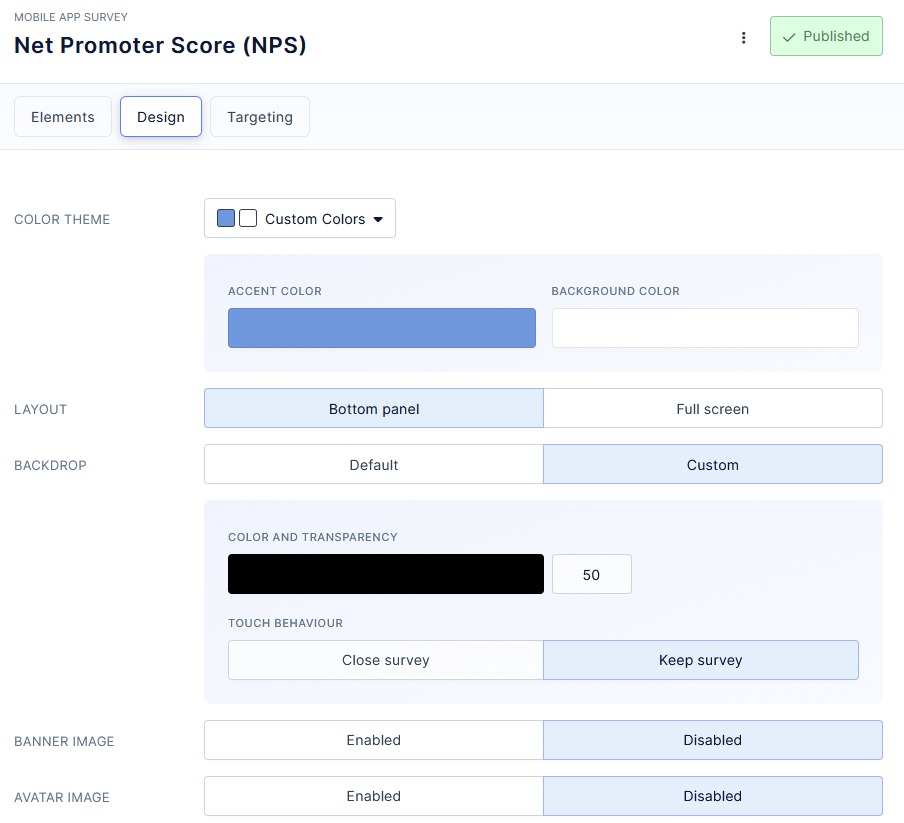
(Branding options in Refiner)
4) Multi-channel distribution
Even if your main goal is in-app feedback, relying on a single channel can limit your reach. Some users are inactive, churned, or only log in occasionally. Multi-channel distribution lets you follow up or reach different cohorts in ways that fit their behavior. It also allows the same survey program to support both in-product research and broader CX initiatives, which can make the tool more valuable across teams.
Consider:
- In-app and web embed support
- Email and link-based surveys
- Mobile-friendly experiences
This helps reach users who are not active in the app.
5) Reporting and analytics
Collecting responses is only the first step. Teams need to understand trends, segment results, and share insights with stakeholders. Strong reporting and analytics reduce the time between collecting feedback and acting on it. Instead of exporting CSV files and building manual reports, teams can rely on built-in dashboards to monitor sentiment, scores, and themes over time.
Look for:
- Built-in dashboards
- Filtering by segment or timeframe
- Simple exports
- Near real-time updates
Teams should spot patterns fast.
6) Logic and advanced features
Advanced logic is what makes surveys feel relevant instead of repetitive. By showing only the questions that matter to each user, teams can keep surveys short while still collecting rich insights. This is especially important in-app, where attention is limited. Features like branching, conditions, and quality checks help maintain data quality and avoid survey fatigue.
Check for:
- Branching and skip logic
- Support for NPS, CSAT, CES and similar
- Manageable complexity
- Options that reduce low-quality answers
Smarter surveys feel shorter to users.
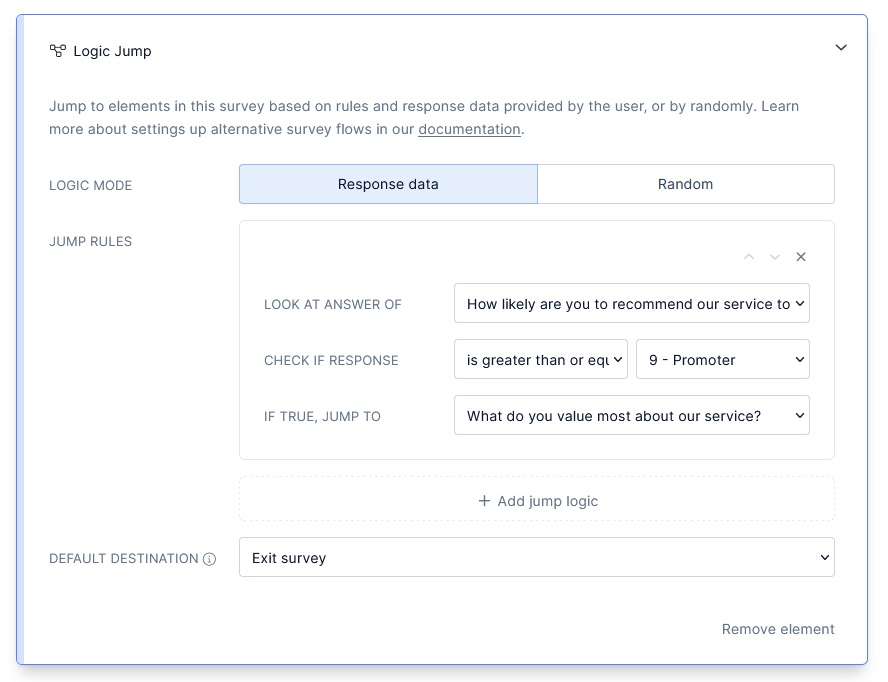
(Survey logic in Refiner)
7) Data security and compliance
User feedback often contains personal opinions, identifiable data, or sensitive context about how people use your product. As companies grow, the risk and responsibility around data handling increase. Security and compliance features help protect both users and the business. They also matter when selling to larger customers who expect clear answers about privacy and data protection.
Evaluate:
- GDPR readiness and privacy features
- Data storage and protection
- Access controls and retention settings
This matters more as you scale.
For a deeper breakdown of evaluation thinking, see exact anchor text 1.
Best survey software for in-app surveys
Refiner
Refiner is in-app survey software for web and mobile apps, built specifically for SaaS and digital products that want high-quality contextual feedback inside the product, not in random email blasts.
With Refiner, product and CX teams are able to run targeted microsurveys in their web app or native mobile apps, and collect feedback to make better product decisions and improve customer experience based on what their real users are doing.
The whole idea is simple. You drop Refiner into your app, show beautifully branded surveys at the perfect moment, and get highly valuable insights instead of noisy, low-intent feedback. Refiner focuses on perfectly timed in-product micro surveys and gives you advanced targeting so you can always ask the right question, to the right segment, at the right time.
What you can do with Refiner
- Run in-app surveys in your web app and native mobile apps with SDKs for JavaScript, iOS, Android, React Native, Flutter and more.
- Launch multi-channel surveys in-app, by email, or through hosted survey links for users who are not currently in your product.
- Use templates and 12 question types for NPS, CSAT, CES, PMF and other customer experience and product surveys.
- Customize design with comprehensive styling options and custom CSS so surveys match your product’s UI.
- Target users by traits, behaviour, device, country, language or previous responses with a segmentation engine and trigger surveys on specific events.
- Track NPS and other CX metrics over time with recurring surveys and real time reporting dashboards, including AI powered response tagging.
If you are running a SaaS or mobile app and want serious, in-app survey infrastructure for product feedback and customer experience, Refiner might just be the solution you’re after.
Survicate
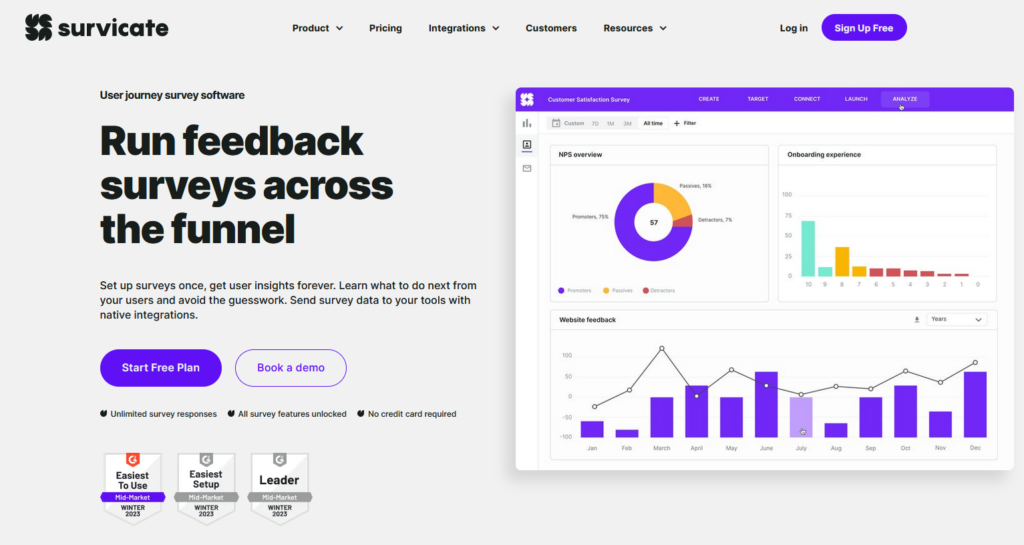
Survicate is a customer feedback and survey platform that helps businesses collect, analyze, and act on feedback across channels. Its angle is an all-in-one customer feedback solution, with support for collecting feedback via email, web, mobile, and in-product surveys.
Survicate can be a fit if your goal is to run customer feedback programs across multiple channels and then analyze and act on results in one place. It also supports common customer experience metrics.
Best for:
- Collecting feedback via email, web, mobile, and in-product surveys
- Customer experience and product teams seeking insights with analytics
- Tracking CX metrics like NPS, CSAT, and CES
Not for:
- Teams needing only simple form creation without analytics
- Use cases outside customer feedback and survey context
- Users who do not require integrations or advanced insights
Key features:
- Multichannel surveys including web, email, and in-product feedback
- Feedback analytics with dashboards and AI-assisted analysis
- Survey templates and support for NPS, CSAT, CES and other metrics
- Multilingual surveys and transcriptions
- Integrations with CRM, marketing and analytics tools
- HIPAA-compliant survey capabilities for sensitive data
Qualaroo
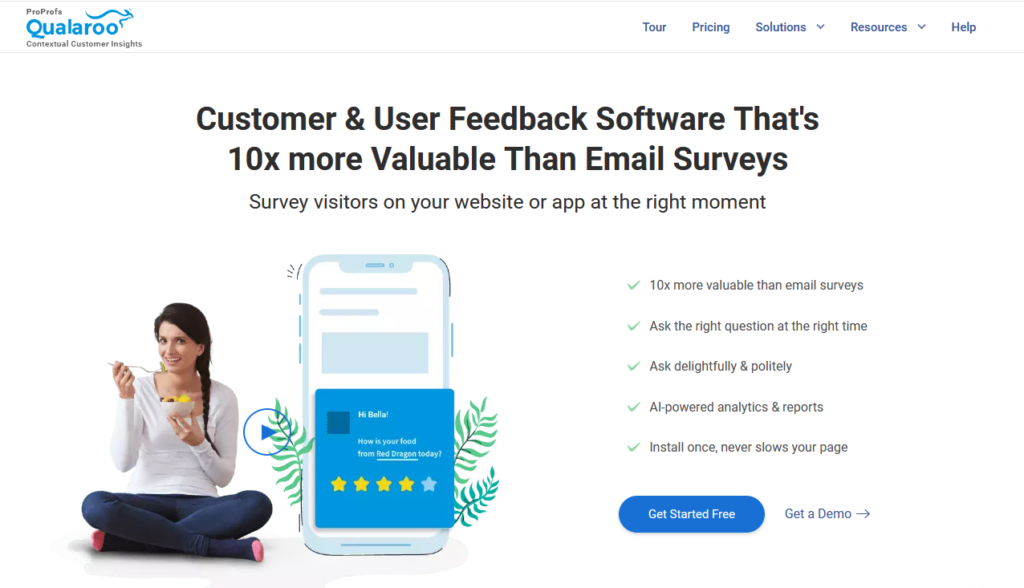
Qualaroo is an online survey and customer insights tool for collecting contextual feedback across websites, products, and prototypes. Its angle is in-context survey feedback, with a focus on embedding surveys and triggering them for specific audiences.
Qualaroo supports collecting feedback where users are, including inside digital experiences, and it includes targeting options to show surveys to specific users.
Best for:
- Customer satisfaction feedback
Not for:
- Not provided
Key features:
- Embed surveys on websites and products
- Advanced triggers for targeting specific audiences
- Custom feedback nudges (Qualaroo Nudges™)
Pendo
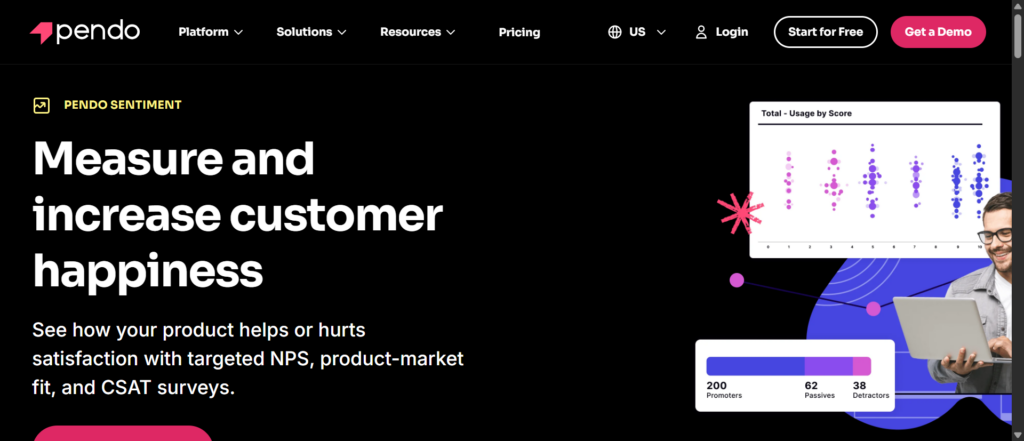
Pendo is a product experience and engagement platform combining analytics, in-app guidance, and feedback tools for product and digital teams. Its angle is an all-in-one product experience platform, and it includes analytics, guidance, and survey capabilities.
Pendo can be relevant if you want product usage analytics and in-app guidance alongside feedback collection, including NPS surveys.
Best for:
- Product analytics and in-app guidance
Not for:
- Not provided
Key features:
- Usage analytics across web and mobile products
- In-app guides and walkthroughs
- Feedback management and NPS surveys
Userpilot
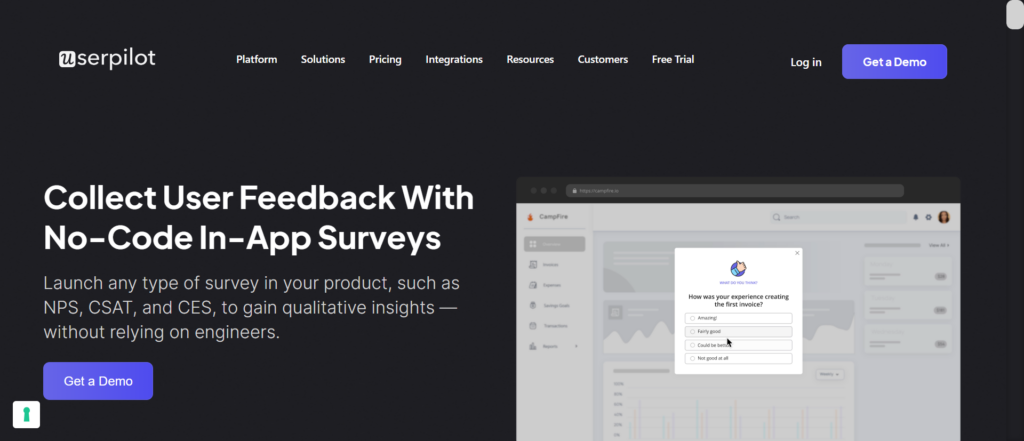
Userpilot is a no-code product growth platform for driving user onboarding, feature adoption, engagement and retention. Its angle is no-code product growth, and it includes in-app onboarding flows alongside in-app surveys and feedback collection.
Userpilot can be relevant if you want to combine onboarding and engagement experiences with survey-based feedback inside your product.
Best for:
- User onboarding and engagement
Not for:
- Not provided
Key features:
- In-app onboarding and engagement flows
- Product analytics and user behaviour tracking
- In-app surveys and feedback collection
Sprig
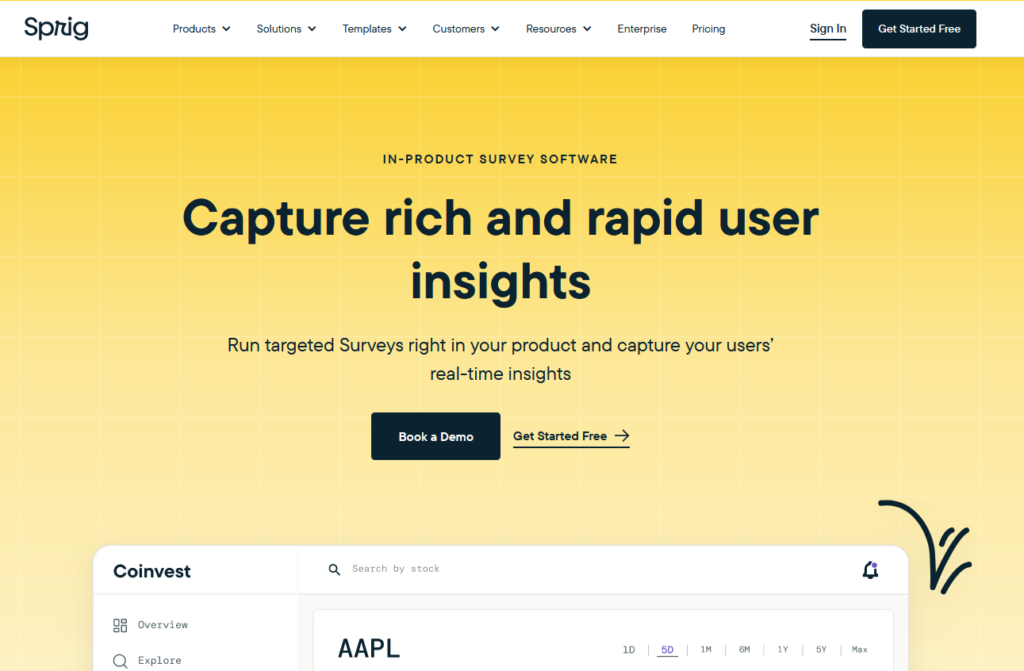
Sprig is a user research platform that helps UX and product teams collect feedback and insights with surveys, feedback, heatmaps, and AI analysis. Its angle is research-centric user insights, with in-product surveys and targeted feedback.
Sprig can be relevant if you want to support product and UX research with in-product surveys and reporting that ties feedback into broader insight workflows.
Best for:
- Product and UX research
Not for:
- Not provided
Key features:
- AI-accelerated survey design
- In-product surveys and targeted feedback
- Behavior and feedback dashboards
Zonka Feedback

Zonka Feedback is a customer feedback and experience platform for capturing, analyzing, and acting on feedback across channels using surveys and AI analytics. Its angle is an AI-powered CX and feedback platform, with in-app included as part of multi-channel survey delivery.
Zonka Feedback can be relevant if you want to run surveys across channels and use AI insights and workflows to act on feedback.
Best for:
- Multi-channel customer feedback
Not for:
- Not provided
Key features:
- Multi-channel survey builder (email, SMS, web, in-app)
- AI insights (sentiment and thematic analysis)
- Close-the-loop automation and workflows
SurveySparrow
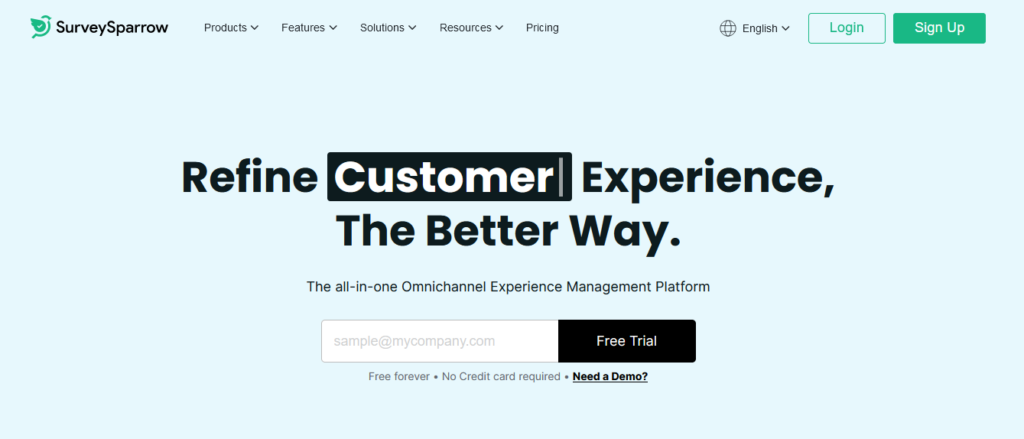
SurveySparrow is an online survey and feedback platform that creates engaging conversational user surveys with broad distribution and real-time analysis. Its angle is conversational surveys, with support for collecting feedback across channels.
SurveySparrow can be relevant if you want a conversational survey format and broad distribution options, with reporting and analytics.
Best for:
- Customer and employee survey engagement
Not for:
- Not provided
Key features:
- Conversational and chat-style surveys
- Multi-channel feedback collection
- Real-time reporting and analytics
Mopinion
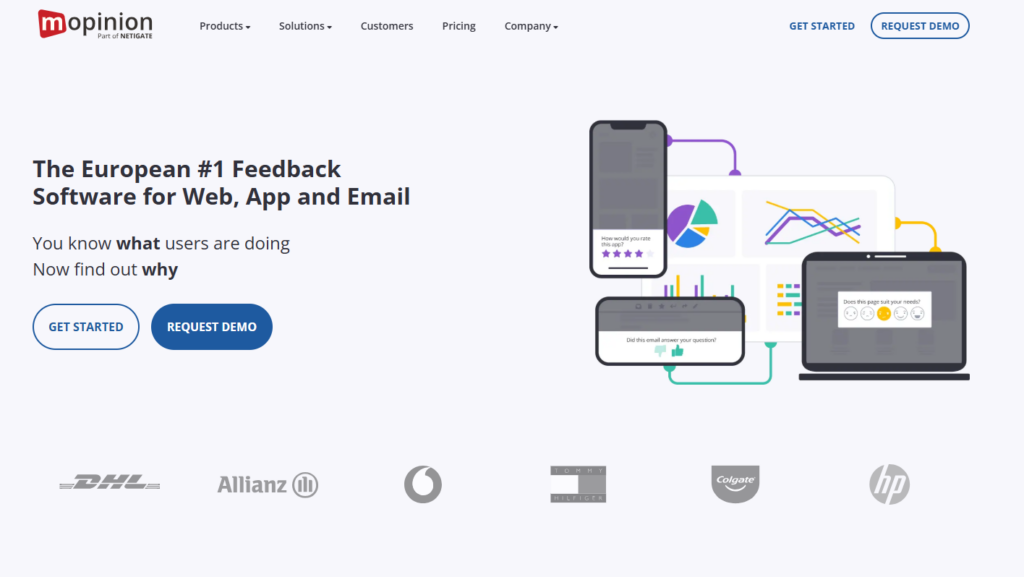
Mopinion is a real-time user feedback platform for collecting, analyzing, and acting on feedback from websites, apps, and email campaigns. Its angle is digital experience feedback, focused on feedback collection across digital channels.
Mopinion can be relevant if you want feedback collection from websites and apps with analytics and integrations to support action on the feedback.
Best for:
- Website, app, and email feedback
Not for:
- Not provided
Key features:
- Customizable feedback forms
- Analytics and visual feedback dashboards
- Integrations and action management tools
Delighted
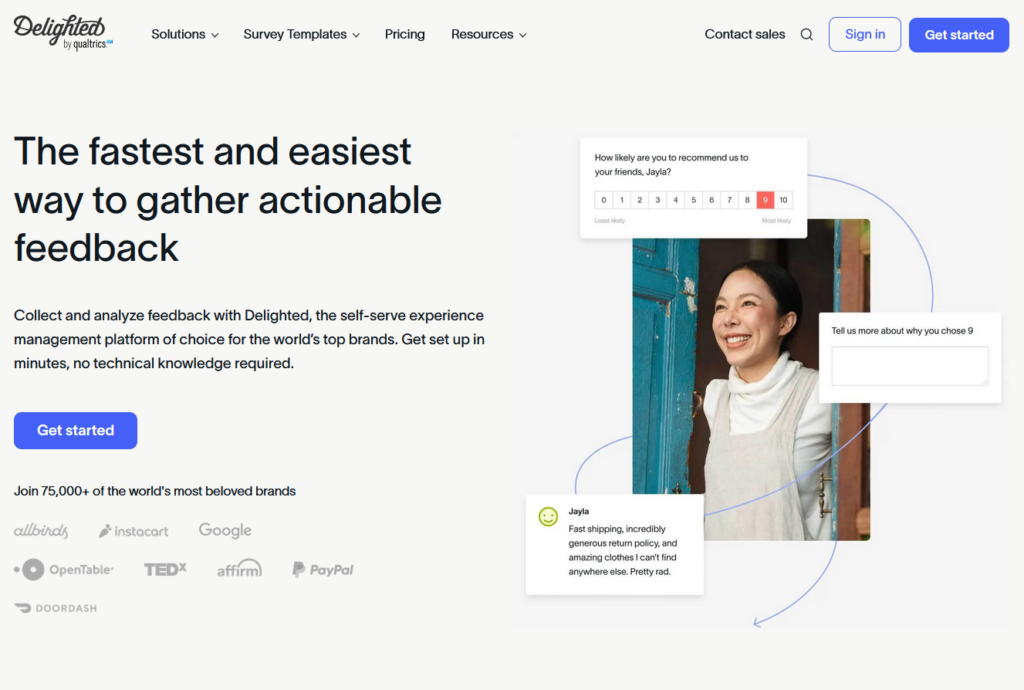
Delighted is an experience management platform for quickly creating and distributing customer and employee surveys to gather actionable feedback. Its angle is fast, simple feedback, with support for survey distribution, reporting, and integrations.
Delighted can be relevant if you want to create and distribute surveys quickly and then review results in dashboards, with options for integrations and API access.
Best for:
- Rapid feedback collection
Not for:
- Not provided
Key features:
- Survey creation and distribution
- Dashboards and analytics
- Integrations and API access
And that’s it…
These are the best survey tools with in-app functionality.
What’s left now is to try them out and pick the one that matches what you’re after.
FAQs
An in-app survey appears inside your product while users are active.
Triggered by behaviour or timing
Shown in context
Designed to capture immediate feedback
Often, yes for product feedback.
More contextual
Higher intent responses
Less reliant on inbox attention
Email still works for broad outreach.
Yes.
Many tools offer no-code builders
Templates speed up setup
Engineering help is mainly needed for initial SDK install
Commonly:
SaaS growth teams
Product managers
Customer experience teams
UX researchers