11 Survicate Alternatives for In-app Surveys
You’re here so I’m guessing you’re one click away from picking Survicate.
It makes sense.
You want to run in-app surveys soon. You’ve seen Survicate come up a lot, and it feels like the safe choice.
But you’re hesitating, because you know what the real risk is.
If you pick the wrong tool, you usually don’t find out in week one. You find out months later, after you’ve:
- embedded the SDK
- set up triggers and targeting
- shipped surveys into your product
- routed responses into your systems
- got the team used to the workflow
At that point, switching is a proper, and scary, project.
So this guide exists for one reason. Before you commit, I want to help you pressure-test Survicate against your actual needs, and see which Survicate alternatives for in-app surveys might fit better from day one.
Quick Recap: What is Survicate?
Survicate is a customer feedback platform for collecting, analysing, and acting on customer insights across multiple channels. It covers website, mobile app, email, and in-product surveys, so you can run feedback collection where your users actually are.
Where it tends to shine is targeted in-product feedback. You can run in-product surveys for web apps, and trigger surveys based on events, so responses are tied to specific user actions. It also supports recurring surveys, which is useful when you want to track changes over time instead of treating feedback as a one-off project.
On the survey-building side, it supports common formats like NPS, and offers templates and different question types. You also get branding and design controls, including custom CSS, plus multilingual support.
On the technical side, Survicate supports SDKs across iOS, Android, Flutter, React Native, and Unity. If you care about sending survey data into your team workflow, it integrates with tools like HubSpot, Google Sheets, Salesforce, Slack, and Intercom.
What to Look for in a Survicate Alternative for In-app Surveys
The trap is picking an in-app survey tool off a generic feature list. Surveys can “work” and still fail, because they fire at the wrong moment, hit the wrong users, or land in the wrong place.
Here’s what I’d check in demos and trials:
- Timing: Can you control the moment the survey appears, not just show it after login? Can you set a delay, a page visit rule, or a custom moment?
- Custom triggers and events: Can you trigger based on user actions or events? Can you target by user attributes or segments, like plan, role, or lifecycle stage?
- Channels and SDK coverage: Do you need web only, or web plus iOS and Android? If mobile matters, is it a real SDK, or a webview workaround?
- Integrations and data flow: Can you push responses where you need them, like analytics, a CRM, or Slack? Is there an API or webhooks? Can you attach user identifiers and key properties?
- Analysis and reporting: Can you slice results by segment or cohort? Can you trend results over time? Can you export clean data, like CSV?
Best Survicate Alternatives for In-app Surveys
If you’re in a hurry, these are the fastest “start here” picks:
- If you want in-app surveys with advanced targeting across web and mobile, start with Refiner.
- If your team is very engineering-led and you want surveys tied into a broader product stack, look at PostHog.
- If you want a mix of in-app and email as well as other survey channels, consider Qualaroo.
Refiner
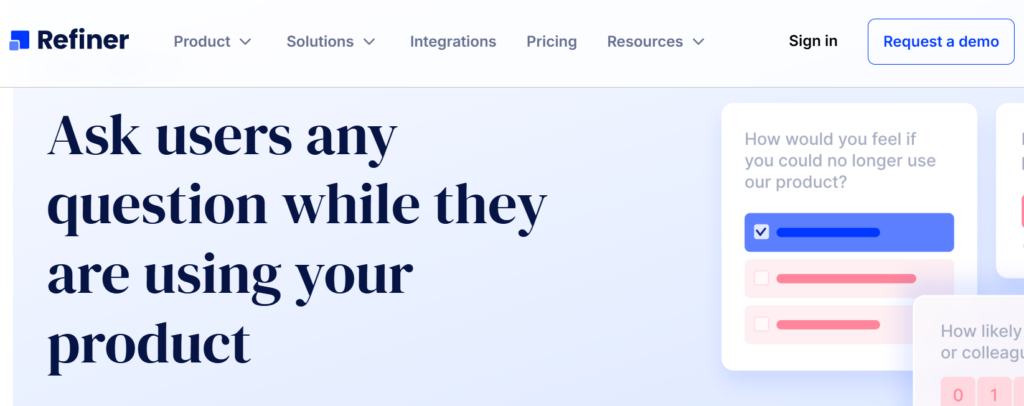
Refiner is a dedicated in-app survey software for web and mobile apps, built specifically for SaaS and digital products that want high-quality contextual feedback inside the product, not in random email blasts.
With Refiner, product and CX teams are able to run targeted microsurveys in their web app or native mobile apps, and collect feedback to make better product decisions and improve customer experience based on what their real users are doing.
The whole idea is simple. You drop Refiner into your app, show beautifully branded surveys at the perfect moment, and get highly valuable insights instead of noisy, low-intent feedback. Refiner focuses on perfectly timed in-product micro surveys and gives you advanced targeting so you can always ask the right question, to the right segment, at the right time.
What you can do with Refiner
- Run in-app surveys in your web app and native mobile apps with SDKs for JavaScript, iOS, Android, React Native, Flutter and more.
- Launch multi-channel surveys in-app, by email, or through hosted survey links for users who are not currently in your product.
- Use templates and 12 question types for NPS, CSAT, CES, PMF and other customer experience and product surveys.
- Customize design with comprehensive styling options and custom CSS so surveys match your product’s UI.
- Target users by traits, behaviour, device, country, language or previous responses with a segmentation engine and trigger surveys on specific events.
- Track NPS and other CX metrics over time with recurring surveys and real time reporting dashboards, including AI powered response tagging.
If you are running a SaaS or mobile app and want serious, in-app survey infrastructure for product feedback and customer experience, Refiner might just be the solution you’re after.
Qualaroo
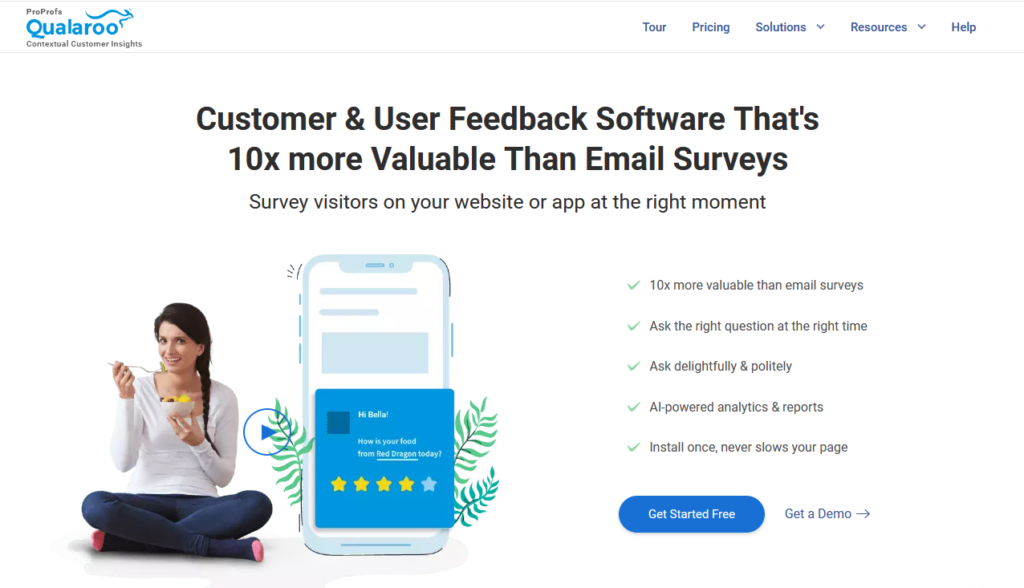
Qualaroo is customer and user feedback software for running email and in-app surveys. It’s geared around asking the right users at the right moment, whether they’re on your website or inside your app.
A big part of the product is its “Nudges” concept, in-context prompts that collect feedback in the flow of use. If you want targeting that considers who the user is, where they are, and how often they visit, it’s designed for that. It also supports branching, so you can ask follow-up questions based on earlier answers, rather than forcing everyone through the same path.
Standout capabilities:
- In-app surveys across web apps and native mobile apps
- Targeting based on who users are, where they are, timing, and frequency rules
- Branding controls, plus a Design API
- AI sentiment analysis using IBM Watson sentiment analysis
- Branching logic
- NPS with skip logic
- Nudges on prototypes, including tools like Figma
Integrations: Salesforce, Intercom, Tableau, Zapier, Slack
SDKs: iOS, Android, Flutter (via qualaroo_flutter package for Android and iOS)
Userback
Userback is built for product teams that want high-context feedback from inside a website or app, then want to route it straight into the team workflow. It’s less “survey platform first” and more “feedback capture plus action”.
If you often need more than a rating and a comment box, Userback is interesting. You get a feedback widget, in-app surveys, and extra context like session replay. It also supports screen annotation and video recording, which can turn vague feedback into something your team can actually reproduce and prioritise.
Standout capabilities:
- Embedded feedback widget for web apps
- In-app surveys using templates or custom builds
- Session replay for added context
- Screen annotation and video recording in the feedback flow
- User identification and metadata capture
- Feature Portal, with portal, roadmap, and announcements
Integrations: GitHub, Jira, Slack, Trello, Zapier
SDKs: JavaScript SDK for widget and feedback collection
Limitations: No dedicated native mobile SDK
Featurebase
Featurebase combines customer support and feedback, with a focus on portals, in-app widgets, and product updates. If your goal is not just collecting feedback but also managing it in public-facing workflows, this can be a good shape.
It supports in-app surveys, including NPS and CSAT templates, and you can run multi-step surveys with conditional logic. Targeting is based on user properties and segments, like plan, role, or location. On the product comms side, it includes changelog publishing and in-app delivery via widget or popup.
Standout capabilities:
- In-app surveys with templates like NPS and CSAT
- Multi-step surveys with conditional logic
- Targeting by user properties and segments
- In-app widgets, including Messenger, Feedback Widget, and Changelog widgets
- Feedback portal with upvotes and comments
- Bug reports and feedback capture with screenshot support
- Changelog publishing and in-app delivery
Integrations: Slack, Jira, Linear, Intercom, Zapier
SDKs: JavaScript SDK for widgets, mobile app embedding via WebView
Limitations: No dedicated iOS or Android SDK
Blitzllama
Blitzllama positions itself as an AI-powered user research and product insights platform. It supports in-app surveys and link surveys, so you can collect feedback inside the product, or outside it when you need broader reach.
It’s a good fit if you want targeting that’s closer to product analytics thinking. It supports event and cohort-based targeting, so surveys can follow real behaviours rather than generic segments. It also leans into workflow speed, with an AI survey creator and AI-driven summaries that turn responses into opportunities and themes.
Standout capabilities:
- In-product surveys inside your app and website
- Targeting using events and cohorts
- AI survey creator
- AI insights, including summaries and opportunities
- Customisable UI to match your brand
- Link surveys
- Quizzes with multi-language support and dynamic scoring
Integrations: Amplitude, Mixpanel, Segment, Slack, Google Tag Manager
SDKs: iOS, Android, React Native, Flutter
Sprig
Sprig is a research platform for UX teams that want feedback during real product use, and want to pair it with behavioural context. The interesting part is the blend, surveys plus experience signals like session replays and heatmaps.
If you’re trying to answer “what happened?” and “why did it happen?” in one place, that combo can be useful. You can run in-product surveys, and also run longer surveys when you need more depth than a micro prompt can give. Then you can layer in replays and heatmaps to understand what users did around the moment they answered.
Standout capabilities:
- In-product surveys
- Long-form surveys
- Session replays
- Heatmaps
- AI insights
Integrations: Segment, Google Tag Manager, Mixpanel, Amplitude, Slack
SDKs: iOS, Android, React Native
SurveySparrow
SurveySparrow is geared toward a conversational, chat-like survey experience. It’s positioned as a customer feedback platform, with AI in the mix, and it spans multiple use cases, not just in-product feedback.
If your brand voice matters and you want surveys that feel more like a dialogue than a form, this format is the main draw. It also supports mobile SDK embedding on iOS and Android, and calls out SDK options for mobile spotchecks, including Flutter and React Native. On integrations, it references a large ecosystem, including a claim of 1500+ integrations.
Standout capabilities:
- Conversational, chat-like survey experience
- Wide range of question types and survey creation options
- Mobile SDK for embedding surveys in mobile apps
- SDK options for mobile spotchecks, including Flutter and React Native
- Third-party integrations, including a stated 1500+ integrations
Integrations: Slack, Zapier, Salesforce, HubSpot, Google Sheets
SDKs: iOS, Android, Flutter (spotchecks), React Native (spotchecks)
PostHog
PostHog is positioned as dev tools for product engineers, built as a Product OS that bundles multiple product and analytics capabilities. Surveys sit inside that broader stack, which matters if you want feedback tied closely to product data.
It supports in-app surveys with targeting based on feature flags, properties, and event triggers. Mobile survey support is documented for iOS, React Native, and Flutter, with platform-specific feature support and limitations. If your team already thinks in events, flags, and instrumentation, this can feel like a natural place to run surveys.
Standout capabilities:
- In-app surveys with targeting using feature flags, properties, and event triggers
- Mobile survey support with platform-specific limitations
- iOS SDK that supports surveys alongside tracking, feature flags, experiments, and session replay
- React Native Surveys support shown in SDK docs structure
- Flutter surveys setup with survey-specific configuration
Integrations: Salesforce, BigQuery, HubSpot, Zapier, Segment
SDKs: iOS, Android, React Native, Flutter
Userpilot
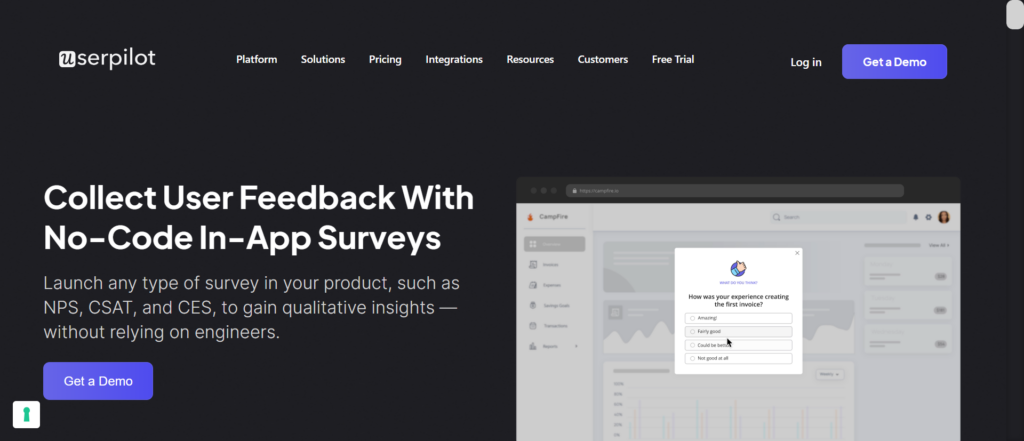
Userpilot is a product growth platform aimed at personalised in-app experiences across the user journey. Surveys are part of a wider toolkit that includes onboarding, adoption, and support flows.
It’s a fit if your “survey” problem is really a “guidance and feedback” problem. You can run in-app surveys and NPS surveys, and you can also deliver native mobile in-app experiences via a mobile SDK. On the web side, there are multiple installation paths, including JavaScript, Segment, and Google Tag Manager.
Standout capabilities:
- Personalised in-app experiences across onboarding, adoption, and churn prevention use cases
- In-app surveys for contextual feedback
- NPS surveys
- Native mobile in-app experiences
- Web installation via JavaScript, Segment, or GTM
- Mobile SDK for mobile in-app experiences and analytics
Integrations: HubSpot, Salesforce, Segment, Google Tag Manager, Zendesk
SDKs: iOS, Android, Flutter, React Native, Capacitor, Expo, Cordova
Chameleon
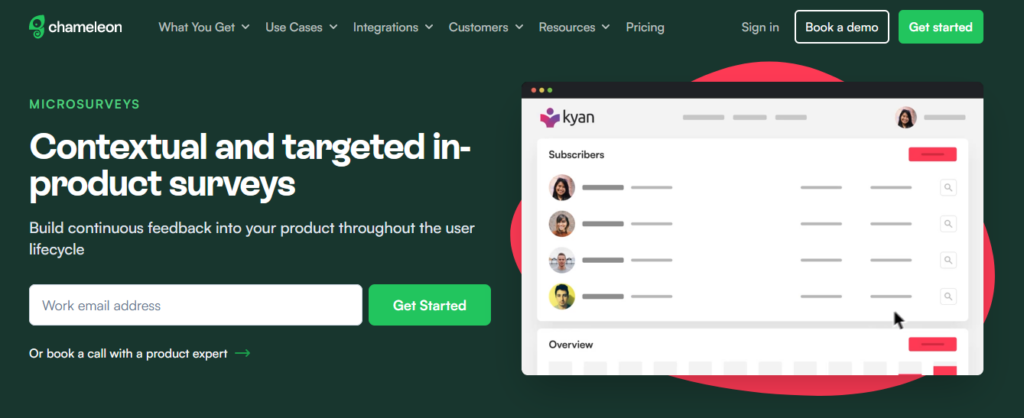
Chameleon is an AI product adoption platform built around native-feeling in-app experiences, like tours, banners, and checklists. It also supports microsurveys, including NPS, so you can collect feedback without pulling users out of the product flow.
If you want surveys to sit alongside in-app guidance, this is the main angle. You can trigger surveys contextually, and target using segments and triggers. It also offers developer hooks via a client-side JavaScript API, plus a REST API and webhooks, which can help if you need more control over data flow and orchestration.
Standout capabilities:
- Product tours and guided experiences
- No-code in-app microsurveys
- NPS surveys with targeting and contextual triggers
- Targeting using segments and triggers
- Developer options, including JavaScript API, REST API, and webhooks
Integrations: Amplitude, Mixpanel, FullStory, Fivetran, Customer.io
Zonka Feedback

Zonka Feedback is an AI customer feedback and intelligence platform for turning survey feedback into actionable insights, with workflows to help teams follow up and close the loop.
It’s a fit if you’re running a broader feedback programme, not just a few in-product prompts. It supports multi-channel distribution, in-app feedback, and mobile app surveys. It also supports automation for follow-ups, and offers integrations plus APIs and webhooks, which matters when you need survey responses to move into your ops and analytics stack.
Standout capabilities:
- Survey building and customisation
- Multi-channel survey distribution
- In-app feedback and mobile app surveys
- AI-powered feedback analytics
- Automations for follow-ups and closing the loop
- Integrations, APIs, and webhooks
Integrations: Salesforce, HubSpot, Jira, Intercom, Zendesk
SDKs: iOS, Android, Flutter, React Native
Conclusion
If you’re close to choosing Survicate, this is the right moment to sanity-check fit. Focus on triggers, targeting, SDK coverage, and where your data needs to land. Then pick the tool that matches your workflow, not the longest feature list.
In-app Surveys FAQ
An in-app survey shows inside your product, usually as a small prompt or modal. The key benefit is context. You can ask right after a user action, on a specific screen, or at a lifecycle moment. That makes answers more specific than generic email surveys.
Start with the decision you want to make. Then pick the moment that best reflects it. For example, feature feedback works best right after feature usage, not after login. If you can, prefer event-based triggers over time-based ones, because they map to real behavior.
If you want surveys inside a native iOS or Android app, you usually need SDK support. If a solution relies on a WebView approach, it can still work, but it may not match the “native” experience you want. The right choice depends on your app and how tightly you need surveys integrated.
The basics are who the user is and what they did. Look for targeting by user attributes, like plan, role, or lifecycle stage, and targeting by behavior, like an event or a feature action. Good targeting reduces noise, improves response quality, and helps you avoid annoying the wrong users.
Make identity and metadata non-negotiable. You want each response tied to a user identifier and key properties, like plan, account, and lifecycle stage. Also think about export and integrations early. If responses can’t reach your analytics or workflow tools, they won’t get used.
In-product NPS can be more contextual, especially if you time it around meaningful usage milestones. You’ll also collect more insights with in-app surveys as they have higher response rates than email surveys. Email can be useful when you want broader reach beyond active sessions. The best approach depends on who you want to hear from and how you plan to follow up on responses.