
This update was long overdue.
We first published this list in 2022. A lot has changed since then. Some of the tools we recommended were acquired, shut down or simply overtaken. AI agents now answer a big share of support questions. Interactive demos went from a nice extra to a standard part of the PLG funnel. And there are better options in almost every category.
So we rewrote the article from scratch.
This version isn’t a list of everything on the market, and it isn’t just our own stack either. It’s the product-led growth tools we like and would recommend to a SaaS team in 2026. Some of them we use every day at Refiner, and we say so in each section. Others we don’t run ourselves, but we’ve seen them work well in PLG stacks and think they’re worth a look.
Nobody paid to be on this list. We’ll keep updating it as the market moves and our opinions change.
What is Product-led Growth?
Product-led growth (PLG) is a go-to-market strategy where the product itself drives acquisition, activation, conversion and expansion.
Instead of relying mainly on sales calls, users discover the product, try it on their own, and see the value before they ever talk to anyone. Sales still plays a role, especially for larger accounts, but it builds on product usage rather than replacing it.
That only works if you understand what users do in your product and why. You need to see where they get stuck, help them reach their first success, and step in at the right moment. That’s what the tools below are for.
If you want the full background first, read our guide to product-led growth.
What to Look For in a Product-led Growth Stack
Here’s what we’d keep in mind before buying anything.
#1. Every tool should contribute to your PLG strategy
Give each tool a clear job. Which metric is it supposed to move: activation, conversion, retention or expansion? If you can’t answer that, you probably don’t need it yet.
#2. Cover the whole user lifecycle
It’s easy to pile up onboarding tools and forget what happens after week one. Check that your stack covers every stage, from first visit and signup to activation, conversion, retention and expansion.
#3. Prefer focused tools over bloated all-in-ones
All-in-one suites are tempting because they promise fewer logins and fewer invoices. But they rarely do every job well. For the parts of your funnel that matter most, a focused tool built for SaaS usually goes deeper. Connect them through a customer data platform so the data still flows.
#4. Map your needs before you buy
Get product, marketing, sales and support in one room and write down what each team actually needs. Review what you already pay for. Teams often end up with two tools doing the same job because nobody checked.
“Company X uses it” isn’t a reason to buy a tool. A specific gap in your funnel is.
Best Product-led Growth Tools: 22 Tools We Like in 2026
The tools are grouped by the job they do in a PLG stack. You don’t need one from every category on day one. Start where your biggest gap is.
User Feedback and In-App Surveys
Analytics show you what users do. Feedback tells you why. In-app surveys let you ask users about their needs and friction right inside your web or mobile app, at the moment it matters.
#1. Refiner
Good for: in-app surveys and user feedback
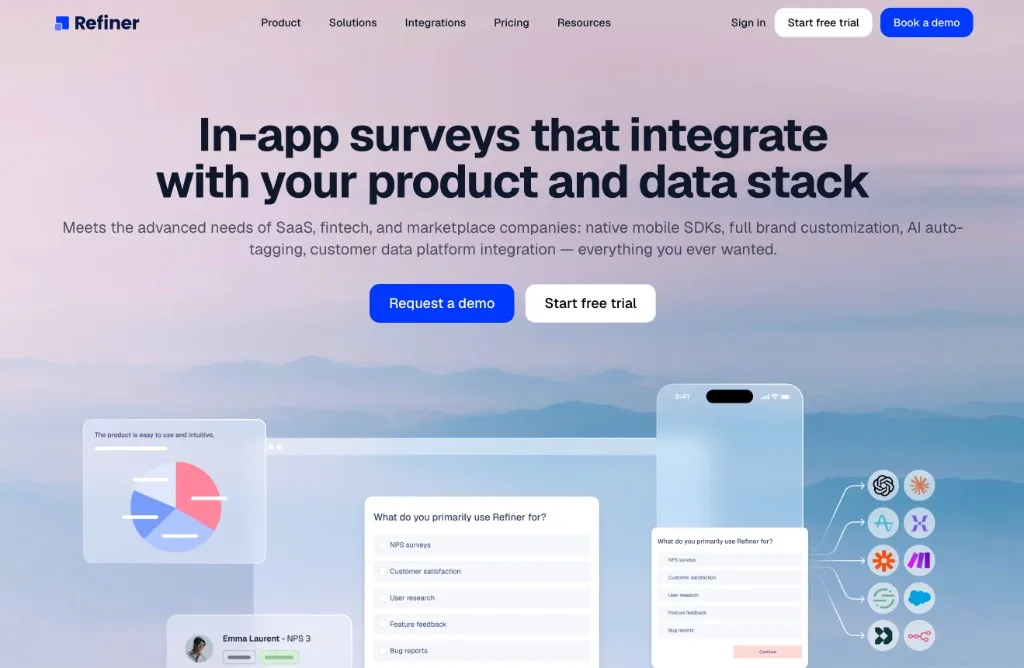
We’re biased, since Refiner is the tool we build. But we built it specifically for product-led SaaS, and we think it’s the best way to collect feedback inside your product.
Refiner is in-app survey software for web and mobile apps. Product and CX teams use it to run targeted microsurveys at the right moment in the user journey: after onboarding, when someone uses a feature for the first time, before a trial ends, or when an account looks at risk.
Because surveys show up inside the product, you get far more responses than from email blasts, and the answers come from users who are actually doing the thing you’re asking about.
What you can do with Refiner
- Run in-app surveys in your web app and native mobile apps, with SDKs for JavaScript, iOS, Android, React Native, Flutter and more.
- Reach users outside your product with email surveys and hosted survey links.
- Use templates and 12 question types for NPS, CSAT, CES, PMF and other product surveys.
- Target users by traits, behavior, plan, device, country, language or previous answers, and trigger surveys on specific events.
- Match your product’s design with extensive styling options and custom CSS.
- Sync responses to your CRM, analytics and messaging tools so feedback can trigger follow-ups.
Making sense of open-text answers
Open-text answers are where the best insights hide, and they’re also the hardest part to analyze at scale. Refiner handles this with two AI features:
- AI Auto-Tagging tags every open-text response automatically, so you can filter and count themes without reading every answer by hand.
- Tag Discovery looks through your responses and suggests new tags for themes you weren’t tracking yet. That’s how you find the friction you didn’t know to look for.
For PLG teams, that means you can ask “What almost stopped you from signing up?” or “What’s missing for you to upgrade?” and actually turn hundreds of answers into a prioritized list.
Using it at Refiner: Yes, obviously. We use Refiner every day, from onboarding surveys to in-app NPS.
Pricing: There’s a 14-day free trial. The Essentials plan starts at $99/month, Growth starts at $239/month, and there’s a custom Enterprise plan.
Want to see how Refiner fits into your PLG stack? Check out our survey templates or start a free trial.
#2. Survicate
Good for: in-app and website surveys
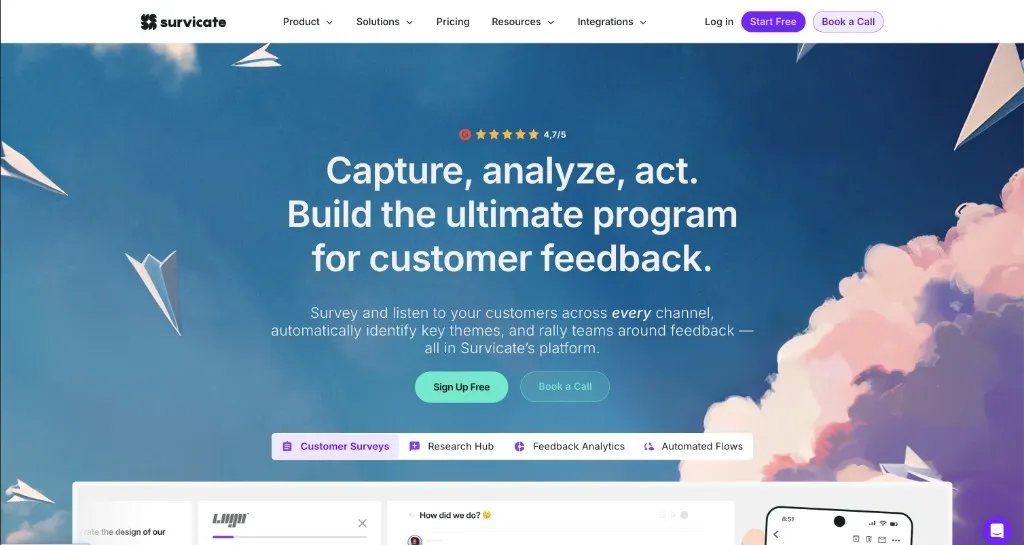
Survicate is a survey tool that covers in-app, website, email and link surveys. It’s a solid alternative if you want one tool for surveys across many channels, and it has a large template library and plenty of integrations.
Using it at Refiner: No. It’s a competitor, but we think it’s a good product and it belongs on an honest list. If you’re comparing options, we wrote about Survicate alternatives for in-app surveys and the best customer feedback tools.
Pricing: There’s a free plan. Paid plans scale with responses and features.
Interactive Demos and Product Exploration
In a PLG funnel, a lot of people want to see the product before they sign up or book a call. Interactive demos let them experience the value first.
#3. Guideflow
Good for: interactive product demos
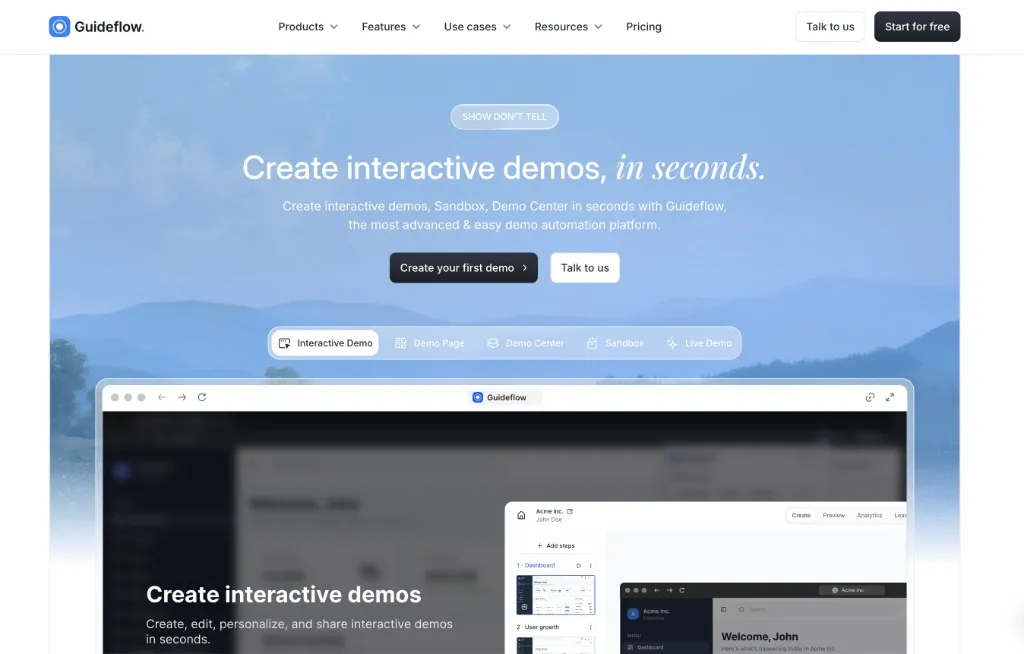
Guideflow lets you build interactive product demos that prospects can click through on their own, without signing up or booking a demo first.
You can embed demos on your website, landing pages and docs, or share them in sales emails. Analytics show you who engaged with a demo and how far they got, which is a useful signal for sales follow-up.
Using it at Refiner: Yes. We embed Guideflow demos on our website: a general product tour plus specific demos for individual use cases and customer verticals. Each visitor sees the version of Refiner that’s most relevant to them.
Pricing: There’s a free plan. Solo starts at around $40/month, and Startup starts at around $599/month.
User Onboarding and Product Adoption
Onboarding tools help new users reach their first success quickly, and help existing users discover features they haven’t tried yet. All four tools below do this well. The differences are mostly in depth, pricing and how much they try to do beyond onboarding.
#4. Userflow
Good for: in-app onboarding flows
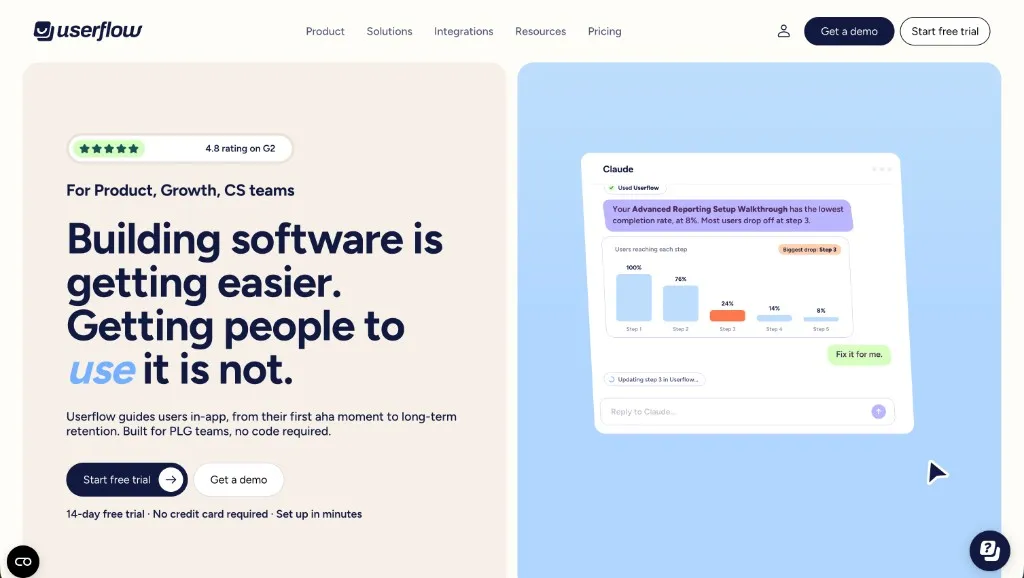
Userflow is a no-code builder for product tours, checklists, tooltips and in-app announcements. It’s fast to set up, easy for non-technical teams to use, and has a clean, flexible flow builder.
Userflow keeps its focus on onboarding and adoption rather than trying to be an all-in-one platform, which is exactly what we like about it.
Pricing: Plans scale with monthly active users. Check their site for current pricing.
#5. Appcues
Good for: product adoption across web and mobile
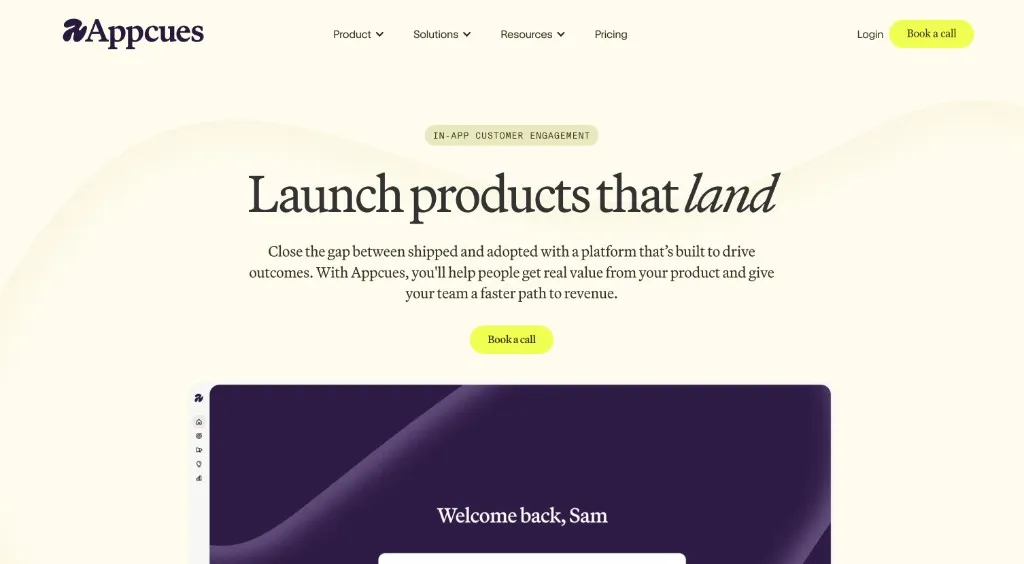
Appcues is one of the most established product adoption platforms. It lets you build onboarding flows, checklists, tooltips and announcements without code, on web and mobile.
It’s a good fit for teams that want onboarding plus in-app messaging and email in one place, and that have the budget for a mature platform.
Pricing: Plans scale with monthly active users. Check their site for current pricing.
#6. Product Fruits
Good for: affordable onboarding for smaller SaaS teams
Product Fruits covers the onboarding basics, including product tours, checklists, hints, announcements and a knowledge base widget, at a price that works for smaller teams.
If you’re early stage and want onboarding without a big contract, it’s a good place to start.
Pricing: Plans scale with monthly active users and are generally more affordable than the bigger platforms. Check their site for current pricing.
#7. Userpilot
Good for: onboarding plus product analytics
Userpilot combines in-app onboarding flows with built-in product analytics, so you can build a flow and see how it affects feature adoption in the same tool.
It suits teams that want onboarding and adoption reporting together and don’t have a dedicated analytics tool yet.
Pricing: Plans scale with monthly active users. Check their site for current pricing.
Customer Support and AI Agents
When users get stuck in a self-serve product, fast answers decide whether they stay. Support tools with good AI agents now resolve a big share of those questions on their own, and let your team focus on the hard ones.
#8. Plain
Good for: AI-native B2B customer support
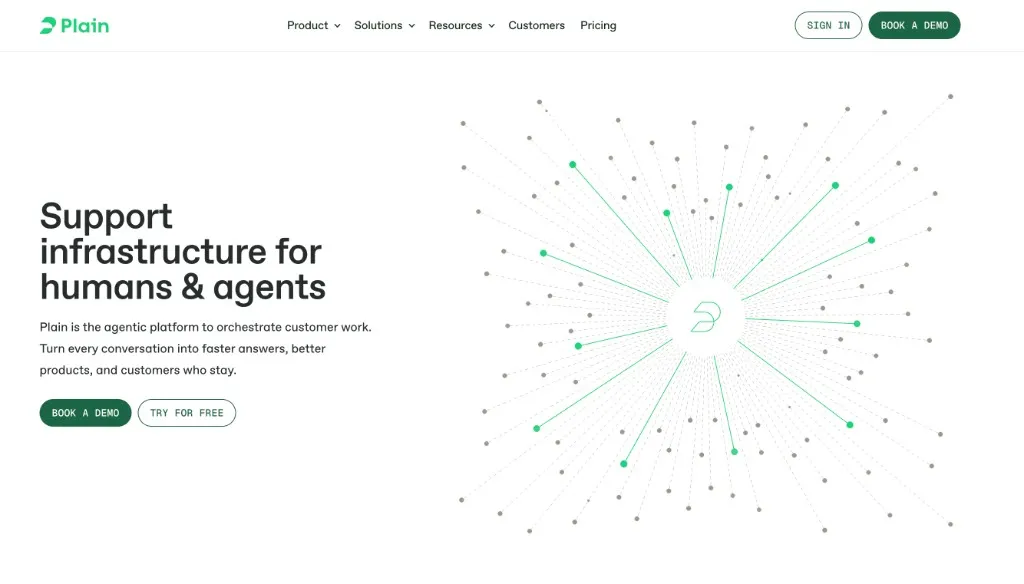
Plain is an AI-native support platform built for B2B companies. It brings in-app chat, email and Slack conversations into one queue, with AI agents that help both customers and your support team.
Using it at Refiner: Yes. Plain runs all of our customer support. Its AI reads our docs, uses MCP to look up a customer’s setup, and can even read our source code to answer detailed product questions. It now answers many questions reliably, right inside our product.
We also like its focus on Workflows. Instead of bending our process to fit a rigid helpdesk, we built a support setup that matches exactly how we work.
Pricing: Foundation starts at around $45/user/month billed annually, Horizon is $99/user/month, and Frontier is custom-priced. There’s a 7-day free trial and a startup program.
#9. Pylon
Good for: B2B support in Slack and other shared channels
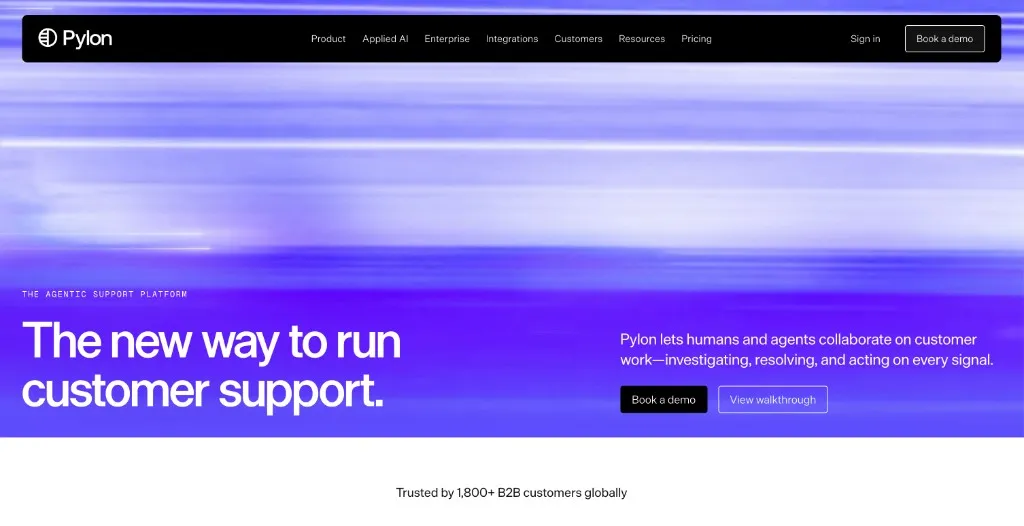
Pylon is a B2B support platform built around the channels business customers actually use: Slack Connect, Microsoft Teams, email and in-app chat. It adds ticketing, AI agents, a knowledge base and account health on top.
It’s a strong choice if many of your customers expect support in shared Slack channels.
Pricing: Priced per seat with several tiers. Check their site for current pricing.
#10. Intercom & Fin
Good for: customer messaging and AI support at scale
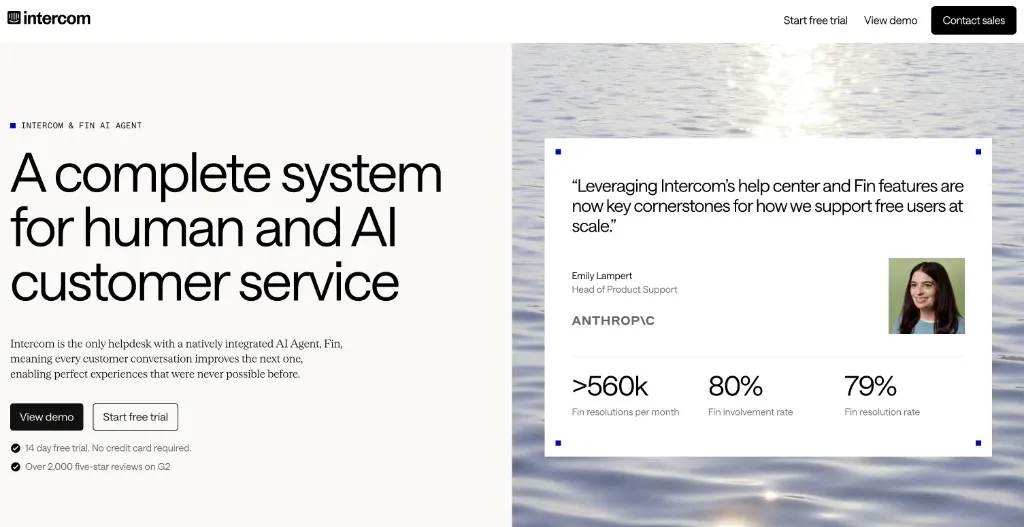
Intercom is one of the best-known customer communication platforms. It combines a helpdesk, live chat, in-app messages and a help center in one product.
Fin is Intercom’s AI agent. It answers customer questions using your help center and other content, and hands off to a human when it can’t help. Fin also works on top of other helpdesks, so you don’t need to move your whole support setup to use it.
Intercom is a good fit for teams with high support volume that want one mature platform for messaging and support.
Pricing: Seat-based plans plus Fin charged per resolution. Check their site for current pricing.
CRM and Sales-Assisted Growth
Product-led doesn’t mean no sales. Once users adopt your product on their own, a CRM helps you spot the accounts ready for a conversation and turn self-serve usage into bigger deals.
#11. Attio
Good for: a flexible, modern CRM
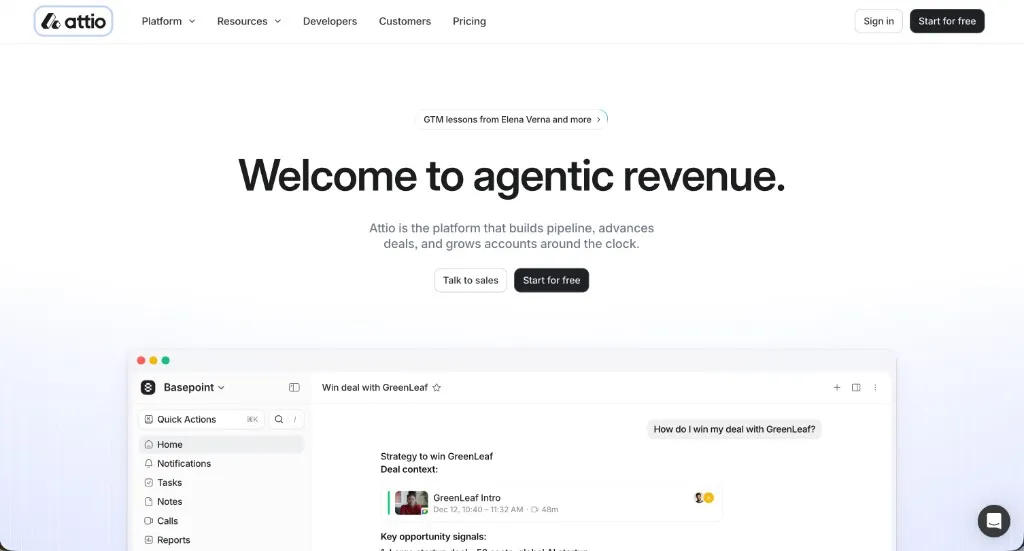
Attio is a modern CRM that you can shape around your own data model. It syncs with email and calendars automatically, and you can pipe in product usage data to see which accounts are active, growing or ready for a sales touch.
It’s a good fit for PLG startups that find traditional CRMs too rigid.
Pricing: There’s a free plan. Paid plans are priced per seat.
#12. HubSpot
Good for: CRM and marketing in one place
Everyone knows HubSpot. It covers marketing, sales and service in separate “hubs” you can combine as you grow, and it has a free CRM to start with.
Using it at Refiner: Yes. Today we mainly use it to track our sales pipeline for enterprise customers.
Pricing: There’s a free CRM. Paid plans come in Starter, Professional and Enterprise tiers and scale with the hubs and seats you need.
#13. Salesforce
Good for: enterprise sales teams
Salesforce is the CRM most large sales organizations run on. It’s highly customizable and has an enormous ecosystem of apps and integrations.
It’s overkill for most early PLG startups. But once you sell to enterprise accounts with a sizable sales team, it’s often the default choice.
Pricing: Priced per user across several editions. Contact their sales team for details.
Product Analytics
Product analytics show you whether users activate, which features they use, where they drop off and what predicts retention. In a PLG company, this is the data almost every decision depends on.
#14. Amplitude
Good for: product analytics for growing teams
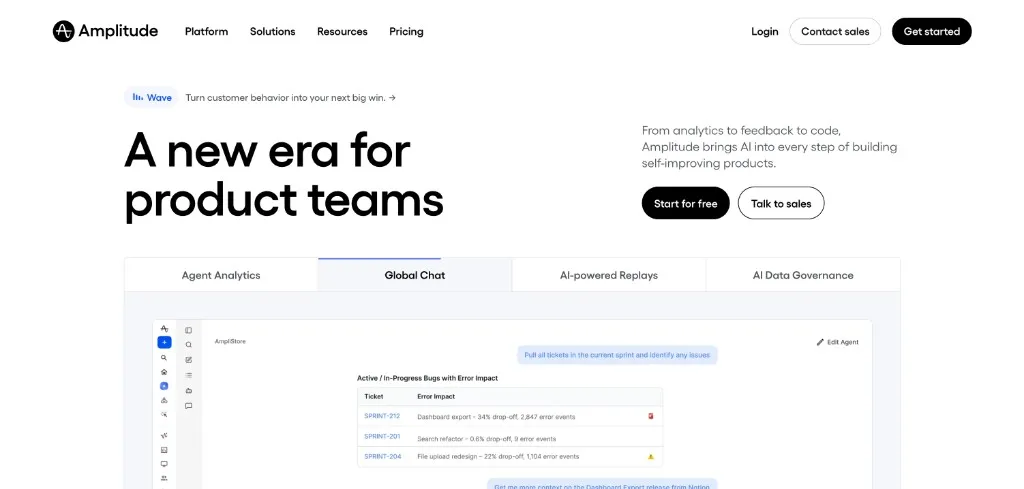
Amplitude is a product analytics platform for funnels, retention, cohorts and user journeys. It’s also added session replay, experimentation and AI features over the past few years.
Using it at Refiner: Yes. We rely on Amplitude to understand adoption and see where users drop off.
Pricing: There’s a free plan. Paid plans scale with usage.
#15. Mixpanel
Good for: event-based product analytics
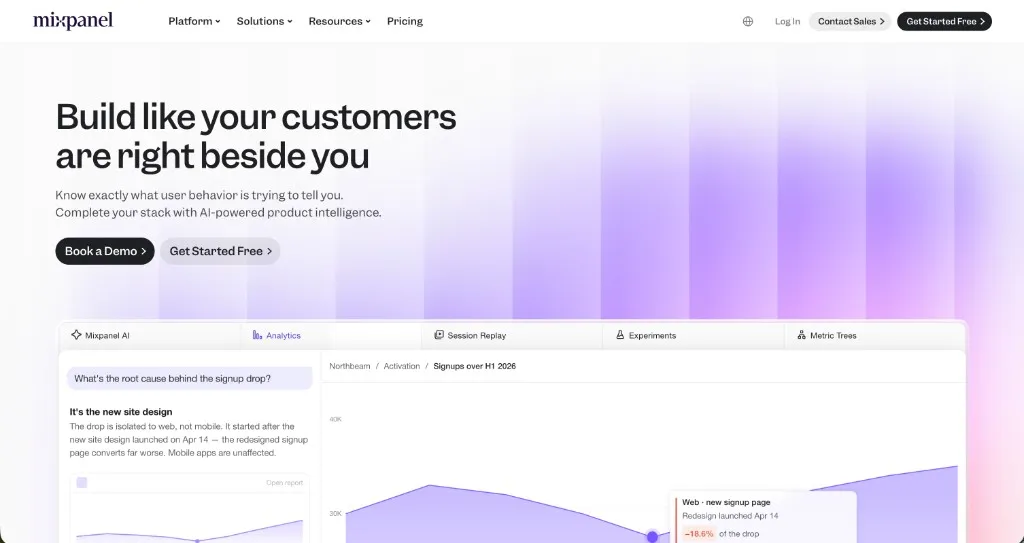
Mixpanel is an event-based analytics tool that makes it easy to answer questions like “Which features do users who convert actually use?” Its reports are fast and approachable for non-analysts.
Pricing: There’s a free plan. Paid plans scale with the number of events you track.
#16. PostHog
Good for: all-in-one product tooling for technical teams
PostHog bundles product analytics, session replay, feature flags, experiments and surveys into one platform. It’s built for engineers and is open source.
Yes, it’s an all-in-one. But it’s built for product teams and the pieces work well together, which is why it’s become a popular choice for technical PLG startups.
Pricing: There’s a generous free tier. After that, pricing is usage-based per product.
Lifecycle Messaging and Engagement
Behavior-triggered messages bring users back and guide them toward the next useful action: finishing setup, trying a key feature, inviting a teammate or upgrading.
#17. Customer.io
Good for: behavior-triggered email and messaging
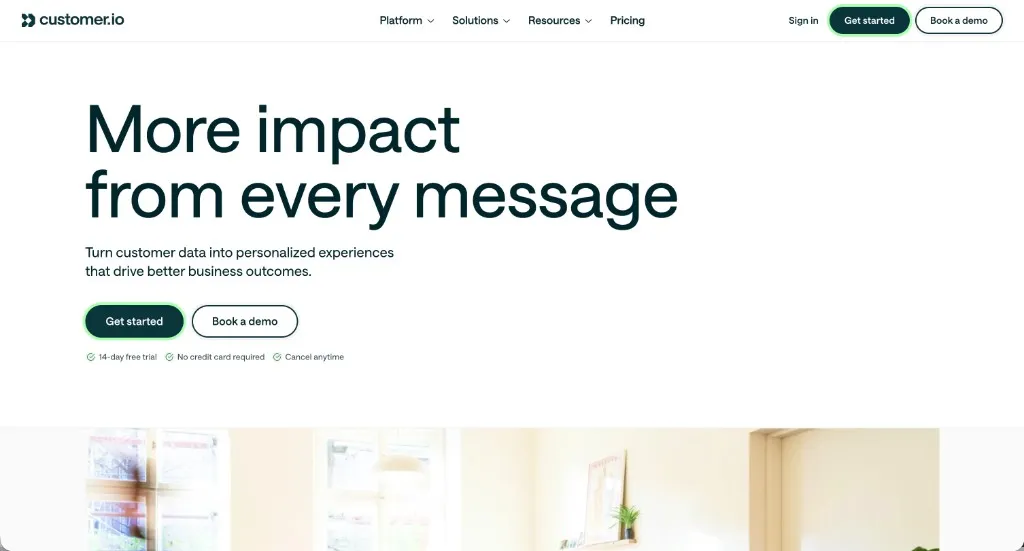
Customer.io is a messaging platform for sending email, push, SMS and in-app messages based on what users do, or don’t do, in your product.
Using it at Refiner: Yes, since day one. It powers our onboarding email campaigns and the triggered emails our product sends when users take, or skip, certain actions.
Pricing: The Basic plan starts at around $150/month and the Premium plan starts at around $995/month.
#18. Braze
Good for: cross-channel engagement at scale
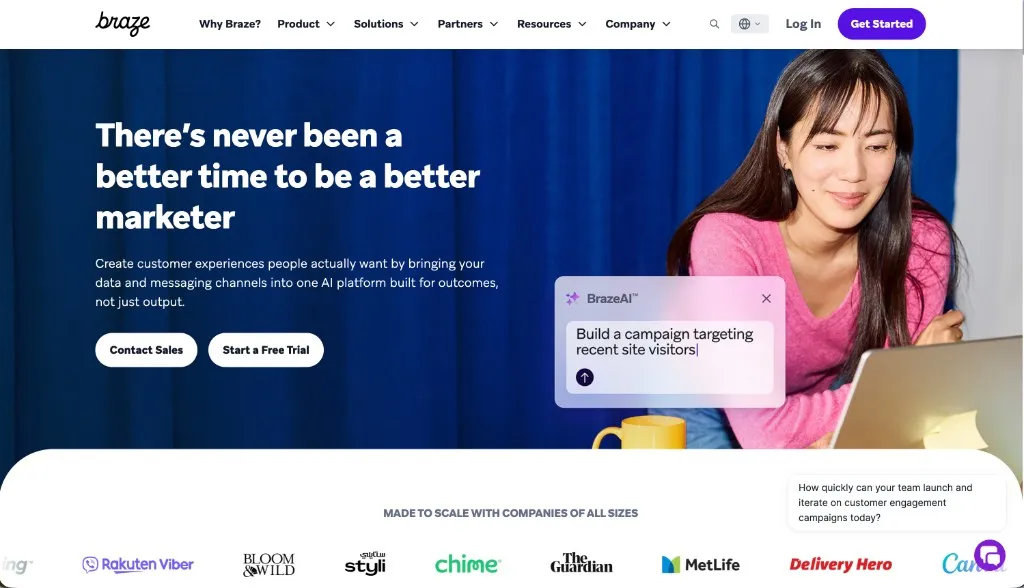
Braze is a customer engagement platform for large consumer and mobile apps. It handles push, email, SMS, in-app messages and more, with real-time segmentation across millions of users.
It’s built for scale, so it’s most relevant once you have a large user base and a dedicated lifecycle team.
Pricing: Custom pricing. Contact their sales team.
#19. Userlist
Good for: lifecycle email for B2B SaaS
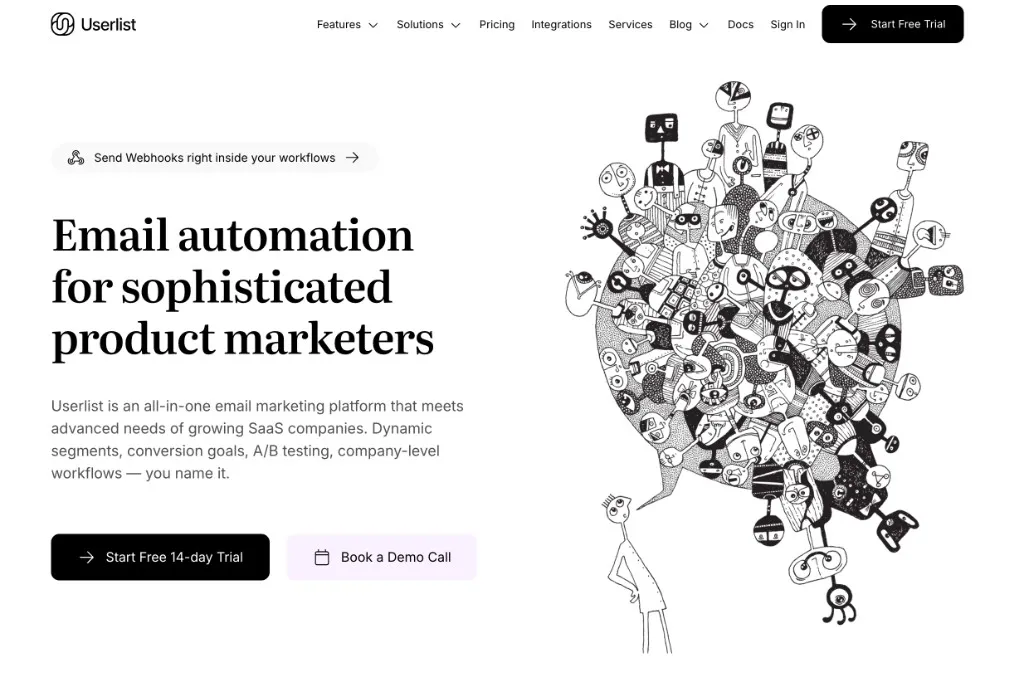
Userlist is an email automation tool built specifically for SaaS. It understands that B2B users belong to companies, so you can message based on both user and account behavior.
It’s a focused, affordable option for B2B SaaS teams that don’t need a full enterprise platform.
Pricing: Plans scale with the number of users you track. Check their site for current pricing.
Customer Data Infrastructure
The more tools you use, the more you need a single source of customer events and identities. A customer data platform collects that data once and sends it to every tool in your stack.
#20. Segment (now Twilio)
Good for: collecting and routing customer data
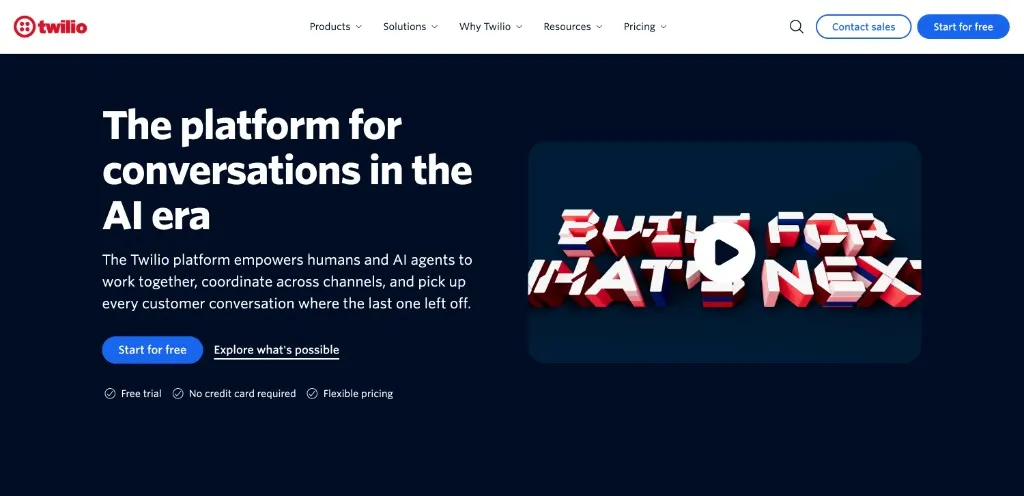
Segment collects events from your website, app and servers and sends them to hundreds of destinations, including most tools on this list. You track once and stop maintaining a separate integration for every tool.
Segment was acquired by Twilio and is now part of the Twilio product suite. You still get the same CDP for collecting and routing customer data, now under the Twilio umbrella alongside their messaging and communications products.
Pricing: There’s a free plan. Paid plans scale with volume and destinations. Check their site for current pricing.
#21. RudderStack
Good for: warehouse-first customer data pipelines
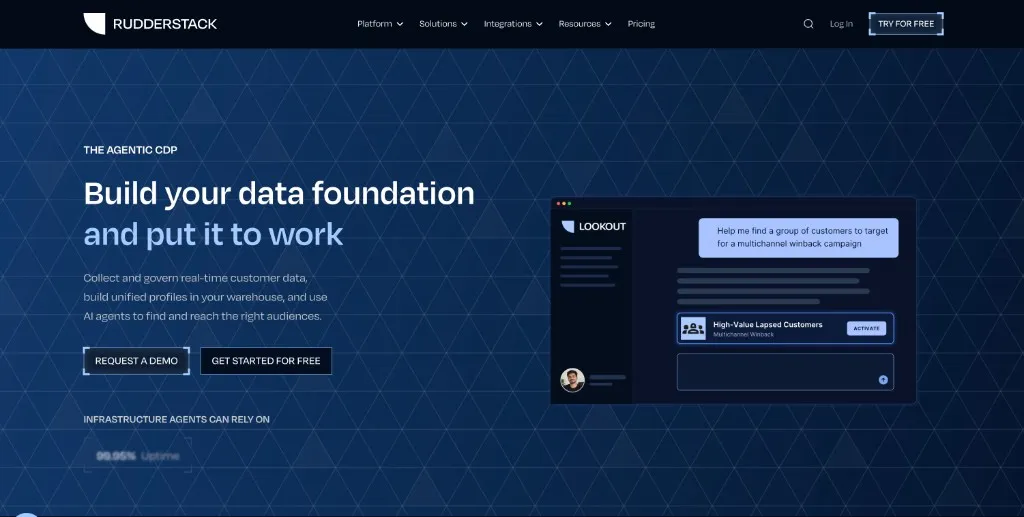
RudderStack does a similar job to Segment, but it’s built around your data warehouse and is popular with data and engineering teams who want more control.
Pricing: There’s a free tier. Paid plans scale with event volume.
Experimentation and Feature Management
Shipping a change isn’t the same as improving your product. Experiments tell you whether a new onboarding flow, pricing page or feature actually moves activation, conversion or retention.
#22. GrowthBook
Good for: A/B testing and feature flags
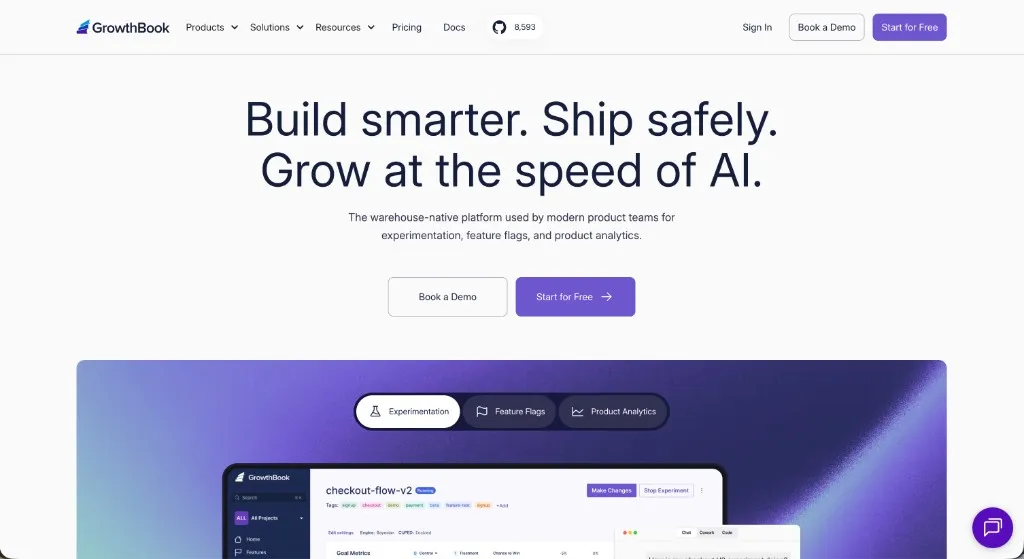
GrowthBook is an open-source platform for feature flags and experimentation. It works on top of the data you already have in your warehouse or analytics tool, so you don’t need to send your events to yet another place.
Pricing: The open-source version is free to self-host. The cloud version has a free plan, with paid plans priced per seat.
What We Left Out
If you read the 2022 version, you’ll notice some tools are gone, including Zendesk, ChurnZero, ChartMogul, ActiveCampaign, BigQuery and Snowflake. Most of them are still good products. They just aren’t what we’d reach for first when building a PLG stack today, or they fit better in other articles. For revenue analytics and growth operations, see our SaaS growth tools list.
Build Around Your Gaps
You don’t need all 22 tools. Most PLG teams start with feedback and product analytics, then add onboarding, support and lifecycle messaging as they grow.
Write down where users get stuck, pick a tool for that job, and check whether the metric actually moves. We’ll keep updating this list as the market changes and as we try new tools.
Want to find out why users don’t activate, convert or stick around? Check out Refiner’s survey templates.
Frequently Asked Questions
What tools do I need for a product-led growth stack?
Most PLG stacks cover the same jobs. You need a way to collect user feedback, onboard users, support them, analyze product usage, message them based on behavior, and connect self-service users with sales. Start with feedback and product analytics, then fill the biggest gaps first.
Should I buy an all-in-one platform or focused tools?
All-in-one platforms are convenient early on, but they rarely do every job equally well. For the parts of your funnel that matter most, like onboarding, feedback and analytics, focused tools usually go deeper. Use a customer data platform like Segment (now Twilio) or RudderStack to keep them connected.
Which product-led growth tools are affordable for startups?
Many of them have free plans or startup programs. PostHog, Amplitude, Mixpanel, Segment (now Twilio), RudderStack, GrowthBook, Attio, HubSpot and Guideflow all offer a free tier, and Plain runs a startup program. Refiner has a 14-day free trial, with paid plans from $99/month.
How does user feedback fit into product-led growth?
Product analytics tell you what users do. Feedback tells you why. In-app surveys let you ask users at the moment they hit a milestone or drop off, so you can find friction in activation and conversion. Tools like Refiner also use AI to tag and group open-text answers, so you can spot patterns without reading every response by hand.
Will this list of product-led growth tools change?
Probably. We first published this list in 2022 and rewrote it in 2026 because the market had moved on. We'll update it again as new tools appear and our opinions change. Nobody paid to be included.
 Mobile Surveys: A Complete Guide to Creating and Using Mobile Surveys
 What are Microsurveys: Best Practices and Examples
 What are Product Feedback Surveys (+ 59 Best Questions to Ask)
 How (and Why) You Should Collect In-app Feedback
 How to Collect In-app Feedback: 11 Best Practices
 7 Best In-app Messaging Tools Today
 What are In-app Notifications and Why You Must Be Using Them
 8 In-app Messaging Best Practices for SaaS
 In-app Messaging: The Ultimate Guide