
Dashboards and reporting that turn responses into decisions
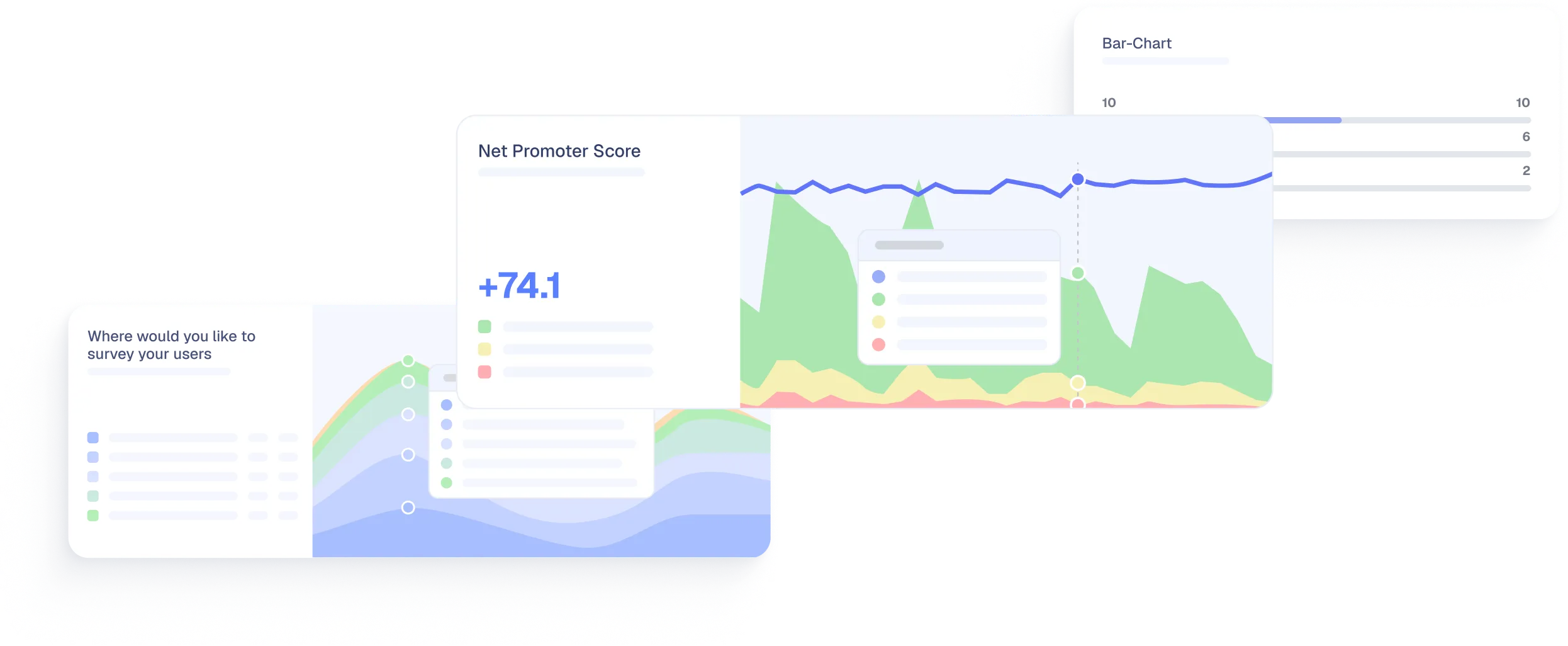
Every response flows into real-time dashboards built for the metrics that matter to product-led teams. Filter by segment, track trends, and spot patterns without exporting a single spreadsheet.
Trusted by fast-growing startups and global enterprises
- Qonto
- Razorpay
- BPCE

- Shine
- Copy.ai
- Moqups
- AutoScout24
- Resident Advisor
- Caya
- Livestorm
- Merci app
- OneFootball
Survey data that sits in exports doesn't drive decisions
You collected hundreds of responses. Now what? Most survey tools hand you a CSV and wish you luck. The gap between collecting feedback and acting on it is where insights go to die.
Scattered data, no single view
Responses live in one tool, user attributes in another, and you're left stitching things together in a spreadsheet to get a complete picture.
No trend tracking
A single NPS score is a snapshot. Without trend lines over time, you can't tell if your product is getting better or worse.
Manual tagging and categorization
Reading every open-text response and manually categorizing them doesn't scale. By the time you finish, the insights are stale.
No segmentation in reporting
Average scores across your entire user base hide the real story. Enterprise accounts, new users, and power users have very different experiences.
Track the metrics that matter
Refiner's dashboards are built for NPS, CSAT, CES, and custom ratings. See scores, trends, and distributions the moment responses come in.
NPS dashboard
Score breakdown by promoters, passives, and detractors. Trend lines over time.
CSAT and CES charts
Satisfaction and effort score charts with trend lines.
Custom rating charts
Any rating question gets its own chart with distribution and trends.
Real-time updates
Dashboards update as responses come in. No waiting.
Segment and filter responses any way you need
The average across all users is almost never the number you need. Slice responses by any user attribute to find the insights that drive decisions.
Filter by user attributes
Plan tier, company size, role, country, lifecycle stage, or any custom trait.
Filter by response data
Narrow down by date range, specific answer values, response tags, or completion status.
Cross-survey analysis
Compare results to see how the same user segment responds to different questions.
Save & share filters
Save filter combinations you use regularly. Share dashboards with your team.
Let AI handle the open-text analysis
Open-text responses are where the richest insights hide, but reading and categorizing hundreds of them manually doesn't scale. AI auto-tagging tracks the topics you defined. Tag Discovery suggests the ones you missed.
Automatic topic tagging
Group open-text responses by topic: "Slow loading times," "confusing onboarding," and "love the new feature".
Tag Discovery
Refiner AI suggests new tags from recent responses. Accept them into the library or dismiss them.
Spot recurring patterns
See which themes appear most often across responses. Identify the top issues and requests.
Filter by tags
Combine tags with user attributes to find the answers you need. Chart counts. Alert and digest on them.
Get data where your team already works
Dashboards are the starting point. From there, push data to the tools where your team makes decisions.
Slack and Teams alerts
Get notified when a response needs action, or send a daily, weekly, or monthly digest with NPS, CSAT, rating averages, and tag counts.
Data sync to your stack
Push responses to Segment, RudderStack, Amplitude, Mixpanel, Chattermill, Enterpret, HubSpot, and Salesforce. Responses become user traits across your entire tool stack.
API and webhooks
Build custom workflows with the REST API and webhooks. Trigger actions in any tool when a response meets your conditions.
Export options
Download response data as CSV or Excel when you need it. But most teams never need to, because the data is already where they work.
Start making sense of your survey data today
Launch a survey, watch responses flow into your dashboard, and filter by the segments that matter to your team.

With its Segment integration, Refiner makes it super easy to survey fragmented user segments easily based on properties and/or events and sync results with our data warehouse for further analysis. Setting up Refiner was a child’s play and creating new surveys is a matter of minutes. 10/10 points.
— Alexander Schneekloth, Co-Founder @ Caya