
On-brand survey design: from quick styling to full white-label
Your product has a design system. Your surveys should follow it. Refiner gives you a visual editor for fast styling and custom CSS for pixel-perfect control, across every channel.












Trusted by fast-growing startups and global enterprises
- Qonto
- Razorpay
- BPCE

- Shine
- Copy.ai
- Moqups
- AutoScout24
- Resident Advisor
- Caya
- Livestorm
- Merci app
- OneFootball
Third-party survey widgets break the user experience
You spent months refining your product's look and feel. Then a survey pops up that looks nothing like the rest of the interface. Users notice. It feels off-brand, cheap, or spammy, and response rates reflect that.
Color picker is not brand customization
Your design system has specific shades, gradients, and interaction states. A color picker doesn't cut it.
One widget, take it or leave it
No control over position or behavior. It clashes with your product's UI patterns.
Branding you can't remove
Even on paid plans, many tools keep a "Powered by" badge that reminds users they're interacting with a third party.
Desktop-only design
If you have a native iOS or Android app, you're usually stuck with a web widget that doesn't match the native UI at all.
Style surveys in minutes with the visual editor
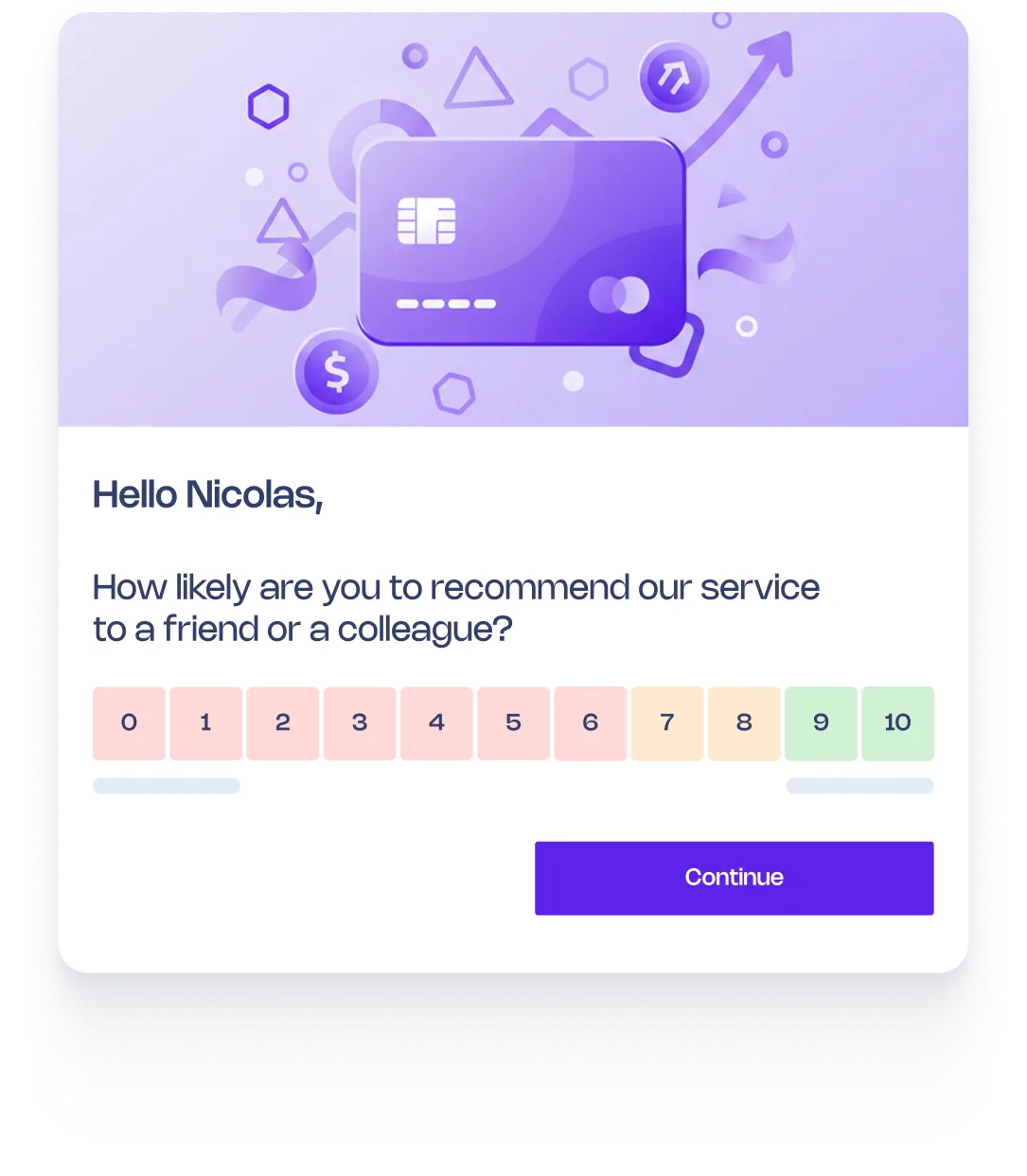
No code needed for most teams. Refiner's visual editor gives you the controls to match your brand with a few clicks, and a live preview to see the result instantly.
Brand colors
Set your exact brand colors for buttons, backgrounds, text, highlights, and progress bars.
Predefined themes
Start from a theme close to your brand and fine-tune from there.
Logo and banner images
Upload your logo, add banner images, and remove all Refiner branding.
Typography
Choose font families and sizes that match your product's type system.
Border radius and border styles
Rounded corners or sharp edges. Borders or no borders. You click and it's done.
Choose the right widget for each context
Different surveys need different presentation styles. A two-question NPS survey doesn't need a full-screen modal. A 10-question research survey shouldn't be crammed into a small slide-in.
Slide-in panel
A compact widget that slides in from the corner. Ideal for short surveys (NPS, CSAT, CES).
Centered modal
A focused overlay for longer surveys or moments where you want the user's full attention.
Top and bottom banners
A non-intrusive bar at the top or bottom of the screen. Works well quick single-question polls.
Position control
Place widgets in any corner or edge of the screen. Not just the bottom right.
Go pixel-perfect with custom CSS
When the visual editor isn't enough, custom CSS gives you full control. Override any element, add animations, or match complex design systems exactly.
Override any element
Every part of the survey is accessible via CSS selectors.
Match your design system
You can replicate all of it in the survey widget.
Scoped to the widget
Custom CSS applies only to Refiner's widget.
White-label completely
Surveys are indistinguishable from your product.
Start building on-brand surveys today
Style your first survey to match your product in minutes. Go from predefined themes to full white-label when you're ready.

The templates and the ability to customize survey with our own branding and targeting specs is very much appreciated too.
— Margaux Reynaud, Product Manager @ Libeo