
Segmentation and targeting: ask the right question to the right user
Build precise audiences based on user traits, events, and past survey responses. Show the right survey at the right moment to the right people.
Trusted by fast-growing startups and global enterprises
- Qonto
- Razorpay
- BPCE

- Shine
- Copy.ai
- Moqups
- AutoScout24
- Resident Advisor
- Caya
- Livestorm
- Merci app
- OneFootball
Showing every survey to every user is a fast way to annoy them
Without proper targeting, you end up surveying users who just signed up about features they haven't used, or asking power users the same onboarding questions twice. The result: low response rates, noisy data, and survey fatigue.
No behavioral targeting
Most survey tools let you trigger on page load or after a time delay. That's not targeting, that's guessing.
No user context
If your survey tool doesn't know who the user is, what plan they're on, or what they just did, you can't ask relevant questions.
Survey fatigue from over-surveying
Without frequency controls, your most active users see every survey you launch. They stop responding, or worse, they get frustrated.
One-size-fits-all analysis
Averaging NPS across your entire user base tells you nothing. You need to see how scores differ by segment, plan, and lifecycle stage.
Target users based on who they are
Use user traits and attributes to define exactly who sees each survey. Refiner knows your users because it connects to your data stack.
User attributes
Target by plan tier, role, country, or any custom trait.
Account-level targeting
Group users by account and target based on account-level attributes.
Imported data from your CDP
Bi-directional Segment and RudderStack sync.
Auto-generated fields
Target based on each user's history with your surveys.
Target users based on what they do
Trigger surveys based on specific actions, events, or pages. Ask feedback at the moment it's most relevant.
Event-based triggers
Fire a survey after a user completes onboarding, uses a new feature or hits any custom event.
Page-based triggers
Show a survey on specific pages or sections of your app.
Lifecycle-based targeting
Target users based on where they are in their journey.
Manual triggers
Trigger surveys programmatically when you need full control over timing.
Use segments for reporting, not just targeting
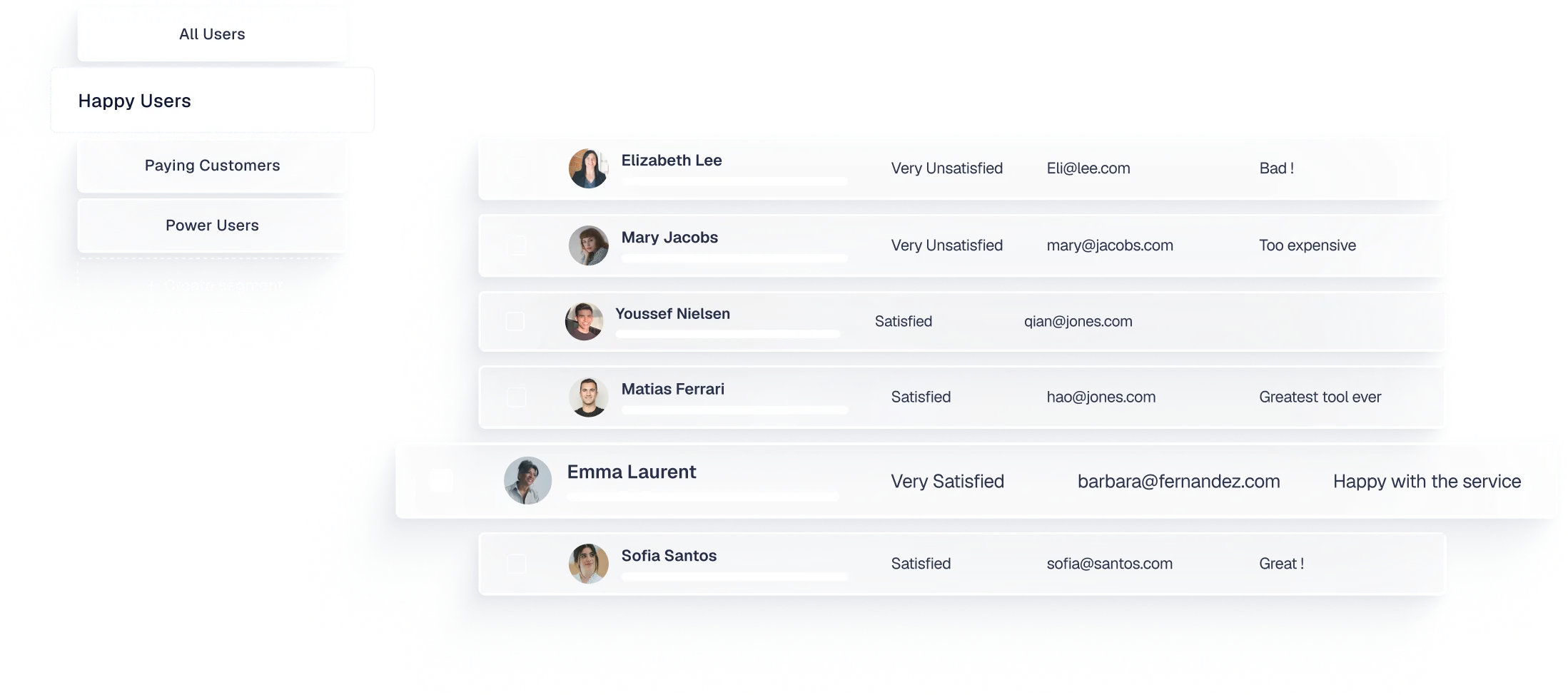
The same segments you build for targeting power your reporting. Filter dashboards by segment to see how different user groups respond.
Segment-based reporting
Compare NPS across plan tiers, CSAT across regions, or CES across lifecycle stages.
Segment-triggered alerts
Get notified when a user enters a specific segment.
Segment-triggered integrations
Automate actions when a user enters a segment.
Complex segment logic
Combine multiple filters with AND/OR logic and filter groups.
Start targeting the right users today
Build your first segment, launch a targeted survey, and see how response quality improves.

Refiner makes it super easy to survey fragmented user segments easily based on properties and/or events.
— Alexander Schneekloth, Co-Founder @ Caya