
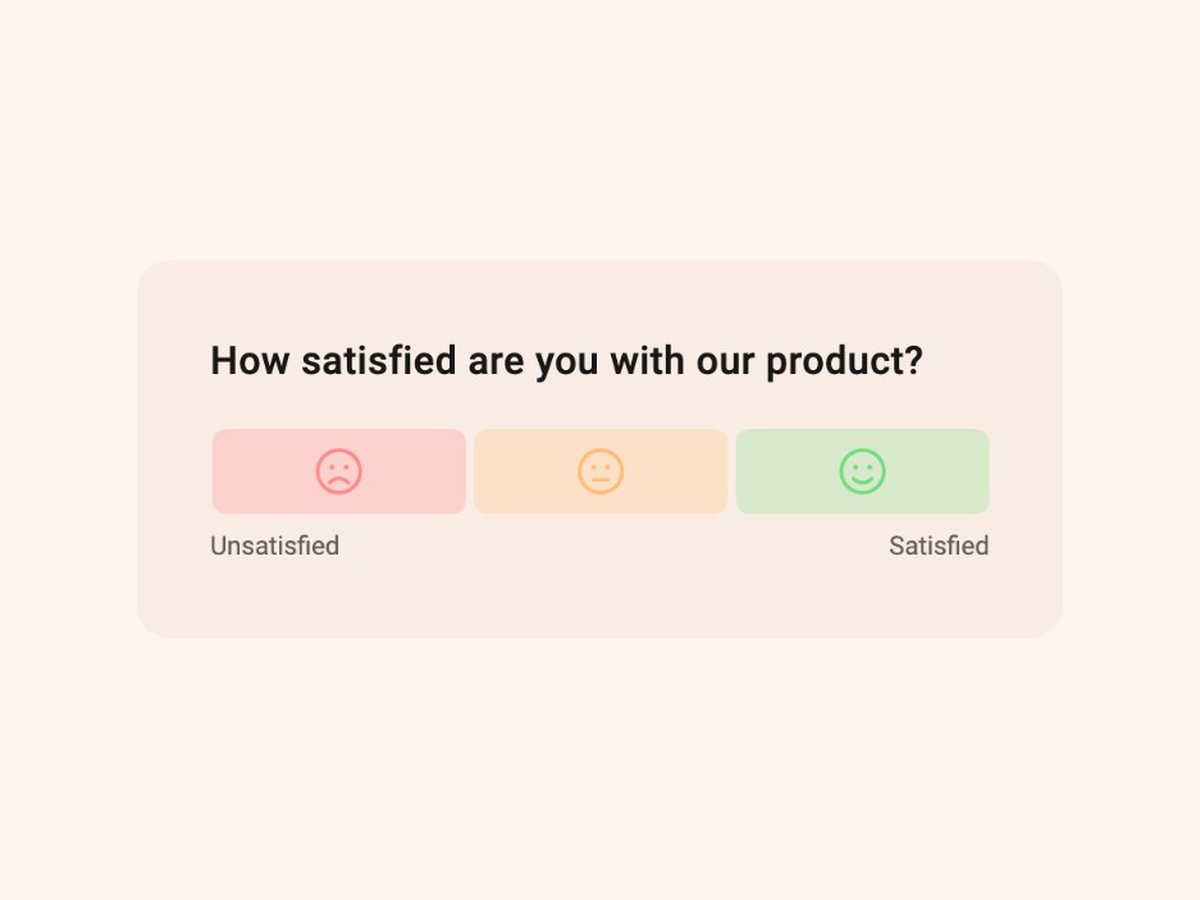
CSAT Survey Template
Quickly evaluate customer satisfaction with this expert-built CSAT survey template.
See template in actionWhat makes this onboarding CES survey template useful:
Onboarding is where many SaaS users decide whether the product is worth the work. If setup feels hard, people leave before they see value. A low onboarding Customer Effort Score is an early churn signal, often clearer than waiting for a 30-day NPS.
CES was built to measure how hard an interaction felt. For onboarding, that interaction is “get set up and reach first value.” This template applies that idea to the first sessions of a new account. You are not asking whether they love the product yet. You are asking whether they could start without unnecessary friction.
If you want a broader primer on the metric itself, IBM’s overview of what Customer Effort Score measures is a clear place to start.
Trigger it after a real getting-started moment:
Send it while the experience is fresh, ideally within the same session or within 24 hours. A fixed “day 7” email often arrives too late. By then, struggling users may already be gone, and successful users have forgotten the rough edges.
Segment by role and plan when you can. An admin configuring SSO and an end user completing their first task experience onboarding differently.
If you also need satisfaction with a specific feature later, use the feature satisfaction or Product Feature CES templates. Onboarding CES is for the start of the journey.
Quickly evaluate customer satisfaction with this expert-built CSAT survey template.
See template in action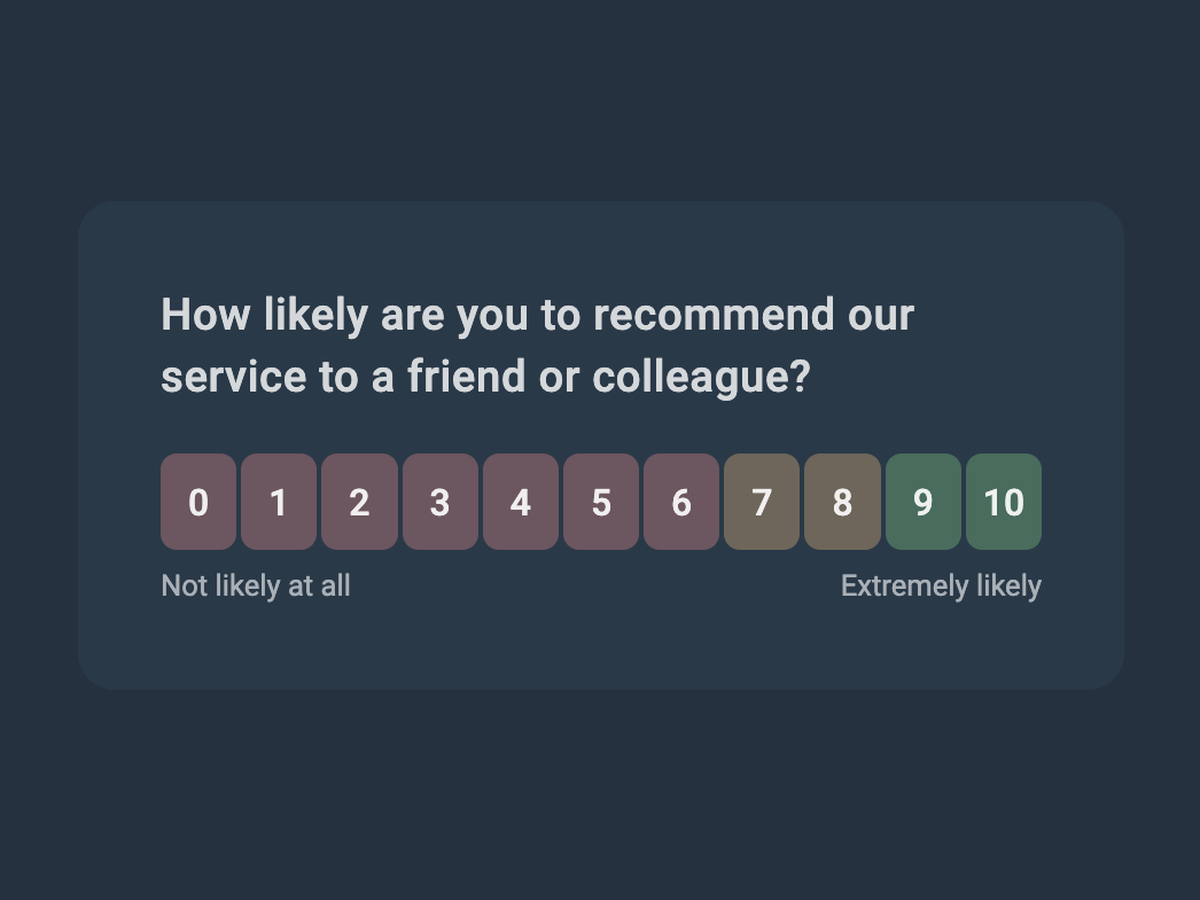
Start collecting customer feedback in just a few clicks with this expert-built Net Promoter Score survey template.
See template in action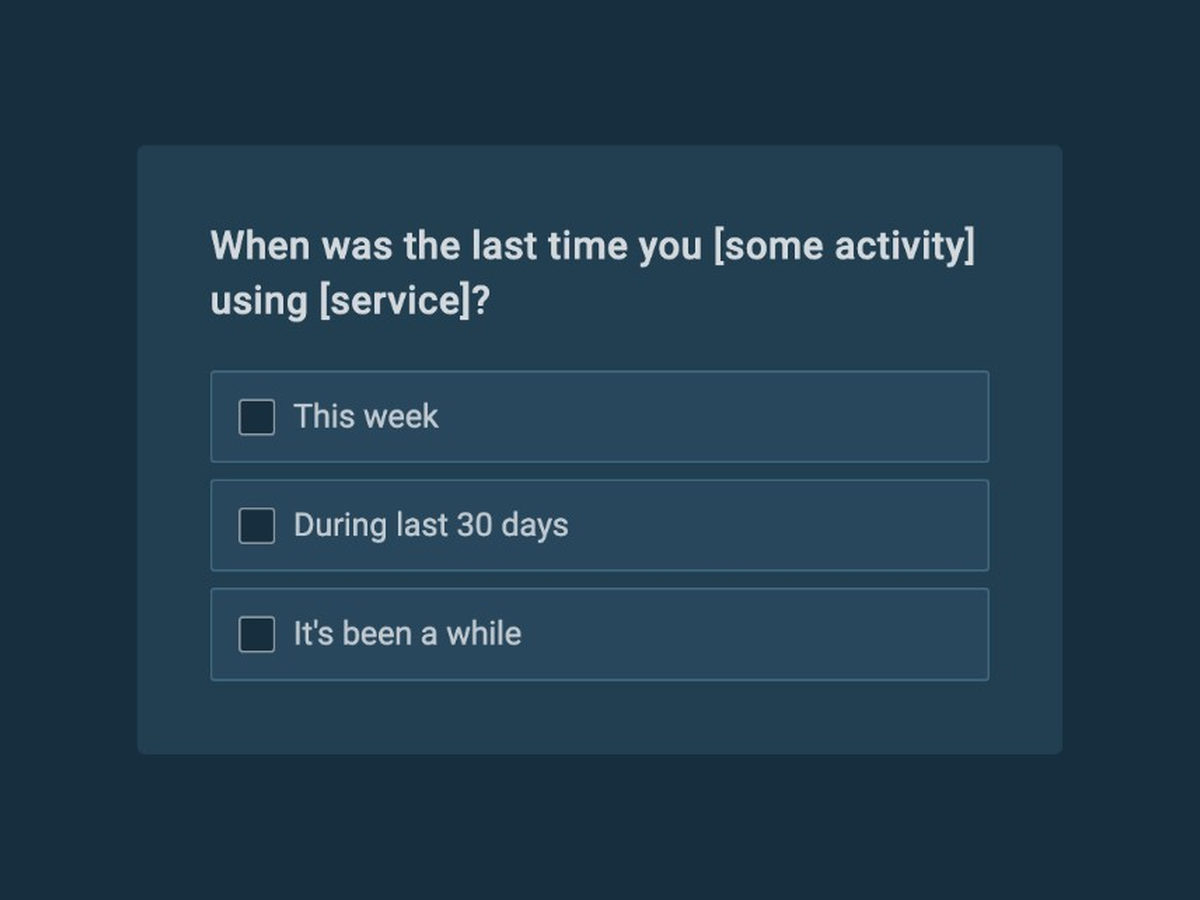
Understand customer needs and collect insights to help you build a product your customers want with this simple to use customer discovery survey template.
See template in action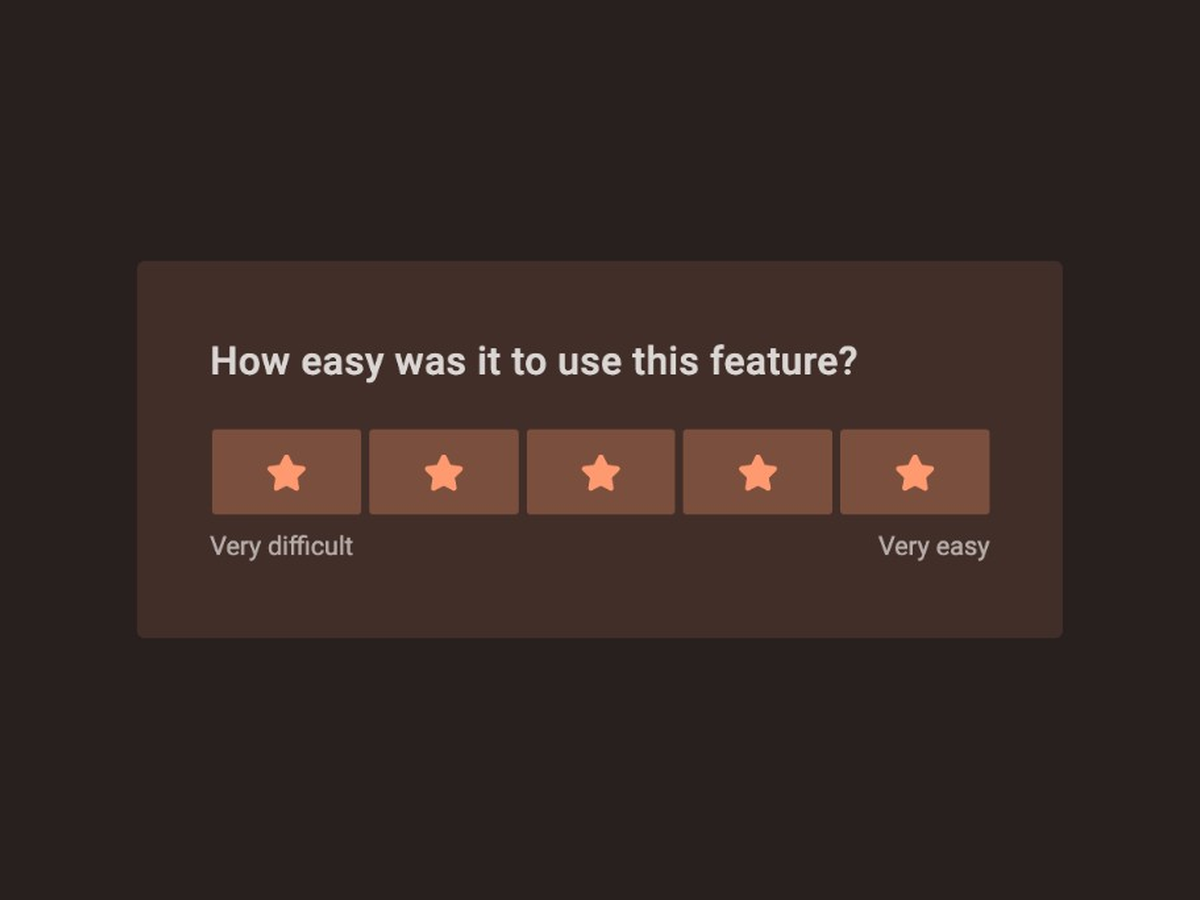
Ask users how easy a feature was to use, right after they finish the task.
See template in action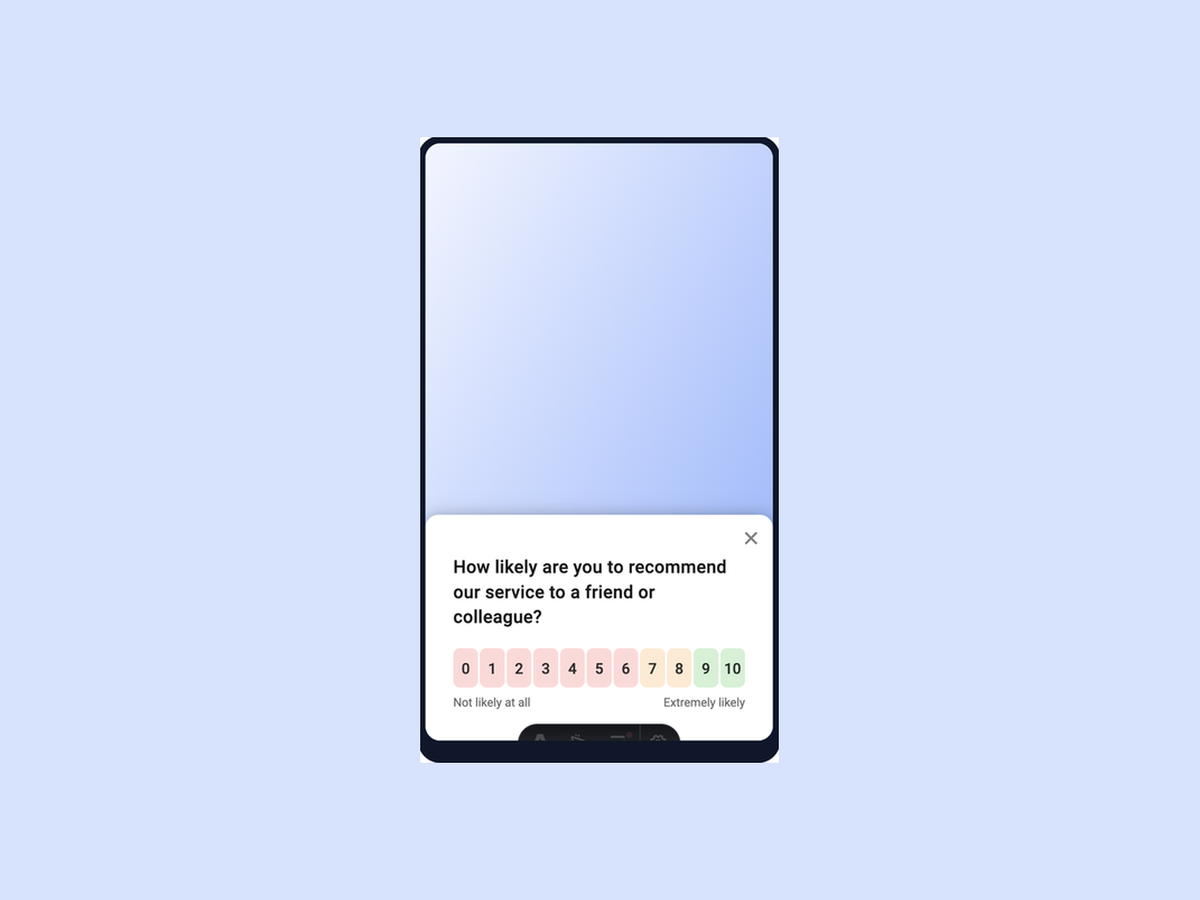
Quickly identify how to improve mobile app experience with this simple to use template.
See template in action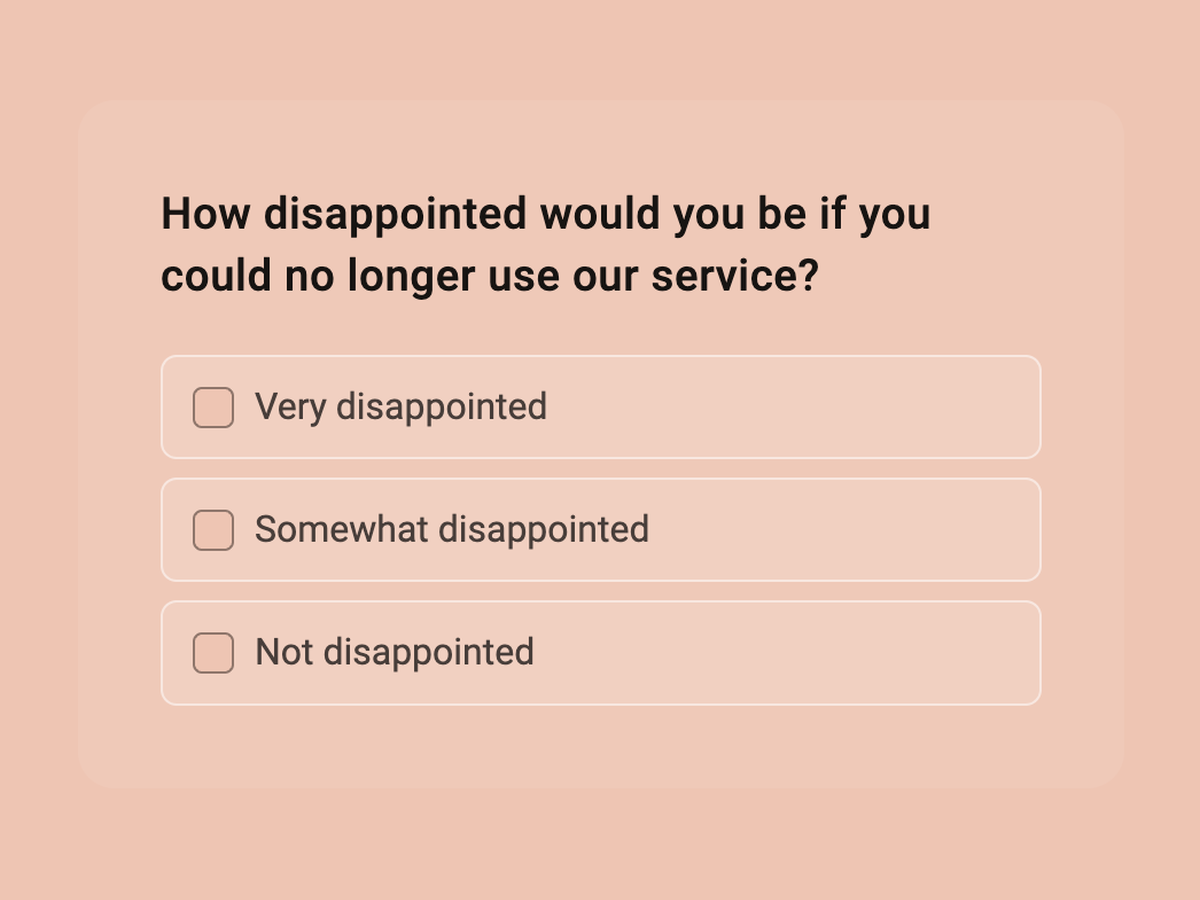
Discover whether your product meets your audience’s needs and the market demand with this simple to use product market fit survey template.
See template in action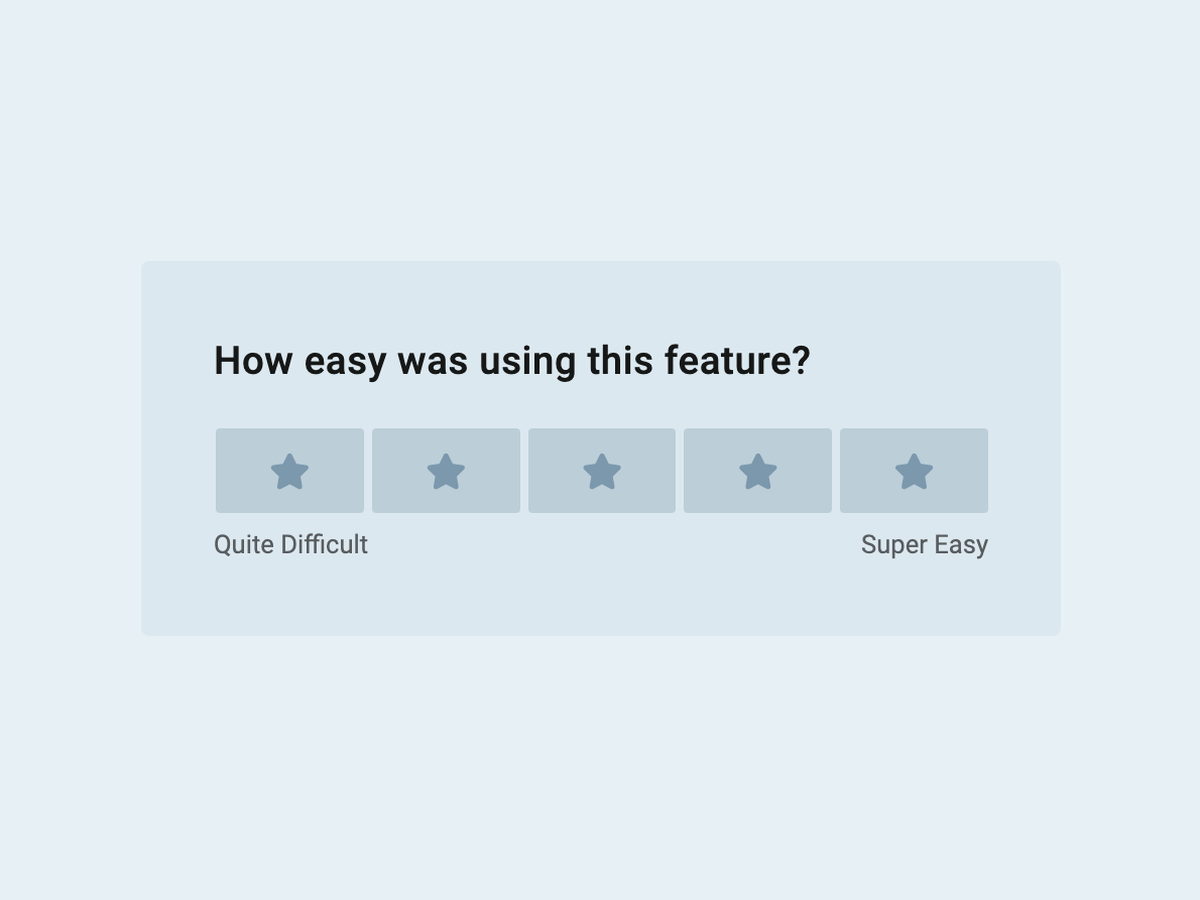
Understand user behavior and discover what users think of your product with this simple to use template.
See template in action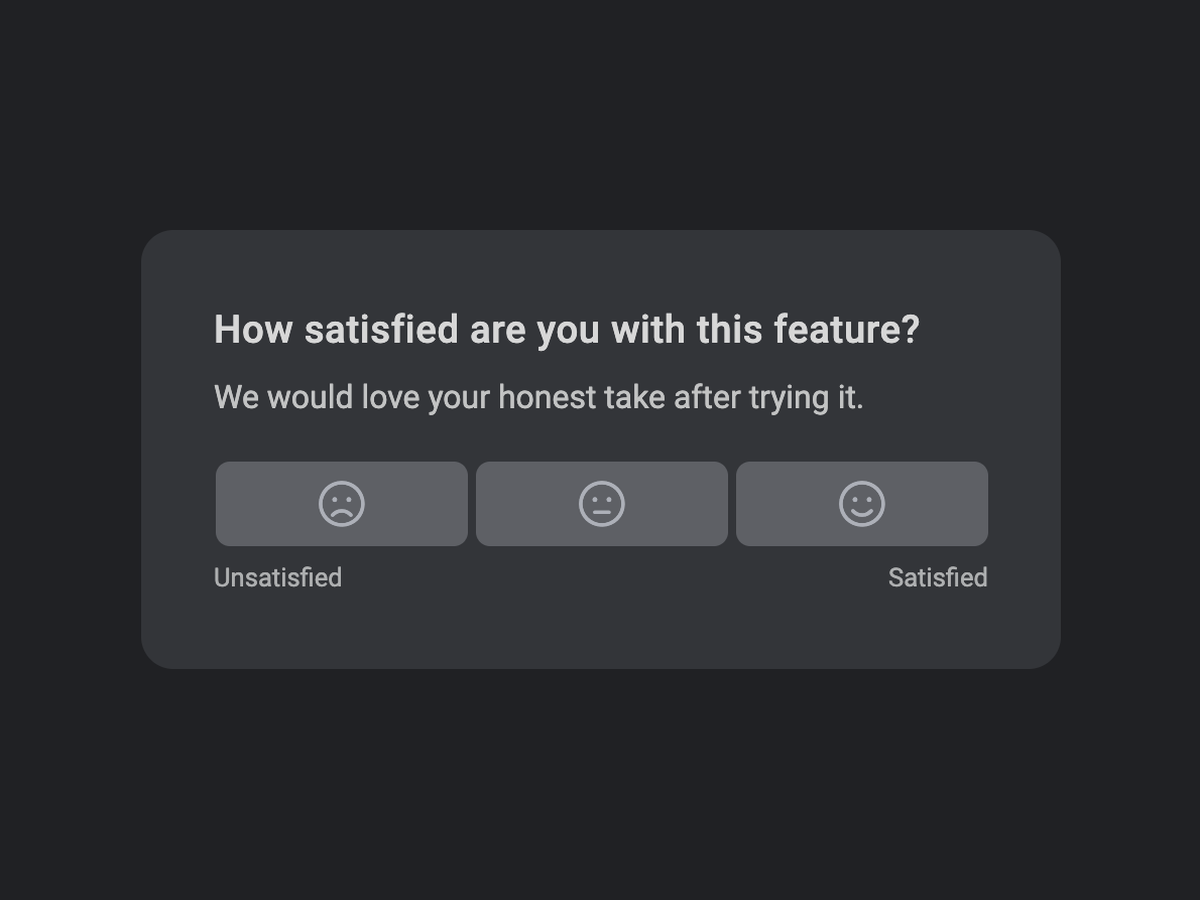
Get a quick satisfaction signal for a single feature, then ask why when the score is low.
See template in action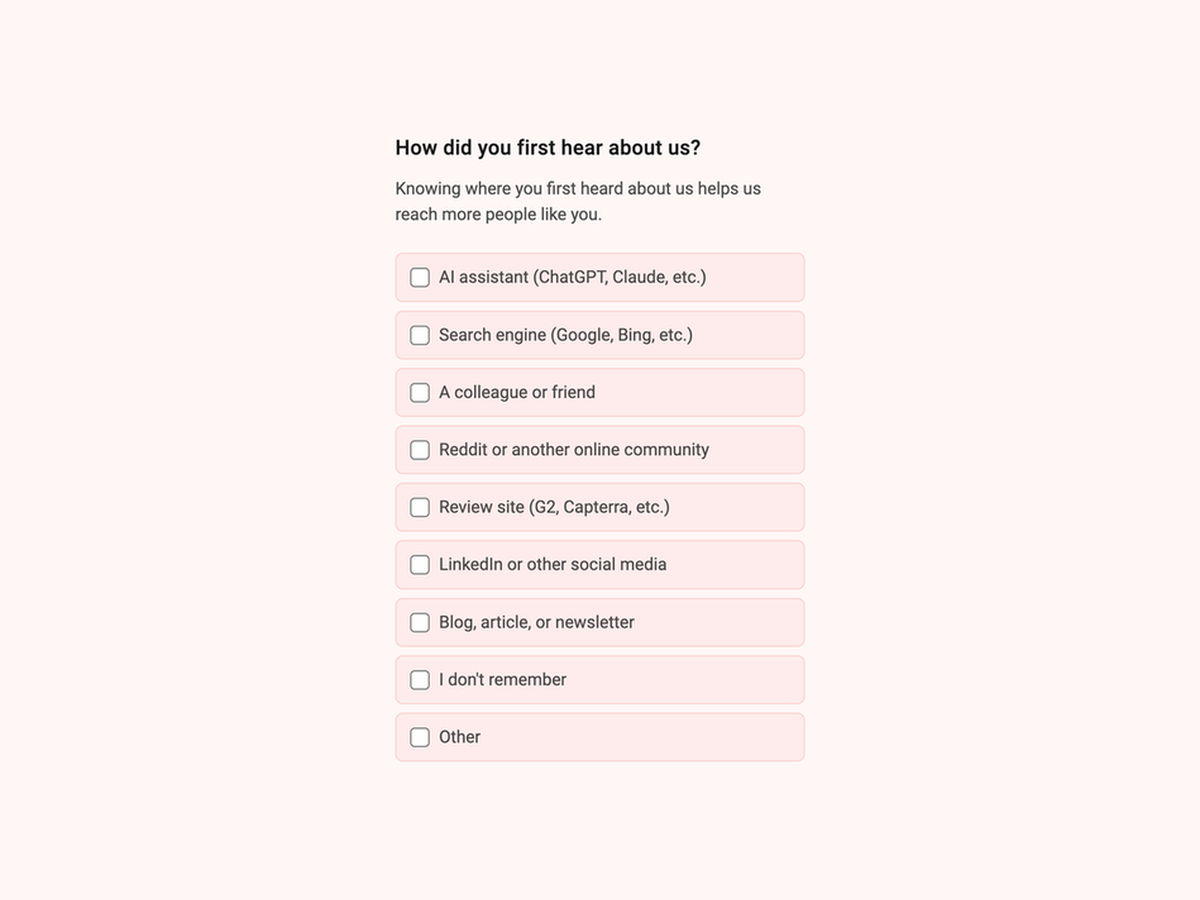
Ask customers how they first heard about you and capture channels that tracking alone misses.
See template in actionCustomize the questions, add your brand, and start collecting responses in minutes.