
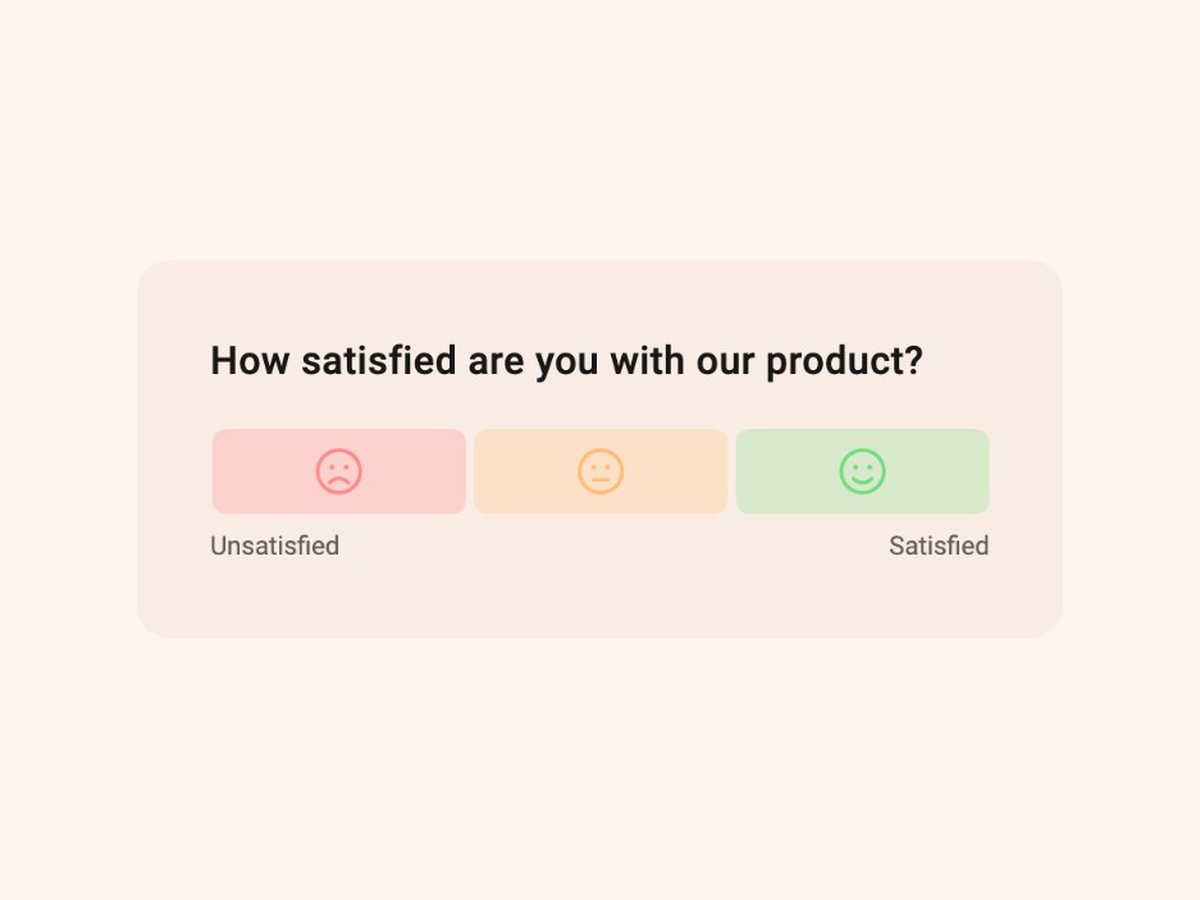
CSAT Survey Template
Quickly evaluate customer satisfaction with this expert-built CSAT survey template.
See template in actionWhat makes this Product Feature CES survey template useful:
Customer Effort Score measures how easy a specific interaction felt. The idea comes from research published in Harvard Business Review in 2010 by Matthew Dixon, Karen Freeman, and Nicholas Toman in Stop Trying to Delight Your Customers. Their finding still holds: reducing effort predicts loyalty better than trying to “delight” customers after every interaction.
Two common CES variants show up in practice:
This Product Feature CES template uses a practical product version: a 1 to 5 scale from Very difficult to Very easy for a specific feature. Higher scores mean lower effort. Average the responses to get your CES for that feature.
CES is different from NPS and CSAT. NPS measures loyalty to the brand. CSAT measures satisfaction with an experience. CES measures how hard the work felt. Use it when you care about friction in a task, not overall love for the product.
Feature-level CES tells you whether people can complete the job without fighting the UI. That is often the earliest warning that a release will struggle in adoption.
Run it after someone finishes a real feature workflow, not after they open a page. Friction is still fresh, the answer is specific, and you can tie scores to the feature, plan, or segment that produced them.
A low score without a reason is only a signal. The follow-up question (“What made this difficult?”) turns that signal into a fix list: missing copy, too many steps, unclear permissions, broken empty states, and so on.
Keep the survey short. One rating plus a conditional open text question is enough. Add a cooldown so the same person is not asked every session.
On a 1 to 5 scale where 5 is very easy, treat averages around 4 and above as healthy for most product flows. Scores clustering at 1 to 3 deserve attention, especially if the same step keeps showing up in open text.
Segment by feature, plan, role, and platform. An admin setting up an integration and an end user running a daily task will report different effort for “the same” product.
Quickly evaluate customer satisfaction with this expert-built CSAT survey template.
See template in action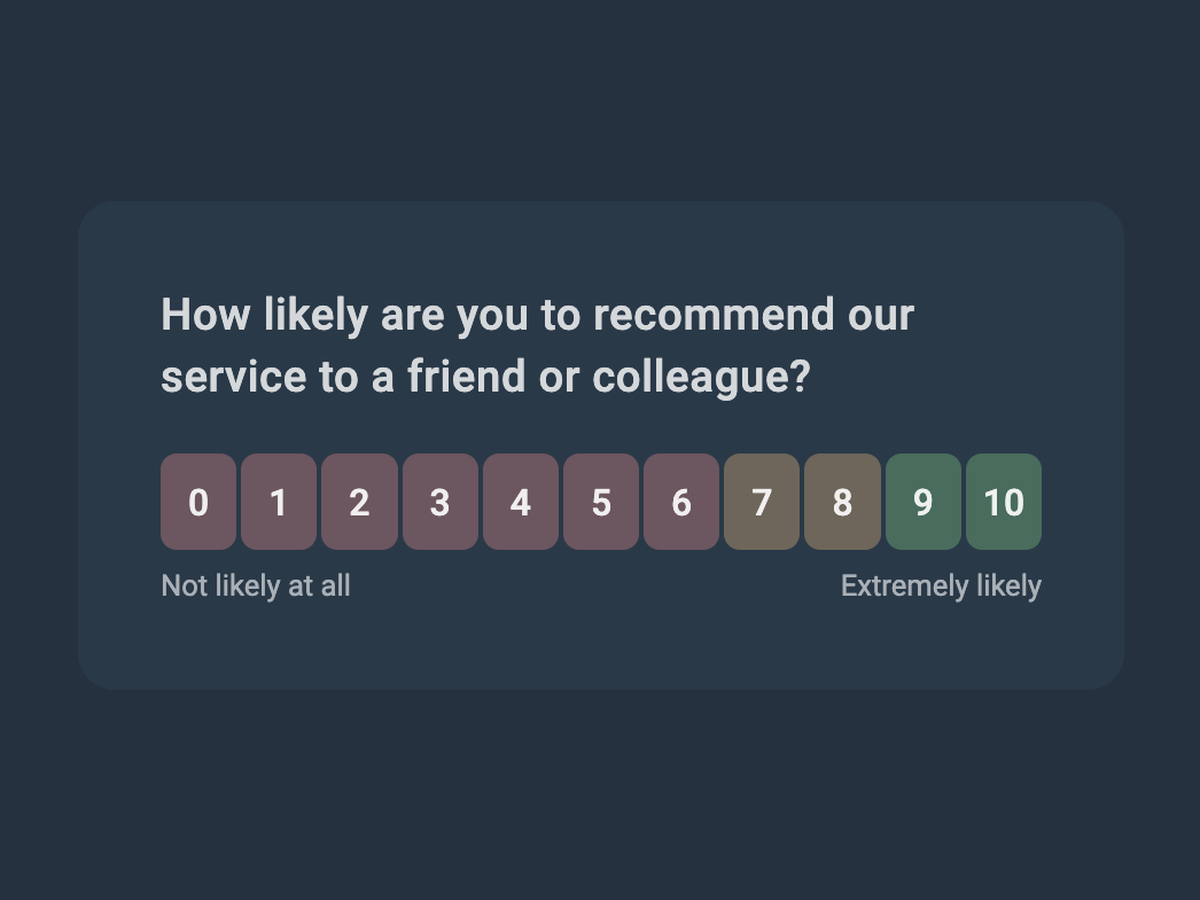
Start collecting customer feedback in just a few clicks with this expert-built Net Promoter Score survey template.
See template in action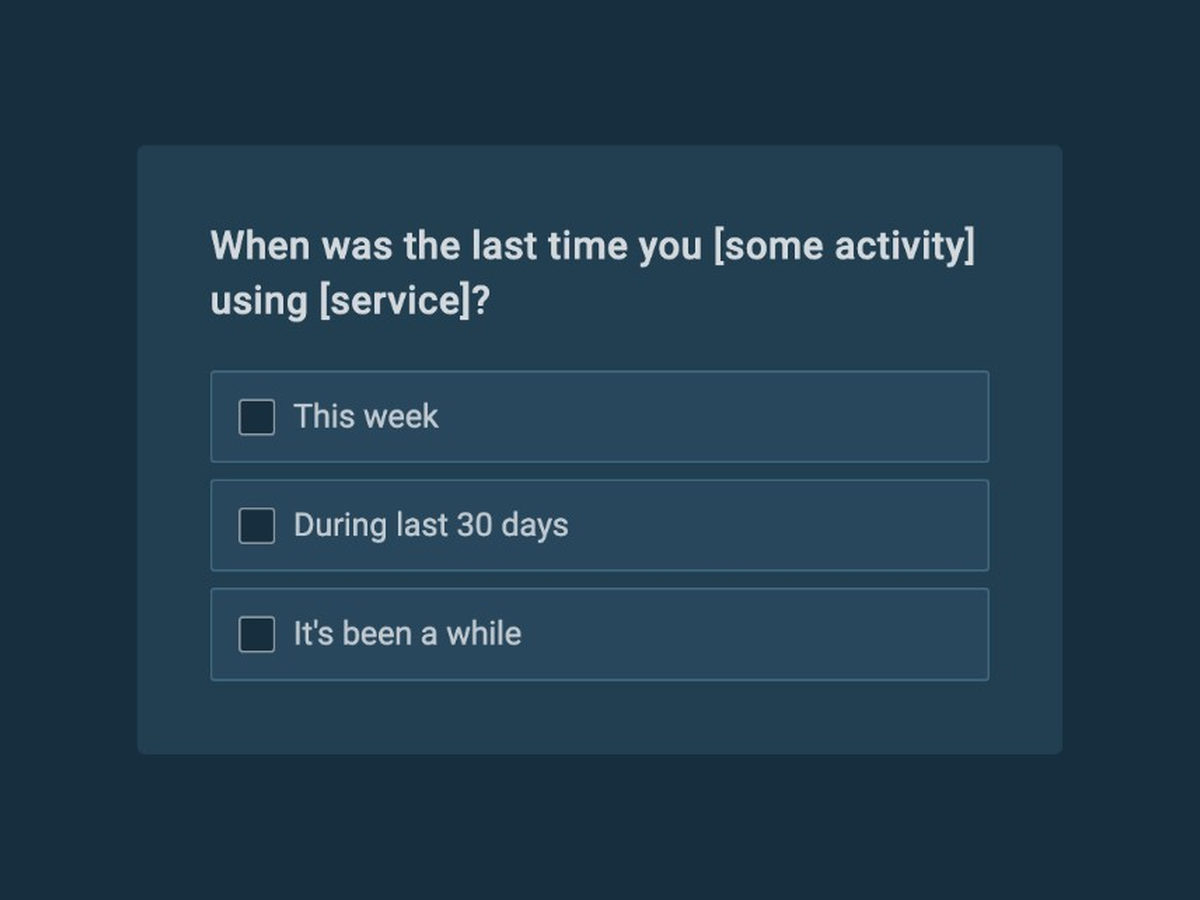
Understand customer needs and collect insights to help you build a product your customers want with this simple to use customer discovery survey template.
See template in action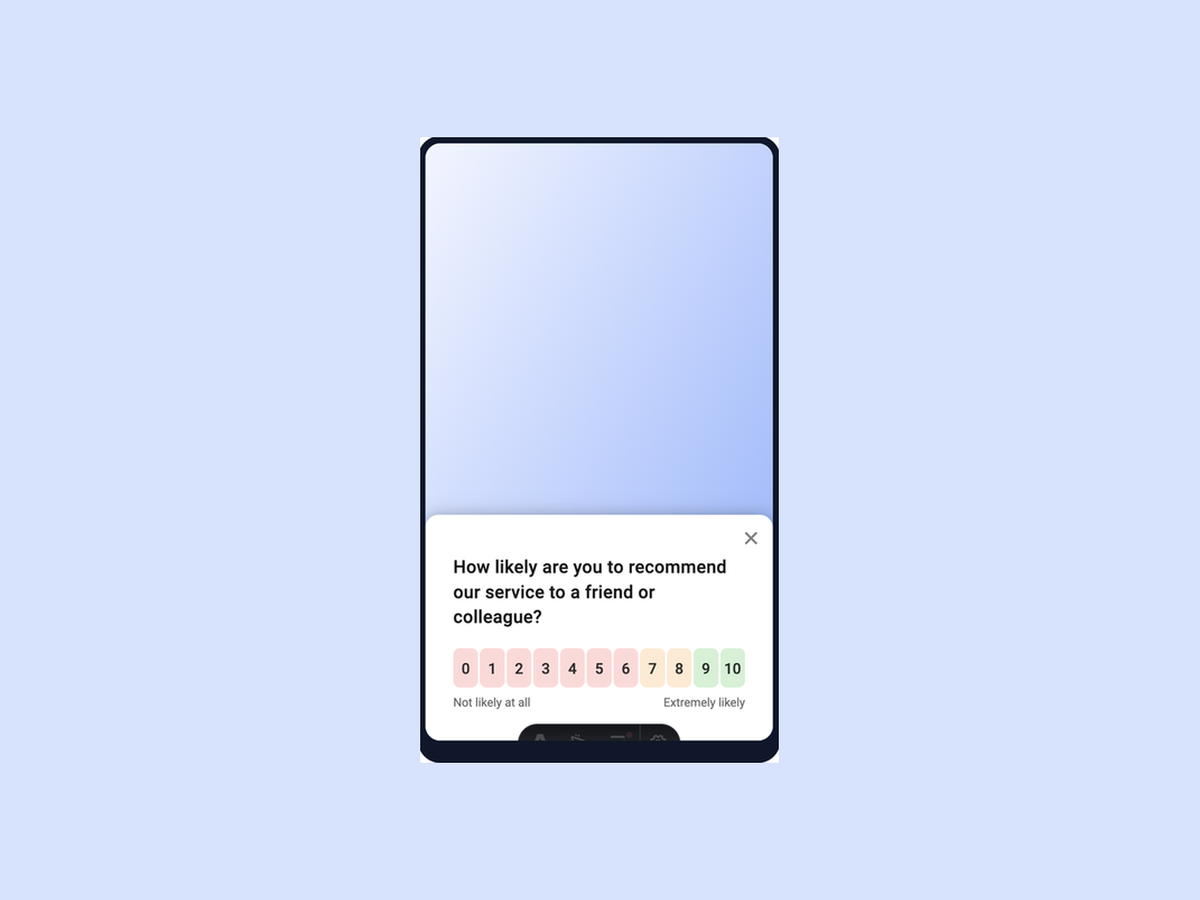
Quickly identify how to improve mobile app experience with this simple to use template.
See template in action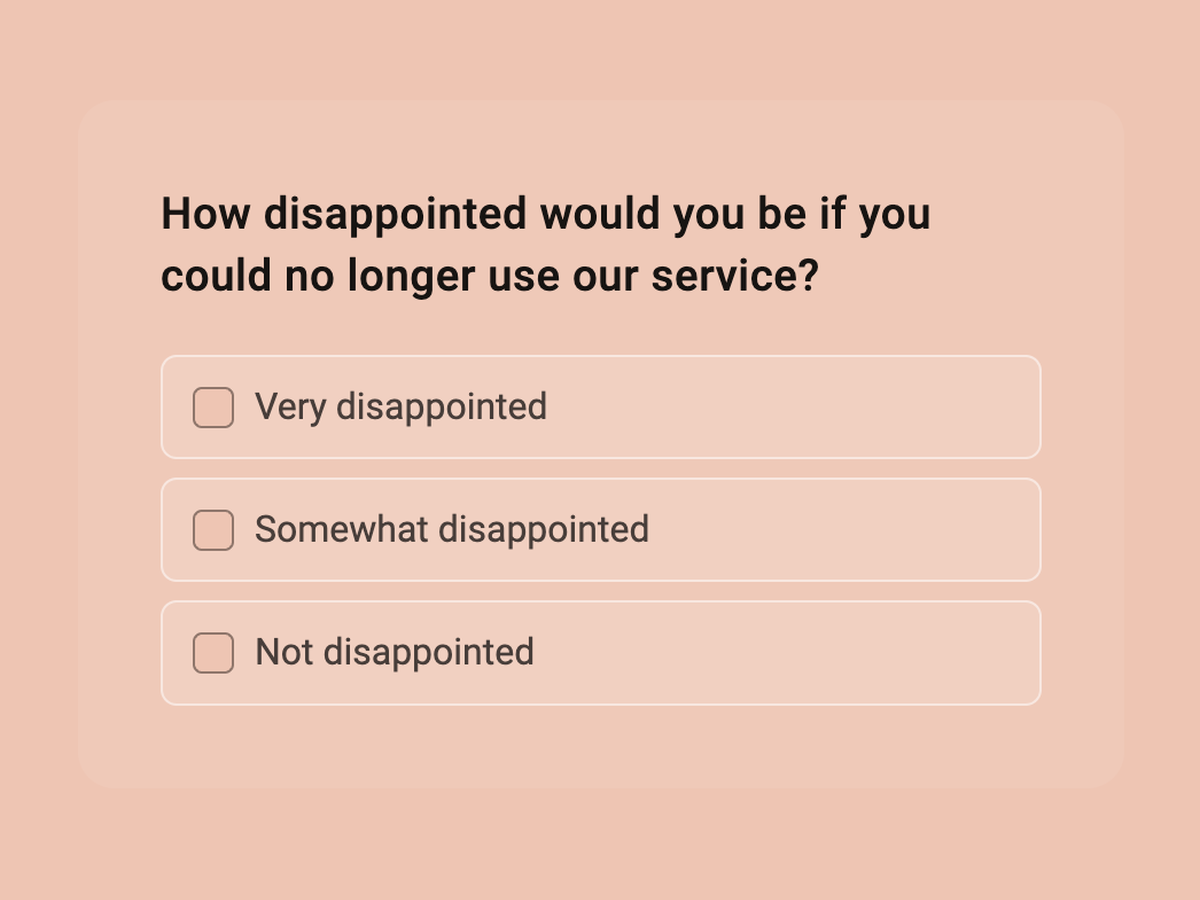
Discover whether your product meets your audience’s needs and the market demand with this simple to use product market fit survey template.
See template in action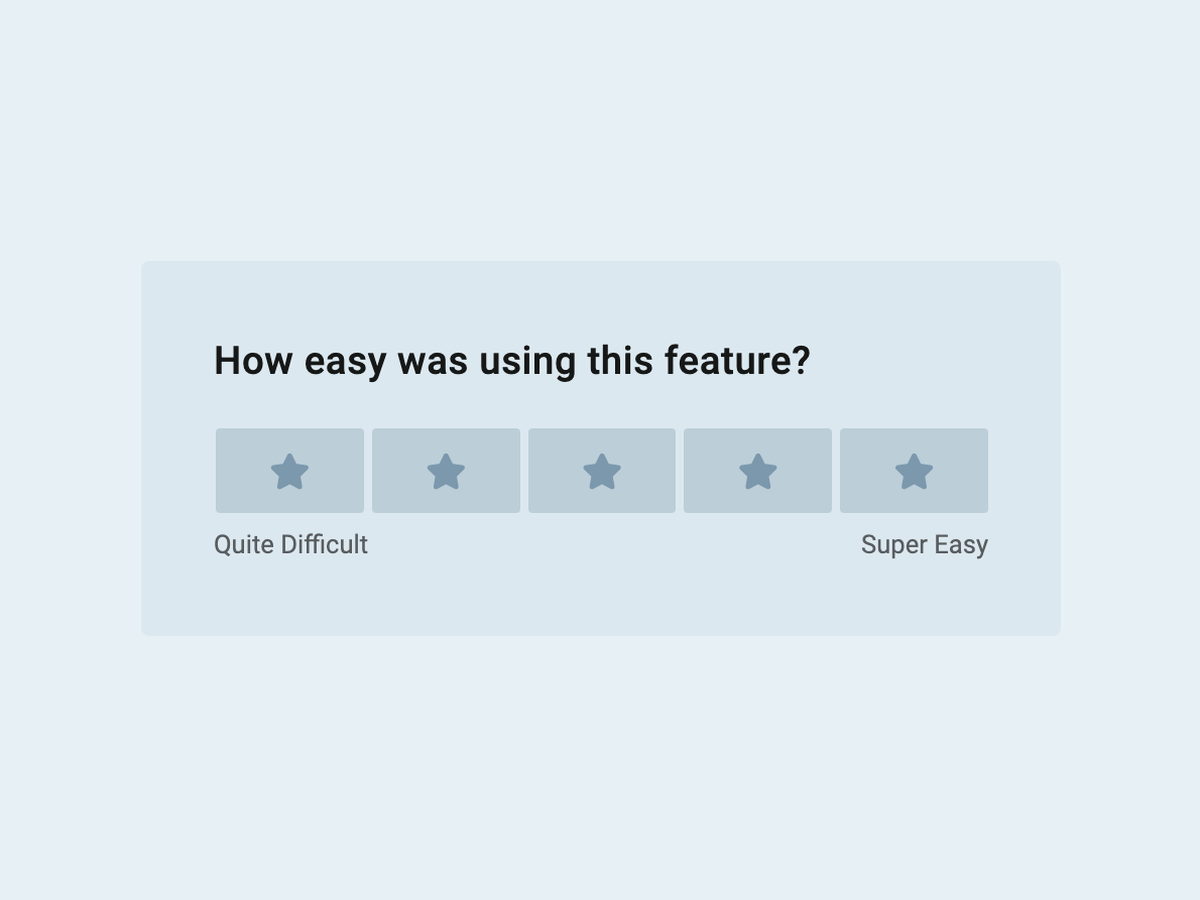
Understand user behavior and discover what users think of your product with this simple to use template.
See template in action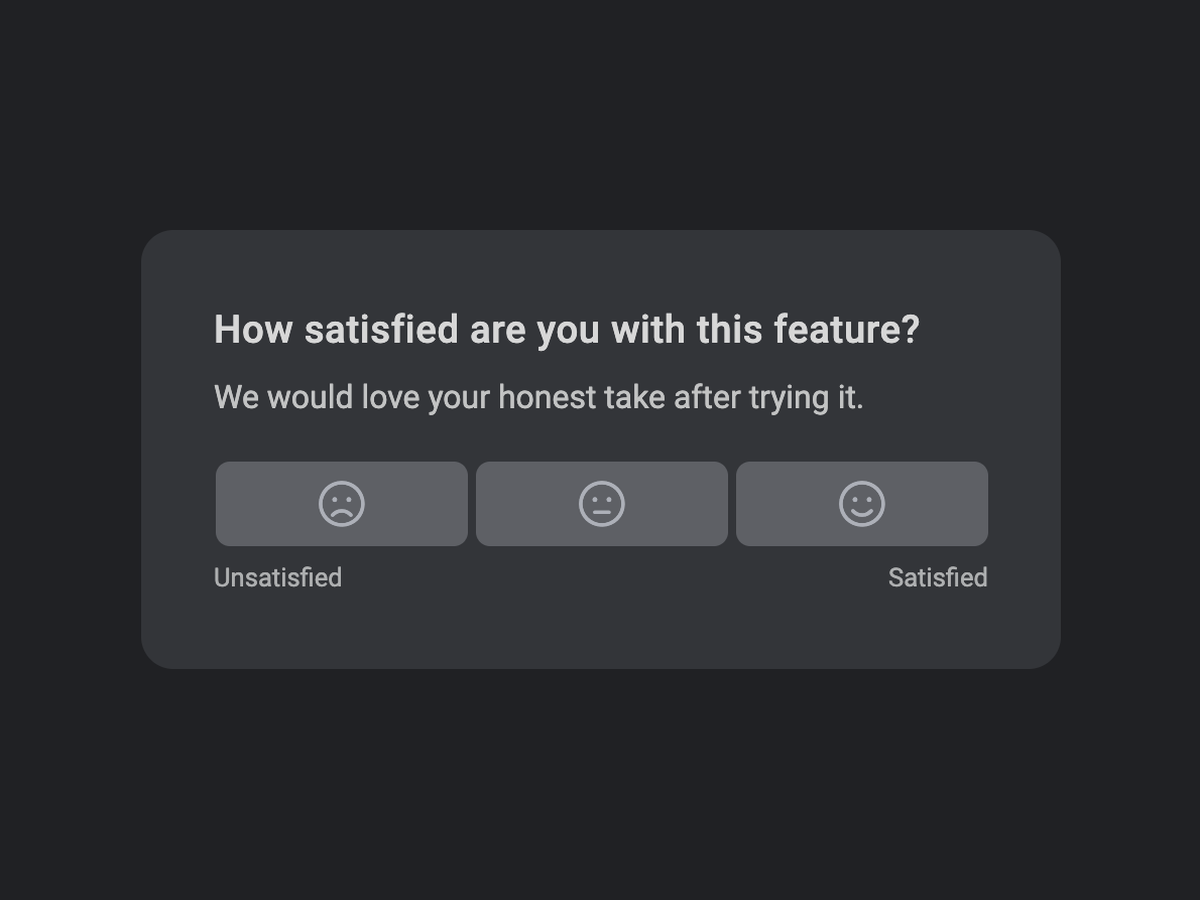
Get a quick satisfaction signal for a single feature, then ask why when the score is low.
See template in action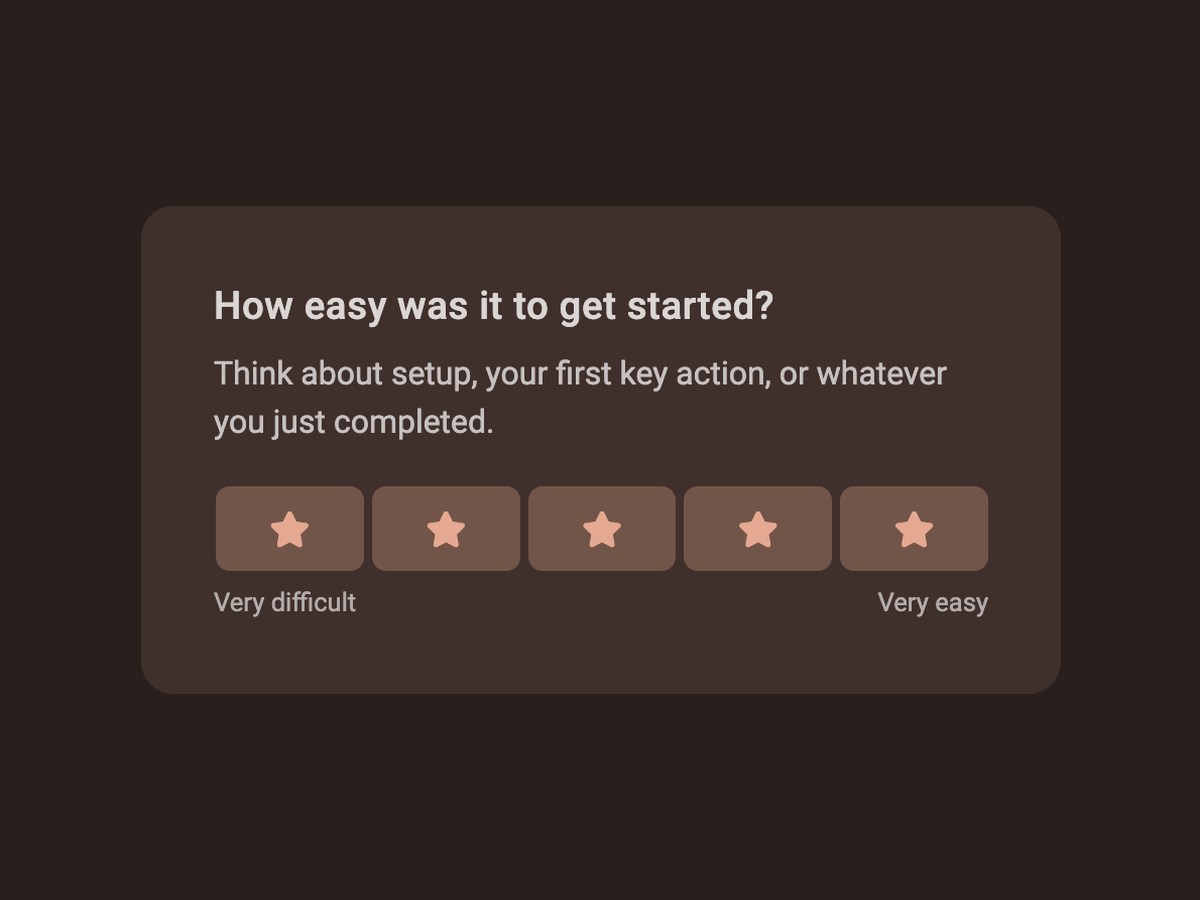
Ask new users how easy it was to get started, while first impressions are still clear.
See template in action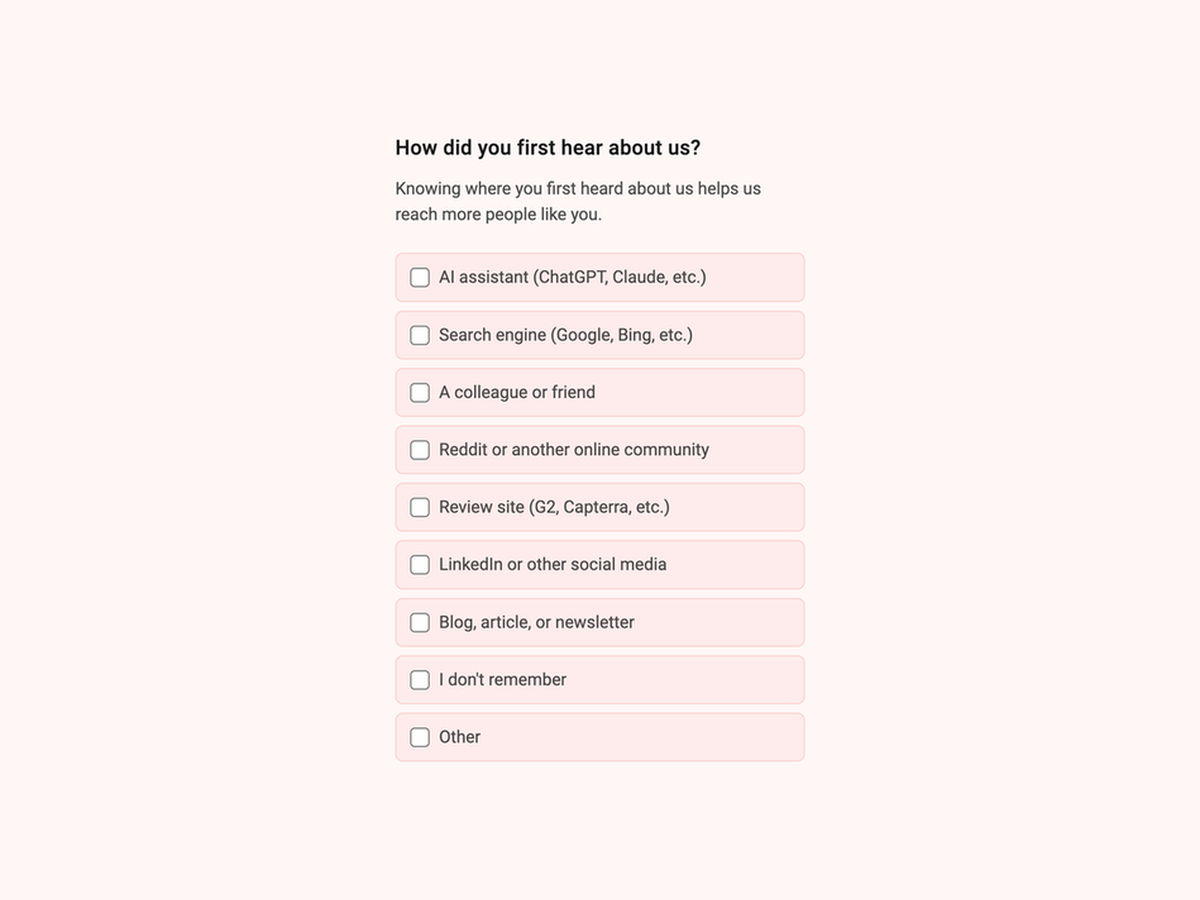
Ask customers how they first heard about you and capture channels that tracking alone misses.
See template in actionCustomize the questions, add your brand, and start collecting responses in minutes.