Response Limit
Sometimes you may want to collect only a specific number of responses and automatically stop displaying the survey once that number is reached.
In the Targeting tab of the survey editor, enable the Limit Responses option and define the maximum number of responses you want to collect.
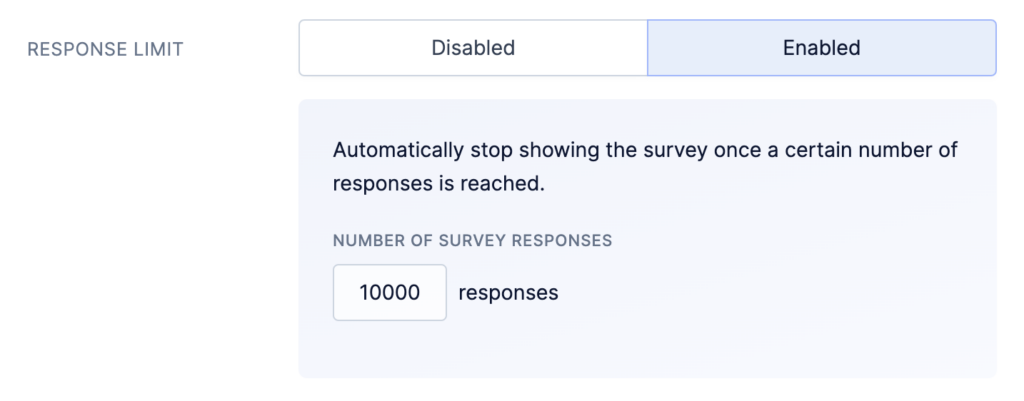
Once enabled, the system checks the total number of collected responses each time a user qualifies to see the survey. If the number of responses is equal to or greater than the defined limit, the survey will no longer be shown.
When you increase the response limit after it has been reached, we’ll start showing surveys again.
Please note that in high-traffic applications, the final response count may slightly exceed the configured limit. This happens because the response limit is evaluated at the moment a survey is about to be displayed. At that point, multiple users may qualify simultaneously, and it is not yet known how many of them will complete the survey.
For this reason, the response limit should be considered an approximate cap rather than a strict cutoff.