
Generate Embed Code
Locate the embed code
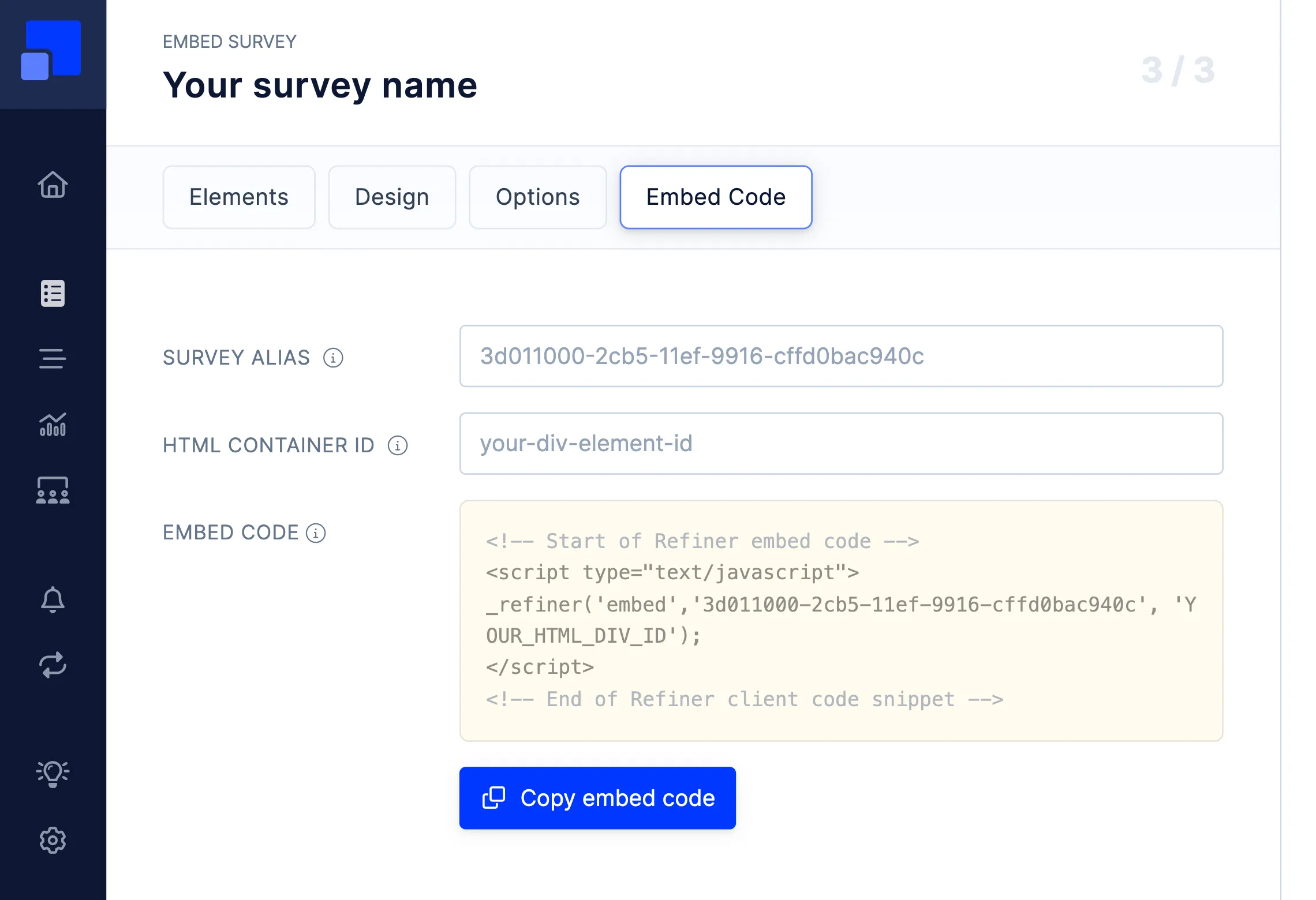
Section titled “Locate the embed code”When creating an Embed Survey, you’ll see an “Embed Code” tab in the survey editor. This is where you can grab a Javascript code snippet that you need to include in the page where you want to render the survey.
Structure of the embed code
Section titled “Structure of the embed code”The provided embed code call the embed method of our Javascript SDK, the survey ID and the target HTML container in which you want to the survey to be rendered in. The syntax looks like this:
_refiner('embed', '<SURVEY-ID>', '<HTML-ELEMENT-ID>');Use an alias for the survey
Section titled “Use an alias for the survey”You’ll find an option to provide an alias for your survey. If you don’t provide an alias, the embed code will load the survey using a unique ID. Providing an alias for your surveys can be helpful when you want to exchange the survey with another survey without updating the code you are using. If you want to change your survey later on, all you need to do is to create a new survey using the same alias and deactivate your current survey.
Provide the target container
Section titled “Provide the target container”Embed Surveys are rendered inside an HTML container element that you can freely choose. The only condition is that the element exists in your HTML page and has a unique ID.
When calling the embed method, our Javascript SDK locates the HTML container based on the ID you provide and attempts to render it inside the container. The container height will be adjusted automatically based on the survey content. The width of the container will not be altered.