
Thank-You Note
Introduction
Section titled “Introduction”A Thank-You Note is the closing message at the end of a survey. Use one to confirm that you received the response.
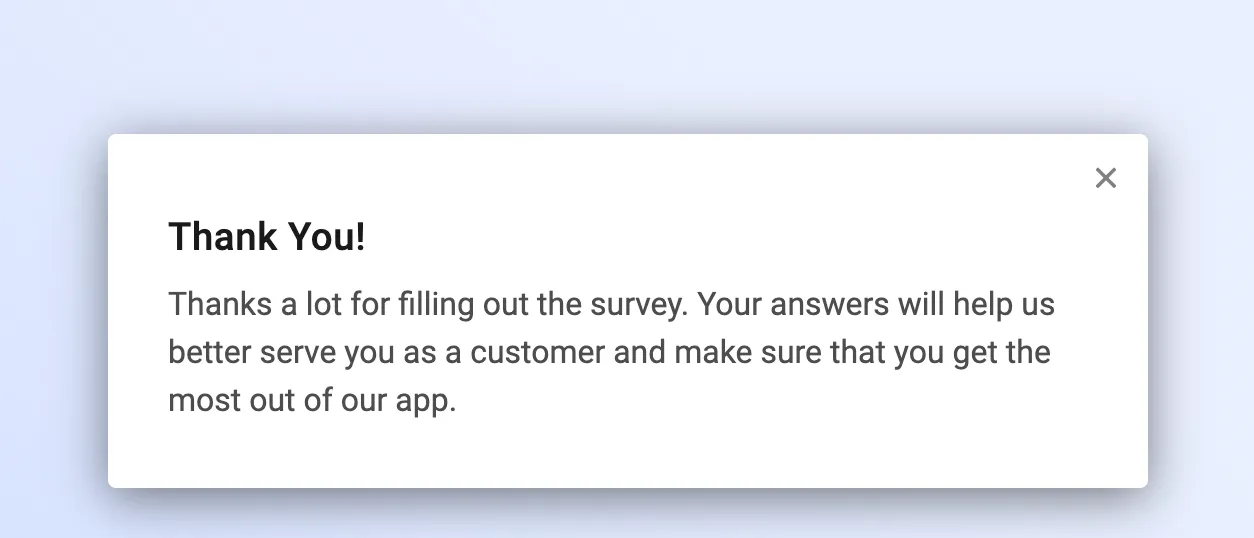
When the respondent reaches the note after answering a question, Refiner submits the response and then shows the note. The stored response is the answers from the questions.
Choose another ending when this message is the wrong last step:
- Use an Exit Survey element to finish the branch with no message.
- Use a Call to Action when the last step should open a link, such as a review page.
Write the note
Section titled “Write the note”Set the Headline and the text under it. The text supports Markdown and Liquid Tags, so you can add a link or include the respondent’s name.
You can upload a banner image next to the headline and text. JPG, PNG, and animated GIF files work.
Close the note
Section titled “Close the note”On an in-app survey, the note can close itself. Open the element and set this in Advanced Settings.
With fade-out on, the note closes after 6 seconds unless you set a different delay. Turn fade-out off when the note should stay until the respondent closes it.
Fade-out stays off on a Survey Page and on an Embed Survey. That includes the Survey Page an Email Survey opens after the first click. The note stays until the respondent closes it.
The close icon in the corner of an in-app survey closes the note as well. Theme Navigation can hide that icon. With the icon hidden, leave fade-out on so the widget can still close.
End several branches on one note
Section titled “End several branches on one note”Survey Logic can split a survey into branches. Each branch still needs an ending.
Add one Thank-You Note, then use Jump to … on the last element of each branch that should finish with that note. Respondents who take different paths see the same close.
End a silent branch with an Exit Survey element.