Schedule Survey
The Schedule option lets you set a start and end date for your survey. Once enabled, users won’t see the survey before and after the set dates. You can choose to set both dates, or only one of the two.
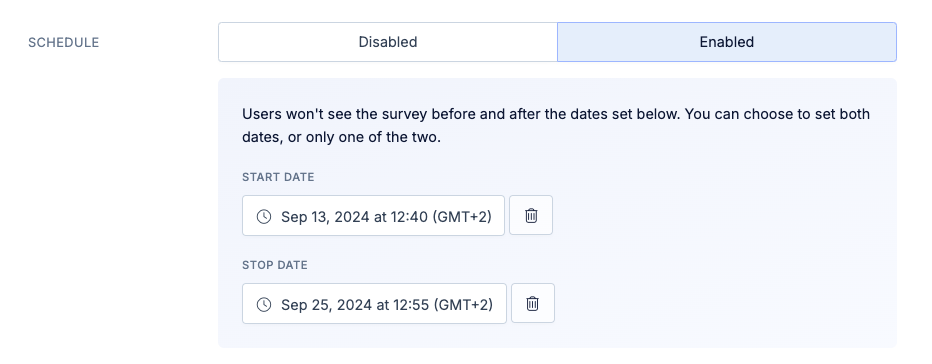
Trigger Event related information, such as tracked events or the session start time, are not affected by setting a start time. As soon as the start date is passed, the survey will start showing up for users that previously qualified to see it.