User Data Retention
Refiner gives you full control over the user data stored in your environment. You can remove user data manually, configure automatic time-based retention policies, or purge all user data from an environment at once.
Time Based Data Retention
Under Settings > Data Settings > Data Retention Policy, you can configure automatic data retention rules.
Refiner can automatically delete inactive users and all data associated with them, including survey responses, user traits, and activity records.
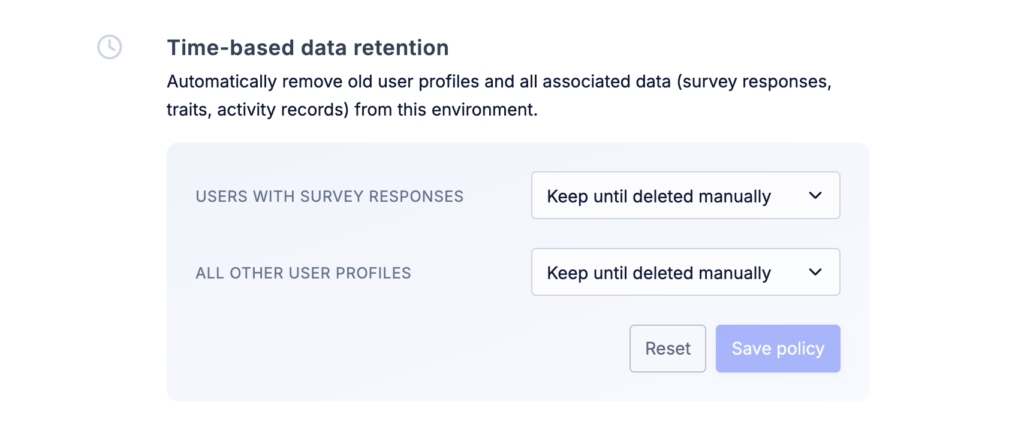
You can configure separate retention periods for two types of users:
- Users who have responded to at least one survey
- Users who have never responded to a survey
For each group, you can choose how long user data should be retained after the user becomes inactive.
Inactivity is measured from the last time Refiner saw activity from the user. In most cases, this corresponds to the last time the user opened your application or navigated through your website while Refiner was active.
Partial Responses
By default, Refiner stores survey responses after each completed step of a survey. If a user leaves a survey before reaching the end, the answers they already submitted remain available in your Refiner dashboard. We refer to these as Partial Responses.
Collecting Partial Responses gives you additional data to work with, especially for longer surveys where users may drop off after the first few questions.
If you prefer to store only responses from users who complete the entire survey, you can disable Partial Responses under Settings > Data Settings.
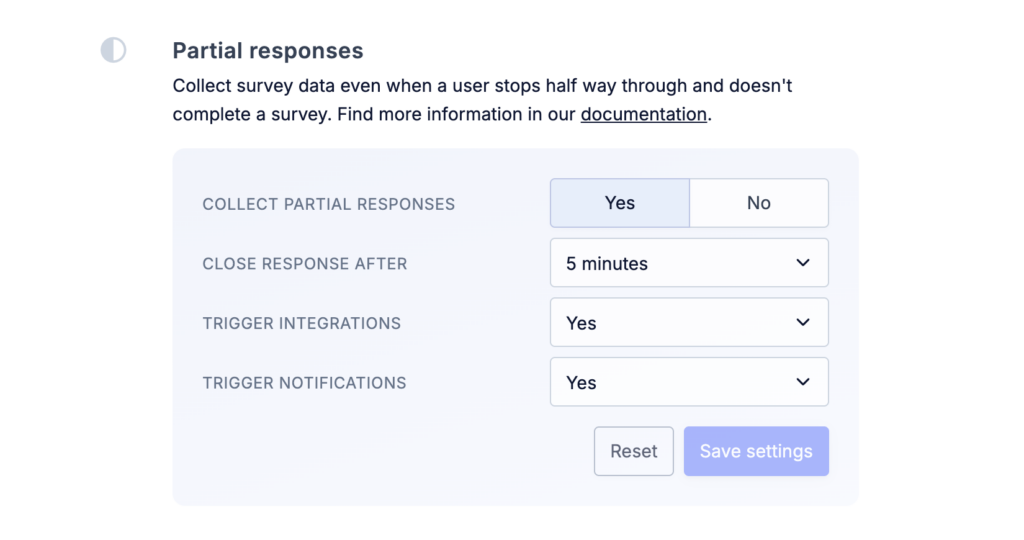
If the option is activated, you can choose after how many minutes Refiner should consider a partial survey response as “closed”. You can also choose whether or not partial survey responses should trigger notifications and integrations that usually only trigger on completed responses.
Purge All User Data
Under Settings > Data Settings, you can also purge all user data from your environment. This is particularly useful after testing your Refiner setup and before starting to collect production data.
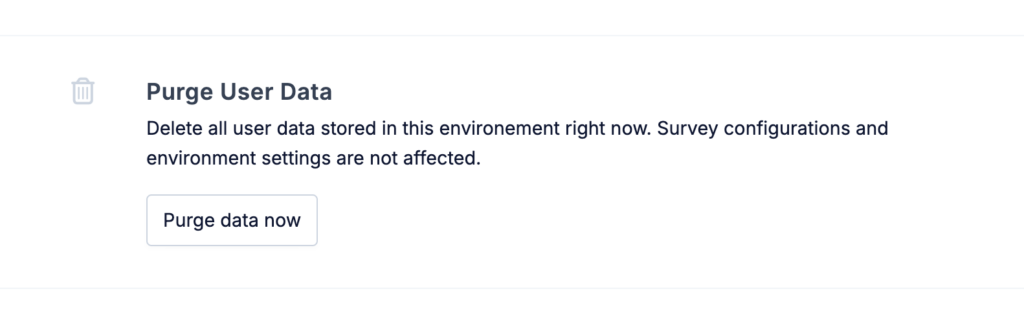
Purging user data permanently deletes the following:
- User Profiles: All profiles created when identifying users or when anonymous users respond to a survey for the first time. Any user traits associated with these profiles are deleted as well.
- Tracked Events: All events recorded using the trackEvent method of the JavaScript SDK, Mobile SDKs, or API.
- Survey Responses: All survey responses collected in the environment.
Purging user data takes effect immediately and cannot be undone.
All other configuration data, including surveys, traits, segments, dashboards, and notifications, remains unchanged, so you can continue using the environment afterwards.