Braze Integration
Introduction
Our Braze integration lets you do two primary things with Refiner:
- Embed Refiner surveys in Braze messaging campaigns (including email and other channels supported in Braze).
- Sync survey event and response data to your Braze account as user events and attributes.
You can use these features independently or together to enhance your engagement workflows.
Send email surveys with Braze
How it works
If you want to distribute Refiner surveys via messages sent through Braze, you can embed surveys directly into your Braze campaigns. Unlike Refiner’s own delivery mechanisms, Braze remains the tool that sends the messages – Refiner supplies the survey experience.
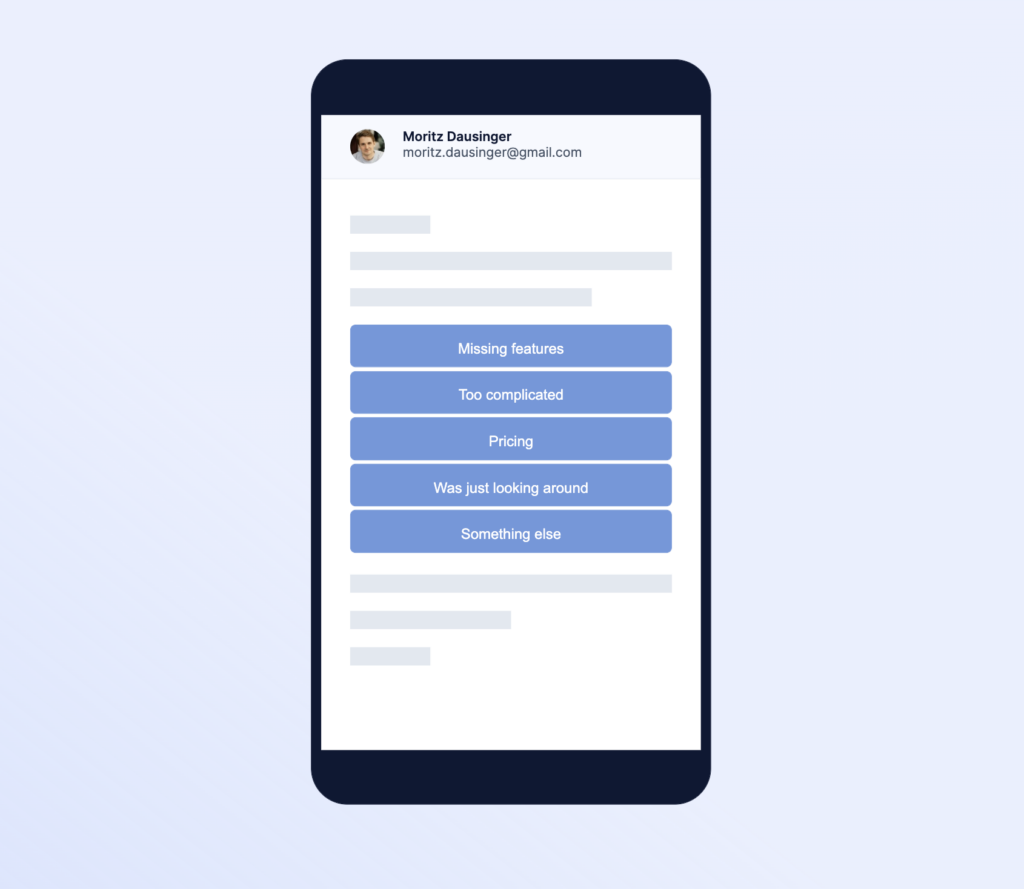
The survey embed works by inserting HTML (generated in Refiner) into your Braze email templates or message bodies. When users interact with the embedded survey prompt, they are tracked and can complete the survey in a dedicated Refiner hosted page.
The advantages of using Braze for survey delivery include:
- Use Braze’s existing messaging templates and segmentation.
- Surveys feel native to your messaging workflows.
- Users are properly identified through Braze personalization tags when interacting with surveys.
Get your survey embed code
- In the Refiner survey builder, go to the Embed Code tab.
- Choose Braze from the list of supported providers.
- Copy the generated HTML code snippet. This snippet includes the necessary personalization tags to correctly identify users when they engage with a survey.
Embed survey in Braze campaign
- In your Braze dashboard, create or open an email or message campaign where you want to include a survey.
- Select the HTML Code Editor to draft your email
- Paste the Refiner survey HTML embed code at the position you want the survey to appear.
- Switch back to standard editing mode and preview your message to verify the survey displays as expected.
- Save and publish your campaign.
Sync survey data to Braze
Overview
The Braze data integration allows you to send survey interaction events and survey response data from Refiner to your Braze account. This enables use cases such as:
- Triggering Braze campaigns based on survey interactions (e.g., “survey completed”).
- Using response data to segment users for tailored journeys.
- Updating Braze user profiles with traits derived from survey answers.
Setup integration
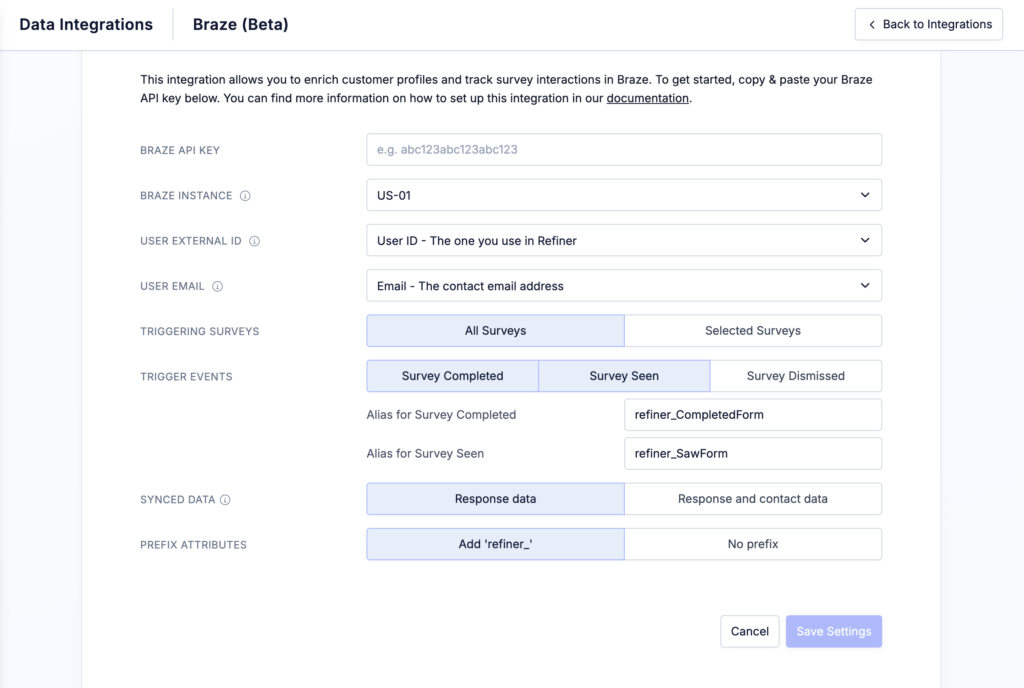
- In the Integrations section of your Refiner project, click “Connect Braze”.
- Enter the required Braze credentials:
- API Key (from your Braze Developer Console).
- Braze Instance ID (from your Braze account)
- Map the Refiner user identifier to the Braze identifier you use (e.g., Braze external_id or email). This ensures events are associated with the correct user in Braze.
After connection:
- Select the surveys whose data you want to sync to Braze.
- Select which Refiner events should be sent to Braze (for example: Survey Seen, Survey Dismissed, Survey Completed).
- Choose whether the data sent to Braze should include only survey responses or additional contact data fields as well.
- Choose whether synced data fields should be prefixed with “refiner_” to make them easier to identify in your Braze account.
Once configured, Refiner will begin sending survey events to Braze according to your selections.
Use survey data in Braze
With survey events and response data flowing into Braze, you can:
- Segment users based on responses (e.g., NPS scores, CSAT ratings).
- Trigger personalized campaigns in Braze based on survey outcomes.
- Drive cross-channel journeys using Braze Canvas or other orchestration tools.