Default Design Settings
If you plan to run multiple survey campaigns, you can define default design settings that are automatically applied to all newly created surveys.
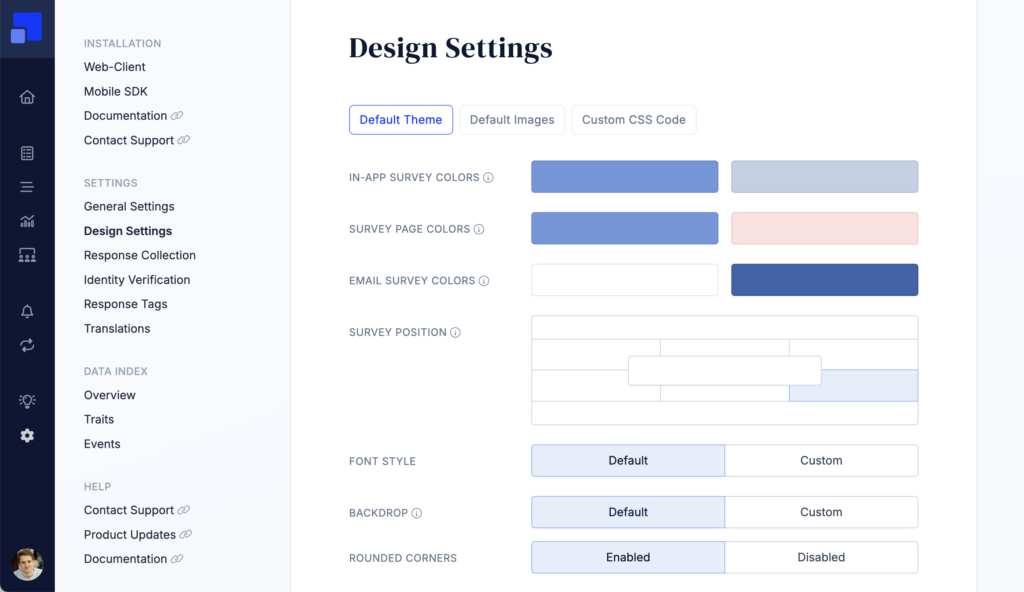
In your environment’s global settings under Settings > Design Settings, you can configure default values for common design options, upload default images, and add custom CSS for fine-grained visual adjustments.
Default Theme
Use the default theme to define the standard look and feel for newly created surveys. This includes common design options such as colors, font settings, corner radius, and other visual styles, helping you keep survey campaigns consistent with your brand.
Default Images
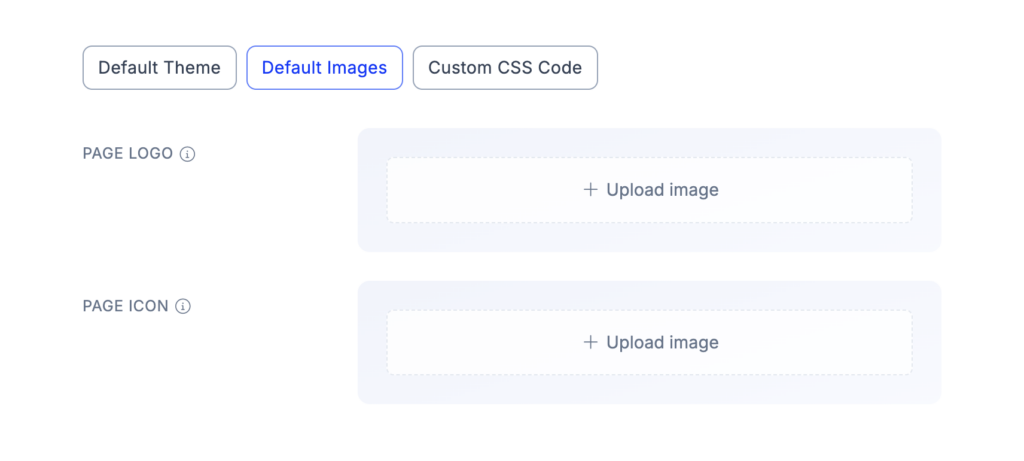
Default images let you set a standard logo and icon for your survey pages. These images are automatically applied to new surveys, but can still be overwritten individually for each survey when needed.
Custom CSS Code
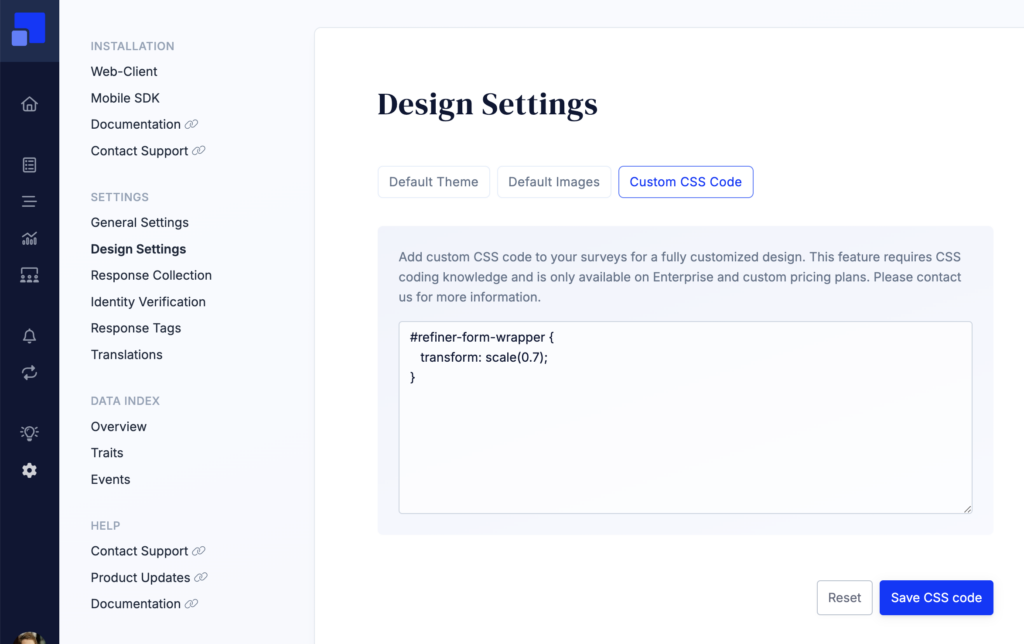
For advanced styling needs we are providing the option to inject custom CSS into surveys. Using custom CSS code opens up virtually endless styling possibilities, such as resizing the survey widget, adjust colors, padding, etc.
The custom CSS code option is currently only available for customers on an Enterprise plan. We can unlock this option for customers on the Growth plan on request though. Please contact our team to get more information.
You can inspect the HTML structure of our surveys in the survey editor.
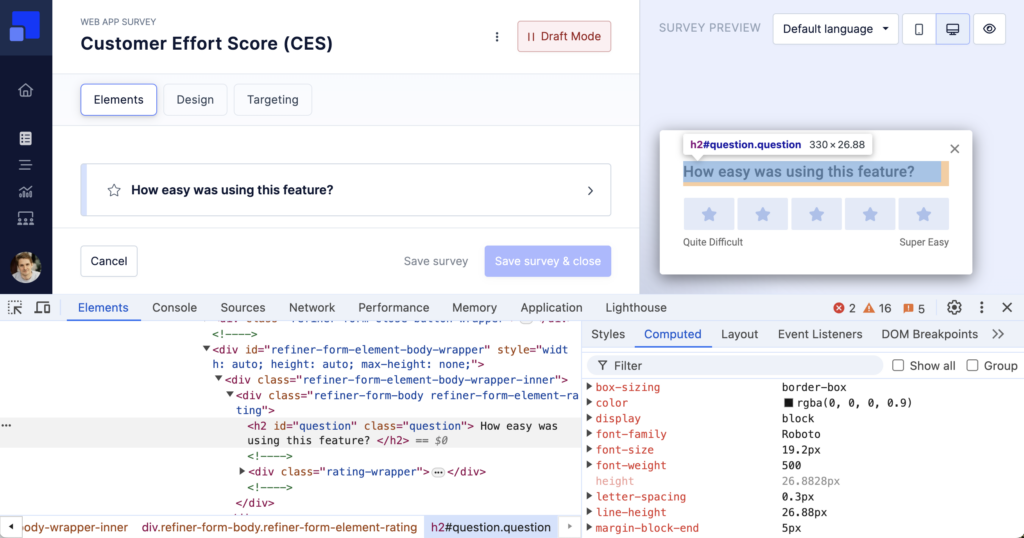
The CSS code will be applied to all surveys in your environment. The survey wrapper elements have various CSS classes that will help you to scope down the CSS code if needed, such as .form-bottom-centered, .form-mobile-sdk, .form-<survey-uuid>, etc.