Two-Factor Authentication (2FA)
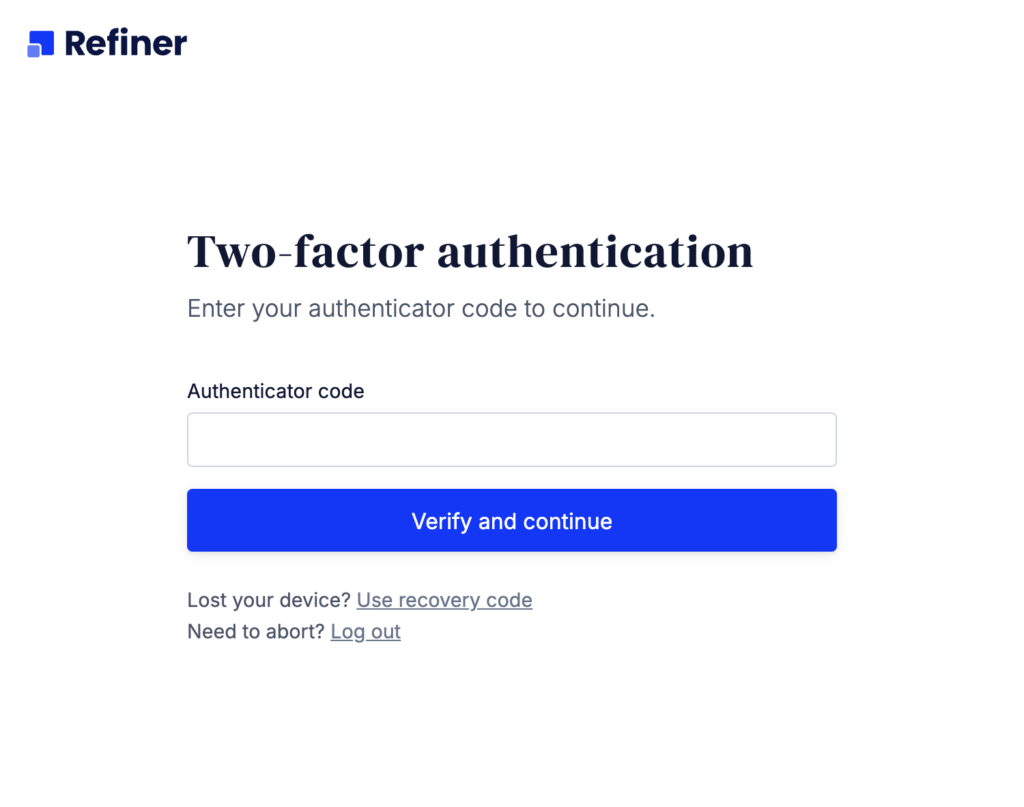
Refiner supports Two-Factor Authentication (2FA) to add an extra layer of security to your account. Once enabled, users need to provide a one-time code obtained from a 2FA device to log in to their account, as shown in the screenshot below.
We strongly recommend enabling 2FA for all users to better protect account access. Once 2FA is configured, users will be asked to enter a verification code during login in addition to their password.
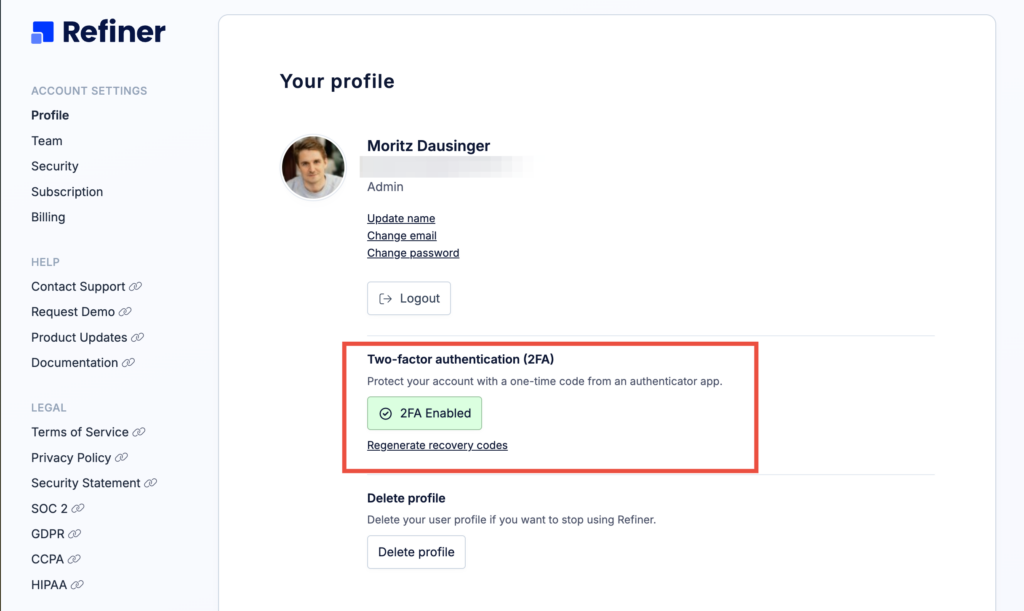
Enable 2FA for your profile
Users can enable 2FA directly from their profile settings. During setup, Refiner generates a QR code that can be scanned with the user’s preferred authentication app.
Enforce 2FA for everyone
Account administrators can enforce 2FA for the entire organization under Account → Security.
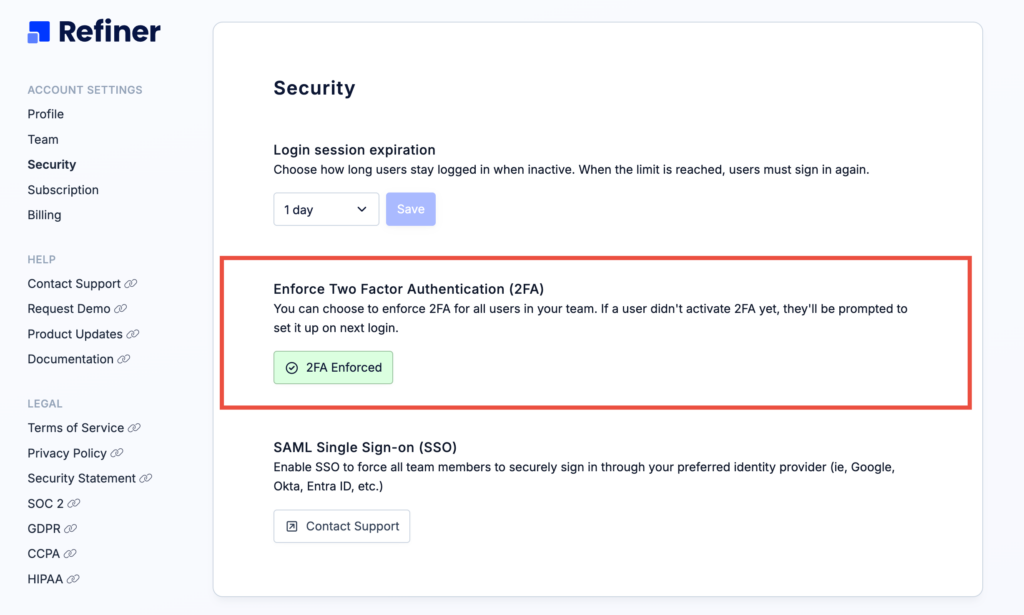
Once enabled, all users on the account are required to configure 2FA before they can continue using Refiner.
See who is using 2FA
Administrators can see which users have already completed their 2FA setup from the Account → Team page. This makes it easy to monitor adoption and ensure that security requirements are consistently applied across the organization.