In-App Surveys
What are In-App Surveys?
In-app surveys are concise, targeted questionnaires presented to users while they are actively engaging with a web or mobile application. Because they appear in context – during real product usage – they enable teams to capture timely, relevant feedback without disrupting the user experience.
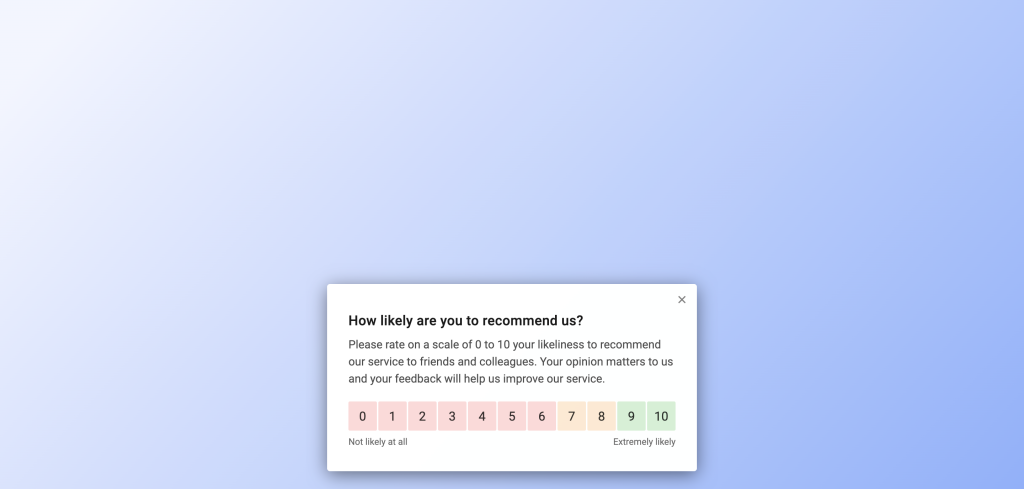
In-app surveys Refiner’s flagship product, designed to help SaaS and mobile app companies better understand user sentiment, measure satisfaction, and drive product improvements based on real-time insights.
In-app surveys are a great way to collect actionable user and product feedback. They offer highly contextual insights and provide significantly higher response rates than traditional email surveys.
Usually, in-app surveys consist of a few simple questions only. They are typically used to gauge overall satisfaction with a product or capturing feedback on specific product features.
Supported platforms
Refiner allows you to launch in-app surveys across both web and mobile applications. This includes web-based apps (HTML & JavaScript) as well as native and cross-platform mobile apps such as iOS, Android, React Native, and Flutter.
Web apps (JavaScript)
To run surveys in your web application, you’ll first need to install Refiner’s JavaScript SDK. Installation is flexible and can be done via a simple JavaScript snippet, Google Tag Manager, or our NPM package.
Once installed, you can manage everything directly from the Refiner dashboard. This includes creating and publishing surveys, customizing their appearance, and precisely targeting when and to whom they should be shown.
The JavaScript SDK supports both authenticated users within your app and anonymous visitors on public-facing websites, giving you full flexibility in how you collect feedback.
Mobile apps (iOS, Android, … )
With Refiner you can launch surveys within web-based applications, as well as native mobile apps. For native mobile apps development, we are offering SDKs for the following platforms and frameworks:
- iOS
- Android
- React-Native
- Flutter
You can find detailed information about how to install our SDKs here.
After installation, all survey management happens through the Refiner dashboard—no additional code changes are required. You can create new surveys, update existing ones, and control targeting and timing without needing to release app updates.
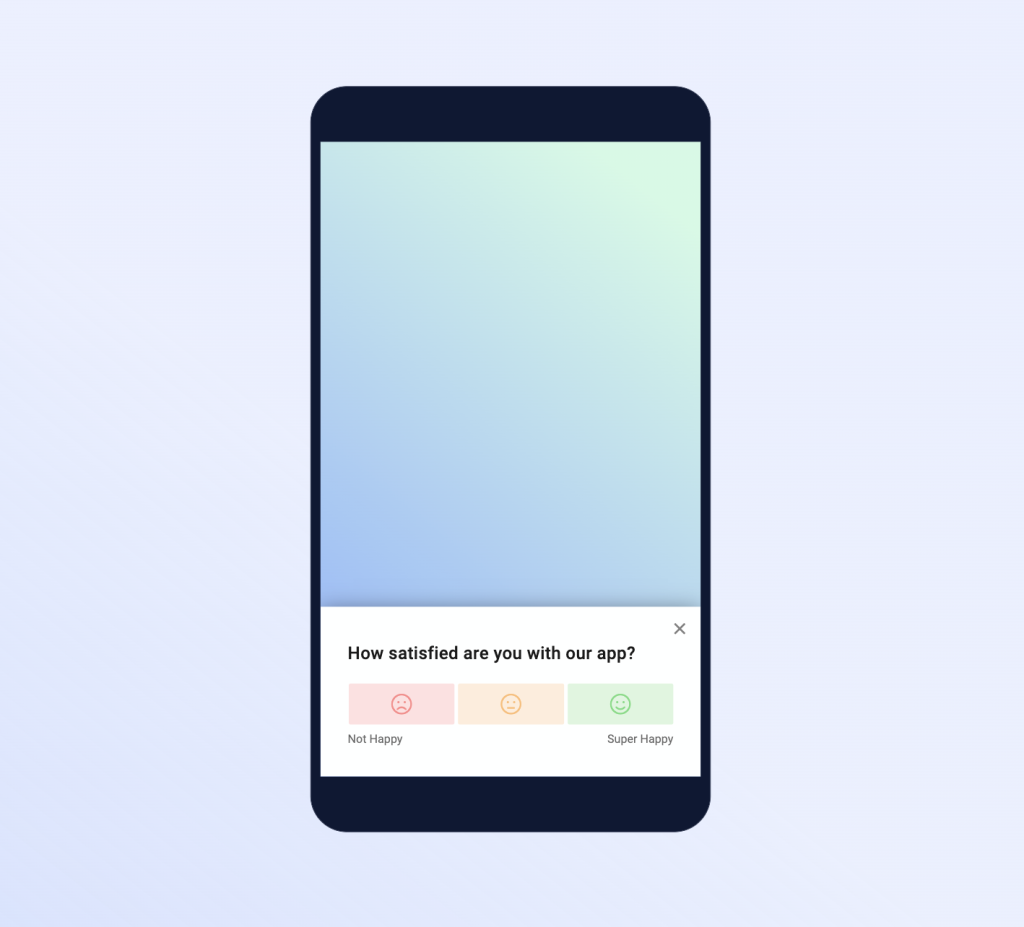
Create an In-App Survey
Creating a In-App Survey is simple and usually only takes a couple of minutes.
When your create a new survey in your Refiner dashboard, simply choose either “Web App Survey” or “Mobile App Survey” as shown below.
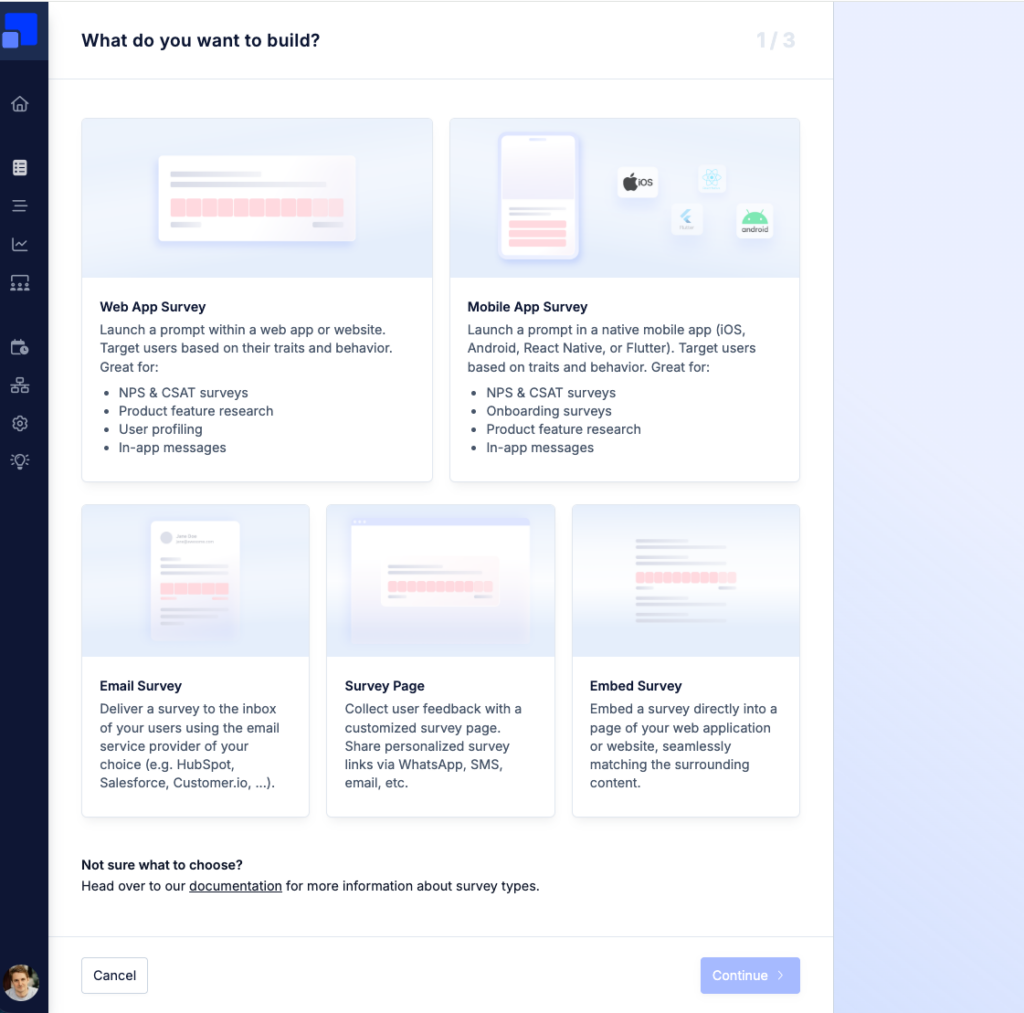
You can then choose on of battle tested survey templates or create a new survey from scratch.
Preview Surveys
Refiner offers a preview option for Web App Surveys, allowing you to visualize a survey directly inside your web application. You can find it in the top-right corner of the survey editor.
For the preview to work, save your changes, make sure the JavaScript SDK is installed correctly, and open a URL from your application where you are logged in.
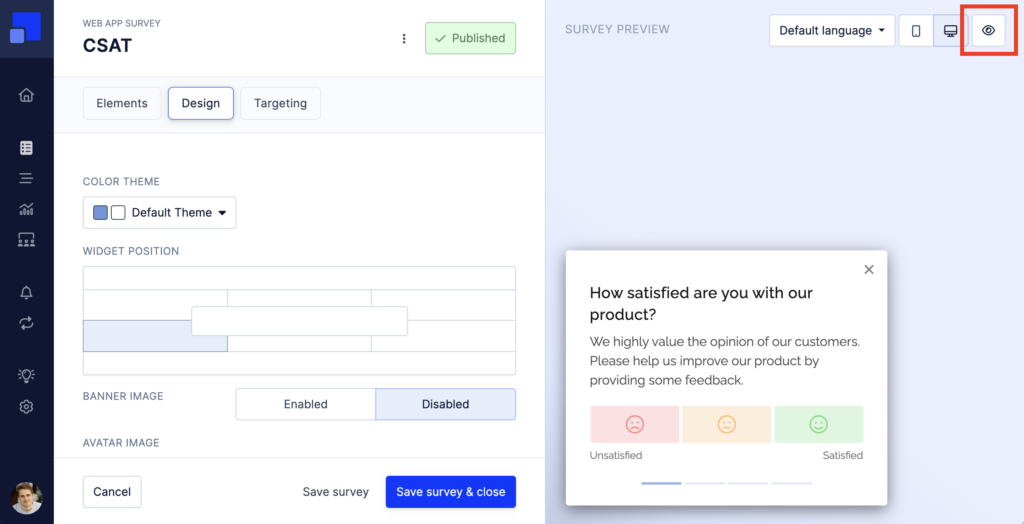
The URL should not redirect to another page.
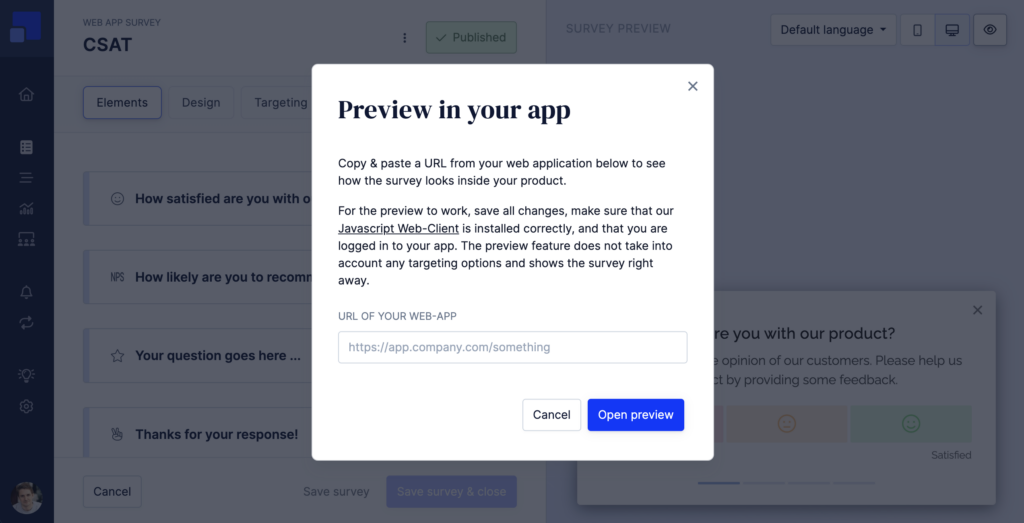
The preview is designed only to visualize the survey in context and does not apply targeting rules such as Target Audiences, page triggers, or time delays.
If you want to test the complete survey setup under real campaign conditions, a good alternative is to create a List Segment containing only you and your colleagues and use it as the Target Audience. This lets you test the survey exactly as it will behave once launched.