
A fresh new Refiner navigation
We’ve redesigned Refiner’s app navigation to make the product easier to explore and better reflect how the platform is evolving.
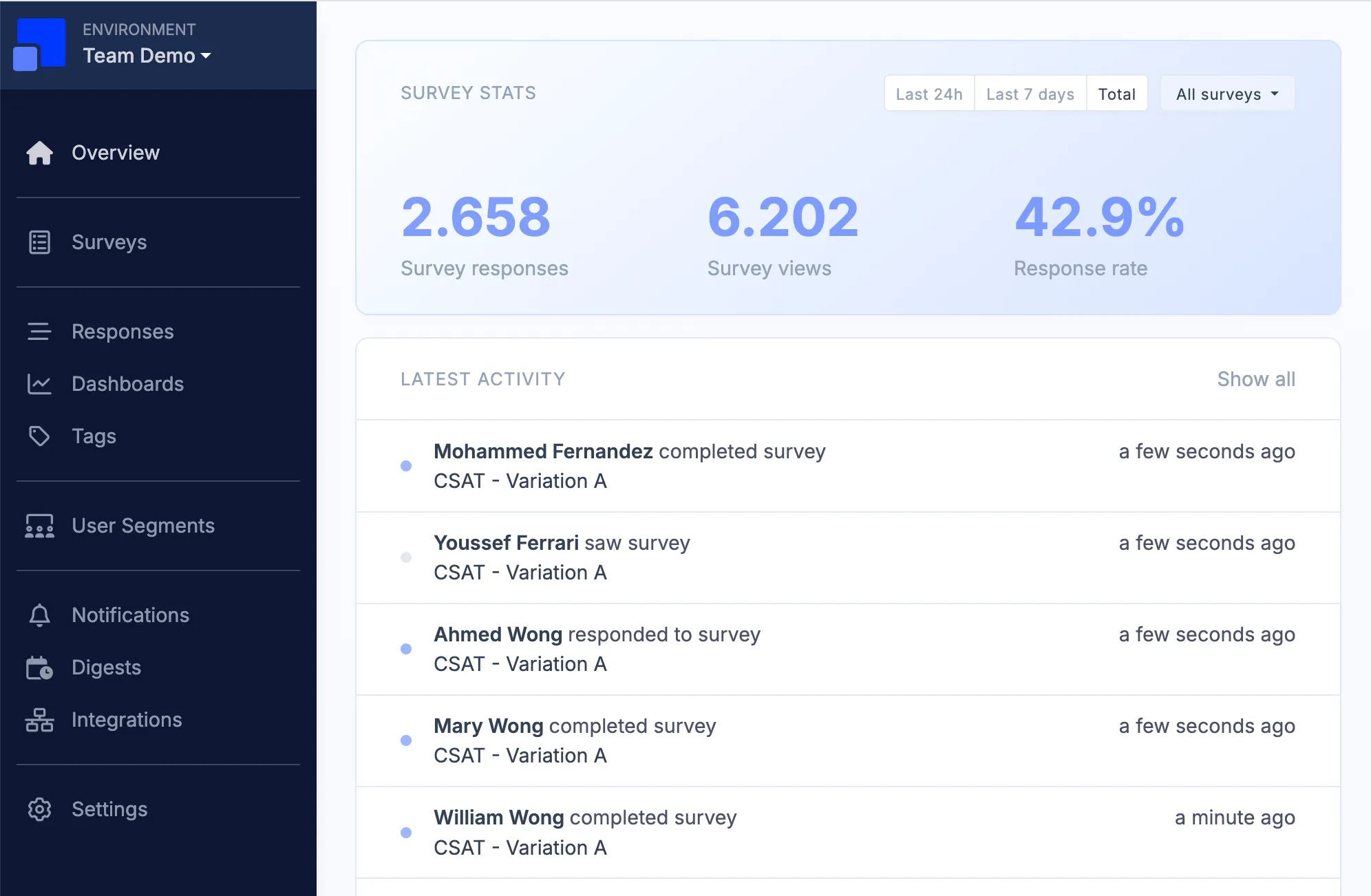
Tags now have a dedicated place in the main navigation, reflecting their growing importance with Auto Tagging and the upcoming Tag Discovery feature. Notifications & Digests also have their own navigation item, making it easier to manage how feedback gets shared with your team.
Navigation items are now grouped by purpose across Survey Creation, User Segmentation, Data Analysis, Data Sharing, and Settings, making the overall structure more intuitive.
We’ve also updated a few names along the way: Alerts are now Notifications, and Manual Segments are now called List Segments.
Together with a series of smaller visual improvements throughout the app, this makes for a cleaner, more structured, and more modern Refiner experience.